Replacing or Upgrading Memory
IP560 Security Platform Installation Guide 125
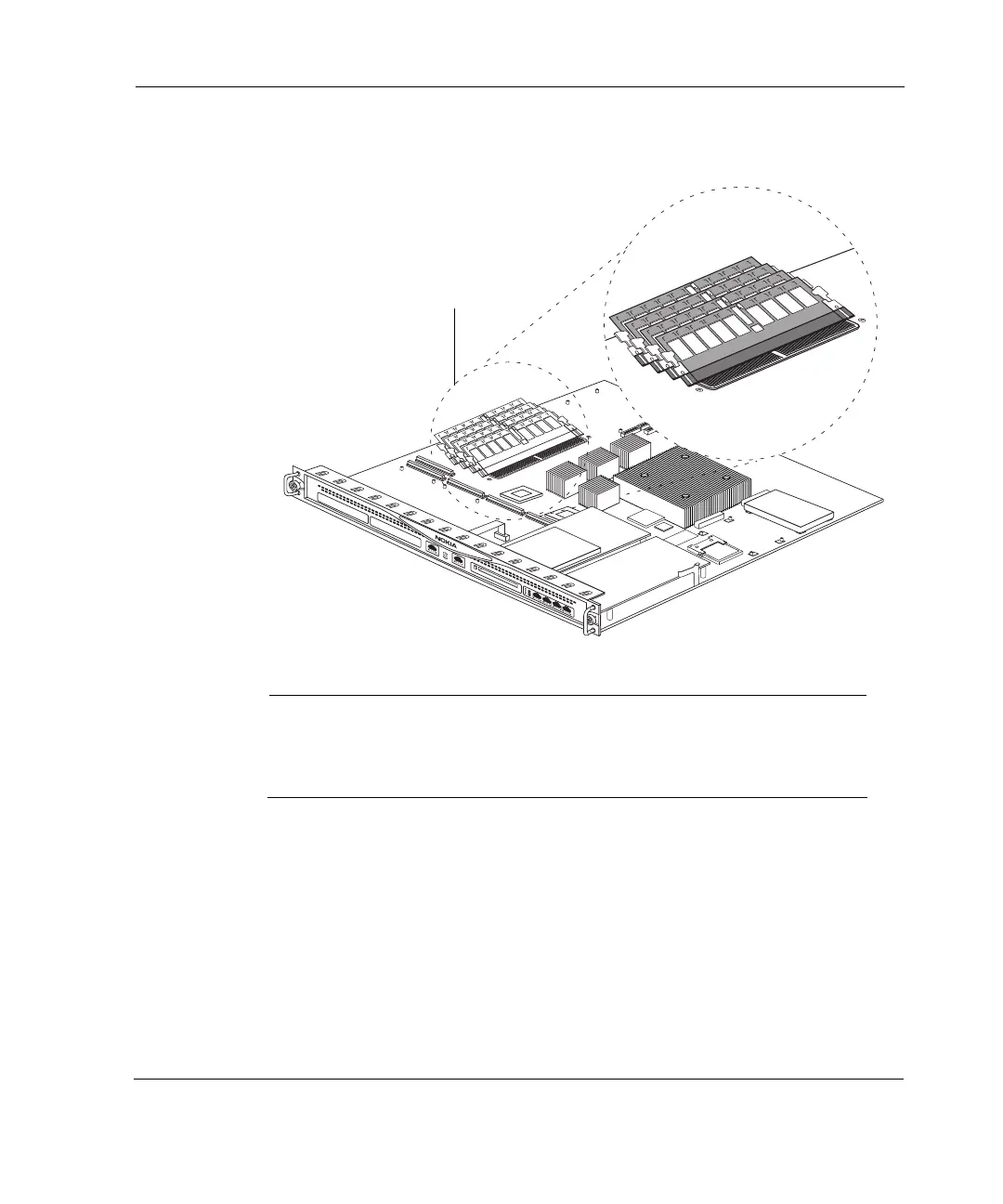
Figure 24 DIMM Socket Locations
Note
You must install DIMMs in pairs starting from the left. Insert a pair of
DIMMS into adjacent slots J1/J2 and/or J3/J4, otherwise the DIMMS do
not work. You can also use all four slots at one time.
SLOT 1
SLOT 2
SLOT 3
SLOT 4
1
2
3
4
IP560
00418
DIMM sockets



 To Next Page