Chapter 1 Multiservice Switch 7420 installation 37
Multiservice Switch 7400 Hardware Installation, Maintenance, and Upgrade 6.1S2
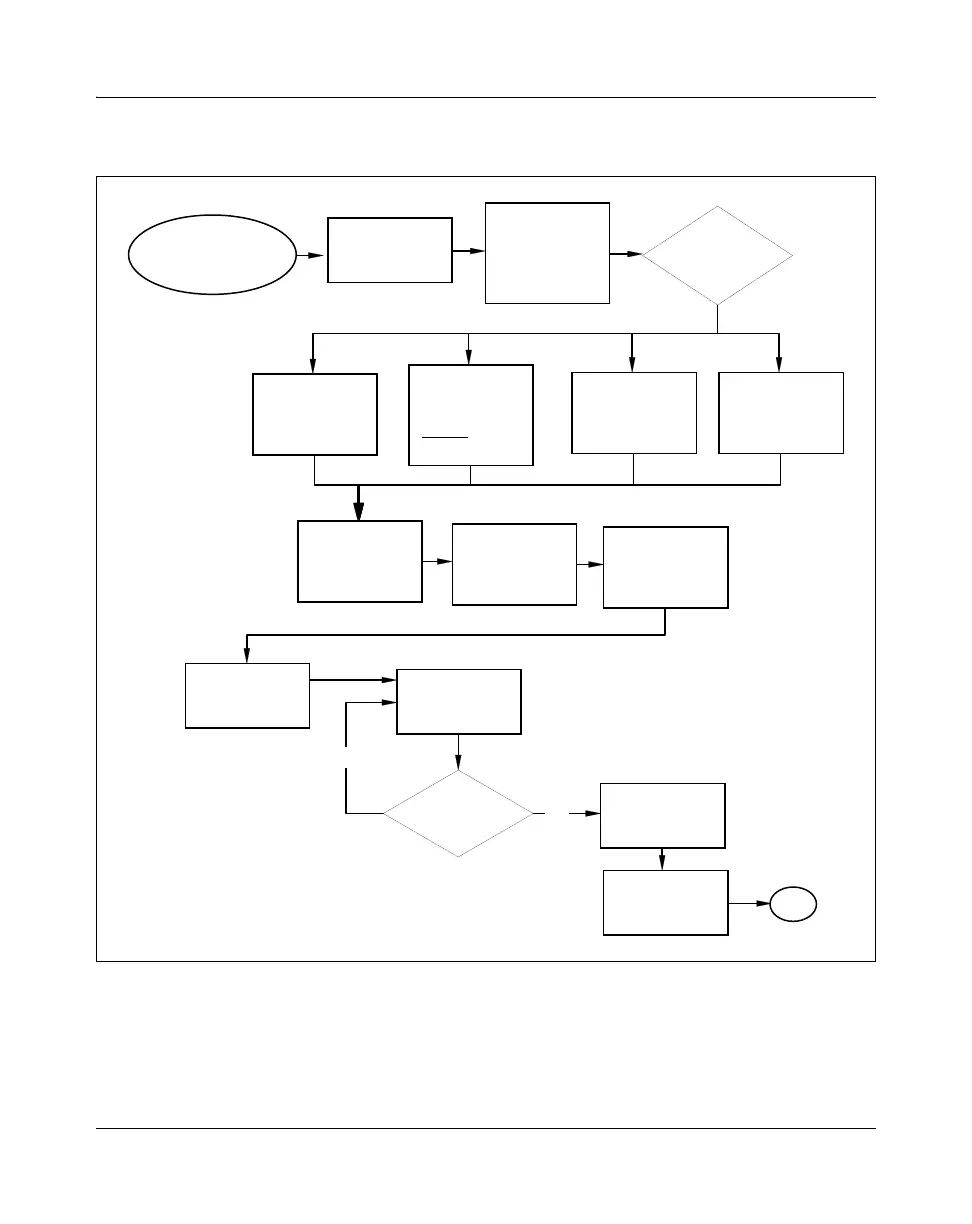
Figure 2
Multiservice Switch 7420 installation task flow
Task flow navigation
The following references are listed alphabetically:
• “Grounding a dc-powered Multiservice Switch 7420” (page 225)
No
Yes
Installing a control
processor
Multiservice
Switch 7420
installation
Unpacking a
Multiservice
Switch 7420
Installing dc power
cables onto a
Multiservice
Switch 7420
Installing ferrite
beads onto dc
power cables
(optional)
Grounding a
dc-powered
Multiservice
Switch 7420
Select the
mounting
option
Installing a desk-
top mounted
Multiservice
Switch 7420
Installing a
Multiservice
Switch 7420 into a
rack or cabinet
Installing a
vertical-mount
Multiservice
Switch 7420
Install
another FP?
Installing an FP
Powering up a
Multiservice
Switch 7420
Installing a 13"
termination panel
in a Multiservice
Switch 7420
(if necessary)
Installing FP
cables
Installing a
Multiservice
Switch 7420 into a
seismic
rack or
cabinet
End
For procedure page
numbers, see
Task flow navigation
below
PP_TASK_1010



 To Next Page