Chapter 5 Multiservice Switch 7460 installation 59
Multiservice Switch 7400 Hardware Installation, Maintenance, and Upgrade 6.1S2
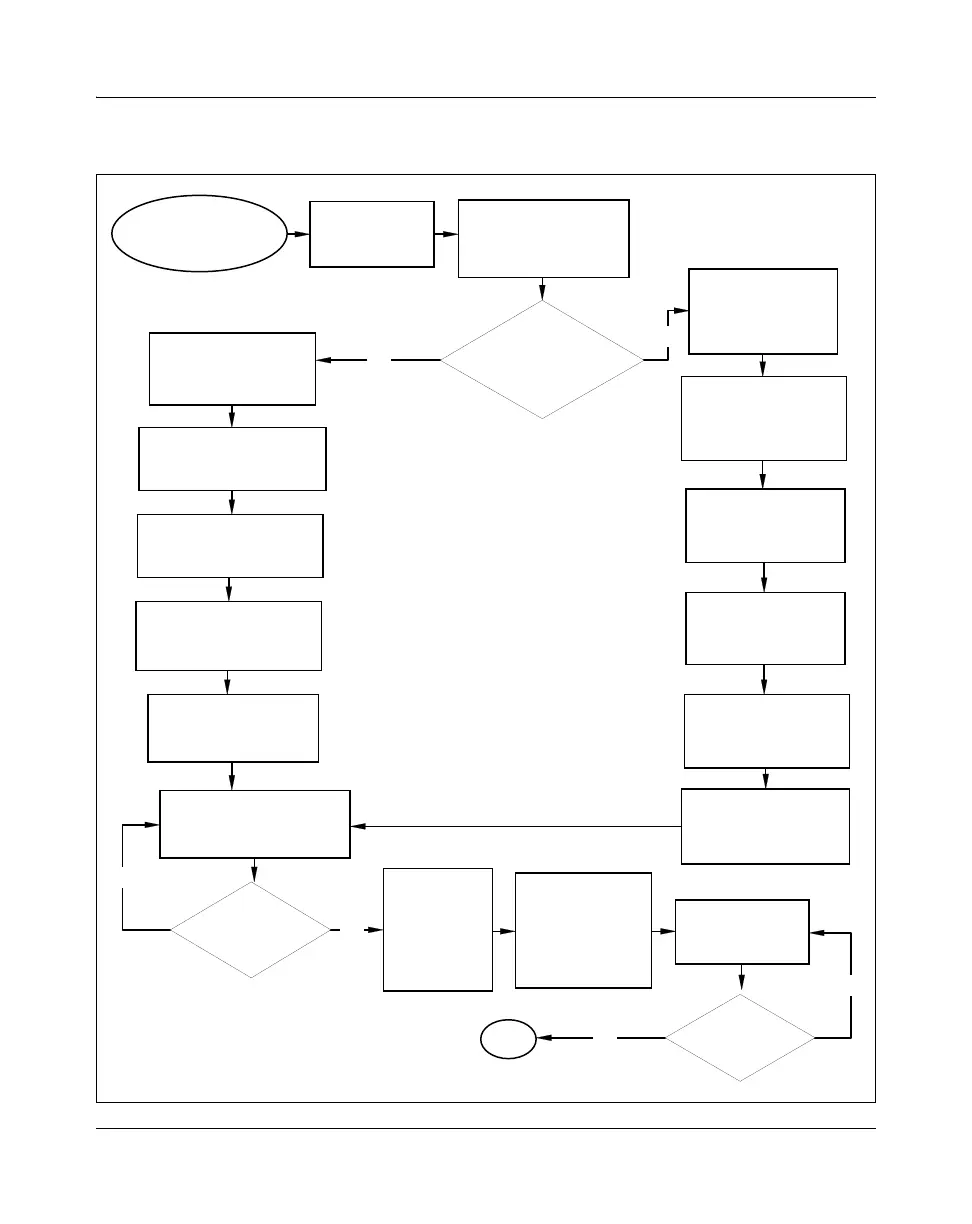
Figure 10
Multiservice Switch 7460 installation task flow: part 1
No
Yes
Yes
No
No
Yes
Install the
second CP?
Installing a control
processor
Install the
second power
supply?
Unpacking a
Multiservice
Switch 7460
Installing a Multiservice
Switch 7460
shelf assembly
Installing dc power cables
onto a Multiservice
Switch 7460
Installing ferrite beads
onto dc power cables
(optional)
Installing a power supply in
a Multiservice Switch 7460
8-slot Multiservice
Switch 7460
installation
A
Removing the cooling
unit from a Multiservice
Switch 7460
Installing a cable
management
bracket on a
Multiservice
Switch 7460
Grounding a dc-powered
Multiservice Switch 7460
Installing a cooling unit on
a Multiservice Switch 7460
Installing a
power supply
filler in a
Multiservice
Switch 7460
Install a front-
facing power and
alarm panel?
Grounding a
dc-powered
Multiservice Switch
7460
Installing dc power
cables onto a
Multiservice
Switch 7460
Installing a Multiservice
Switch 7460
shelf assembly
Installing a cooling unit
on a Multiservice
Switch 7460
Installing ferrite beads
onto dc power cables
(optional)
Installing a rack-
mounted alarm panel /
power and alarm panel
For procedure page
numbers, see
Task flow navigation
below
PP_TASK_1110



 To Next Page