5-4
Maintenance
AN2016 Cabinet User Guide Rel 1.0 Standard May 1999
Procedure 5-2
Control card replacement
Use this procedure to replace the control card. You can replace the control card
without taking the System 200 power plant out of service and generating
alarms.
Action
Step Action
1
Open the front door of the control and distribution panel.
2
Disconnect the cable from the J2 connector on the backplane.
3
Disconnect the cable from the J1 connector on the backplane.
4
Remove the eight screws holding the control card to the front door.
5
Replace the control card by the new one and reinstall the eight screws.
6
Connect the cable to the J1 connector on the backplane.
7
Verify the meter calibration and select the proper alarm levels.
8
Connect the cable to the J2 connector on the backplane.
Note:
For detailed information regarding Helios System200/48 applications,
refer to
Description, Installation, Operation and Maintenance Manual
167-9021-109.
—end—
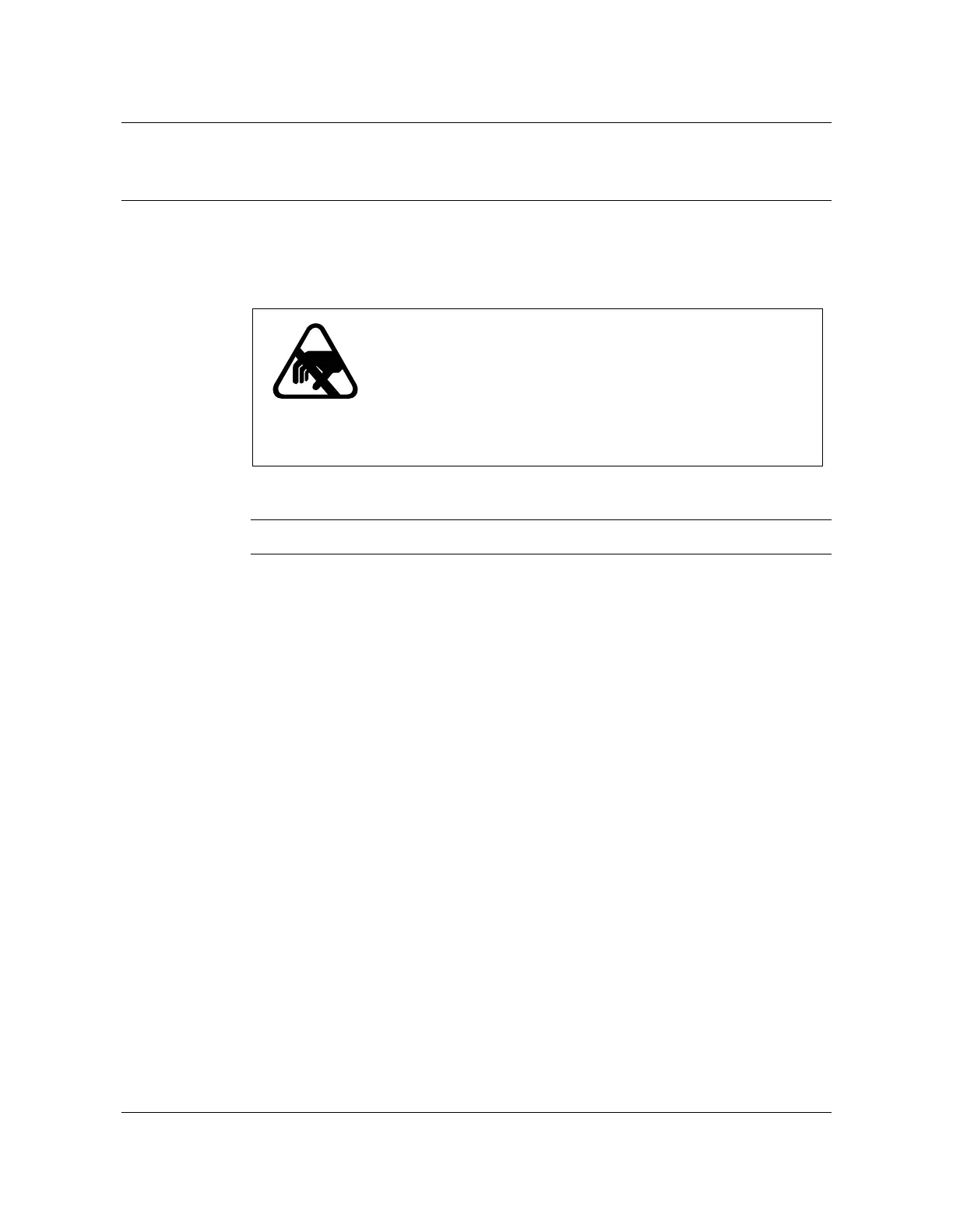
CAUTION
Risk of equipment damage
The control card contains some discrete and micro
electronics solid state devices. These devices can be
subject to permanent damage due to the electrostatic
potentials which can occur during handling and
installation unless precautions are observed.



 To Next Page