Programming Hunt Groups / 145
P0881591 Issue 01 Modular ICS 4.0 System Coordinator Guide
Setting the name
This setting allows you to program the Hunt Group name, such
as SERVICE or SALES. The name can be up to seven
characters in length.
1. Place the programming overlay on any M7310 or M7324
telephone.
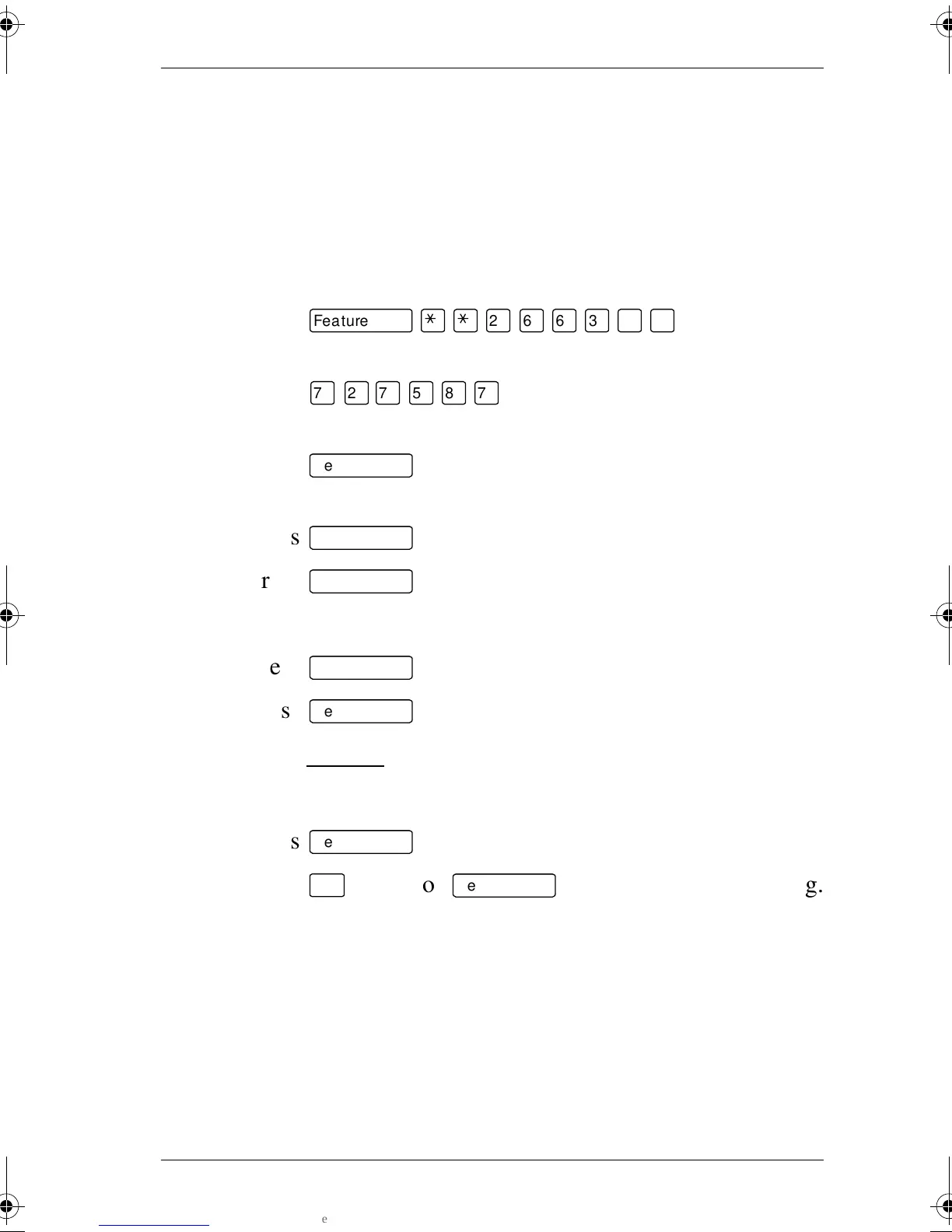
2. Press
ƒ••¤flfl‹››
(CONFIG).
The display shows Password:.
3. Press
‡¤‡fi°‡
(SCPLUS). The display shows
Terminals&Sets.
4. Press
‘
until the display shows System
prgrming.
5. Press
≠
. The display shows Hunt groups.
6. Press
≠
. The display shows Show group.
7. Enter the Hunt Group number you want to program (1-30).
8. Press
≠
. The display shows Member DNs:.
9. Press
‘
. The display shows Name:.
10. Press CHANGE
.
11. Using the dialpad, enter the name of the Hunt Group.
12. Press
‘
to store the name.
13. Press
®
to exit or
‘
to continue programming.
p0881591.book Page 145 Wednesday, August 19, 1998 6:43 PM










 To Next Page