Frequently used programming operations / 25
P0881591 Issue 01 Modular ICS 4.0 System Coordinator Guide
Making changes to Call Forward on Busy
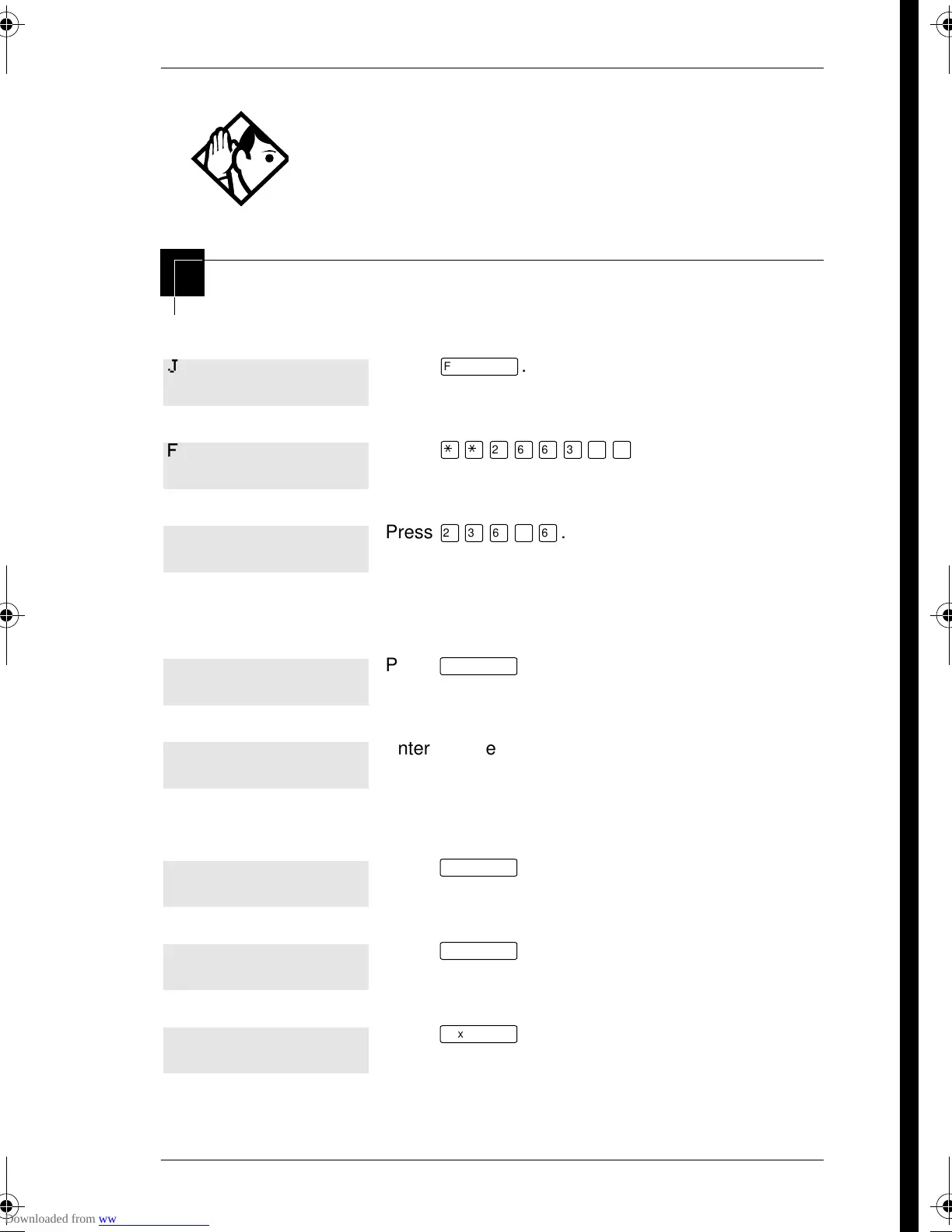
Begin the programming session
Change where a call goes when a telephone is busy
Tip -
If the Norstar set is a member of a Hunt Group, the
Call Forward no answer feature is overridden and the
Hunt Group call continues to ring until the hunt time has
expired. For more information on Hunt Groups see
“Programming Hunt Groups” on page 135.
Press
ƒ
.
Press
••¤flfl‹››
.
Press
¤‹fl›fl
.
Press
≠
.
Enter the internal number (intercom number) of the
telephone extension. In this example, it’s 225.
If the set has been given a name, it appears on the display.
Press
≠
.
Press
≠
.
Press
‘
.
Jan 1 12:00pm
Feature:
Password:
RETRY
Terminals&Setsˆ
Show set:___
LIST
225:225
FIND
Capabilitiesˆ
Fwd no answerˆ
p0881591.book Page 25 Wednesday, August 19, 1998 6:43 PM










 To Next Page