Making calls / 59
P0881591 Issue 01 Modular ICS 4.0 System Coordinator Guide
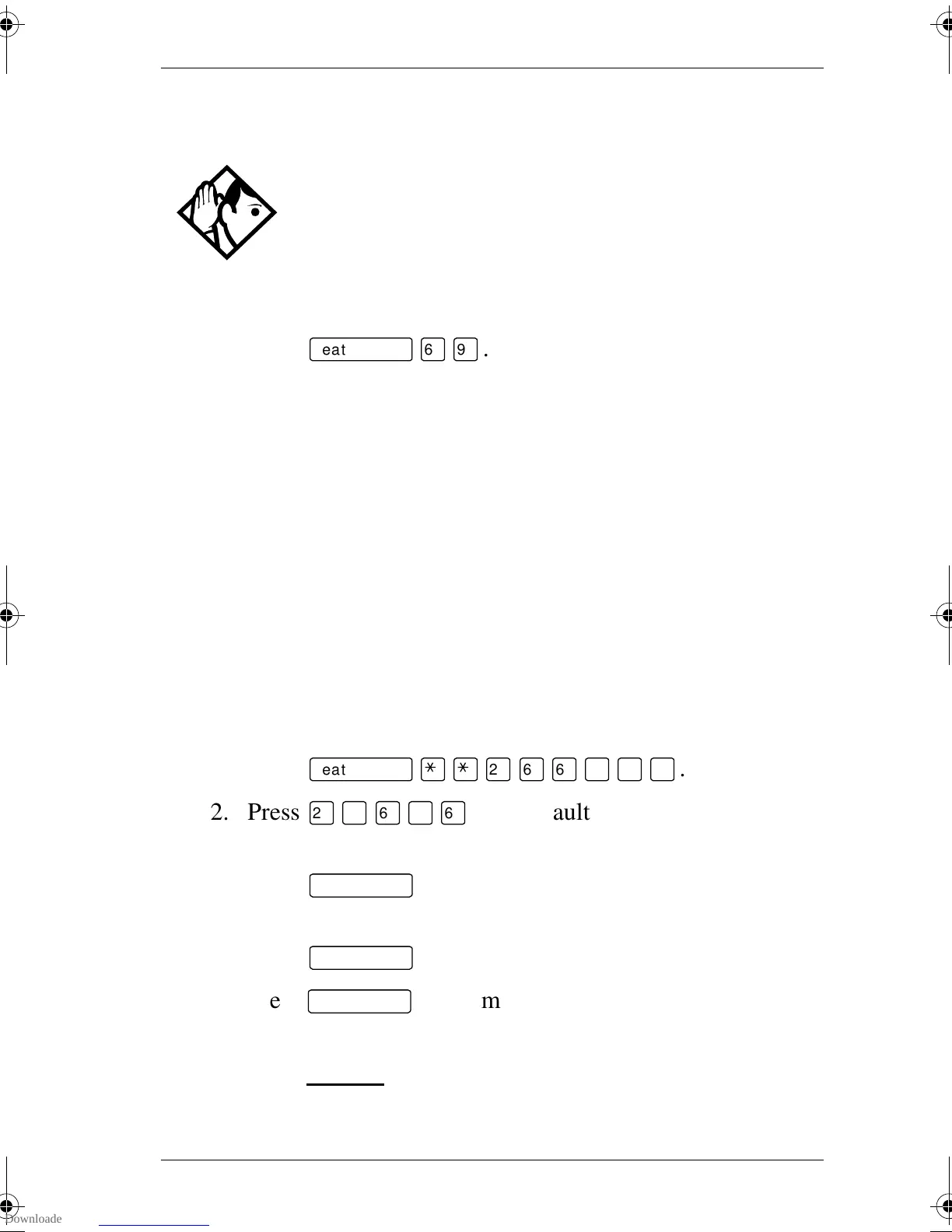
Making a priority call
1. Press
ƒfl·
.
2. Wait for a connection, then speak.
A person who receives a priority call while on another call has
eight seconds to accept or block the call. For information on
blocking calls see “Stopping calls” on page 150. If the person
does nothing, the priority call feature puts their active call,
including conference parties, on Exclusive Hold and connects
your call.
Giving a telephone the ability to make priority calls
You need the programming template found at the front of this
guide. See “Getting started with Norstar” on page 1 for more
information.
1. Press
ƒ••¤flfl‹››
.
2. Press
¤‹fl›fl
(the default System Coordinator
password).
3. Press
≠
and enter the internal number of the
telephone you want to program.
4. Press
≠
twice.
5. Press
‘
nine times. The display shows Priority
call:.
6. Press CHANGE
to choose Y (Yes) or N (No)
Tip -
Priority calls cannot be made to Hunt Group DNs.
For more information on Hunt Groups see “Programming
Hunt Groups” on page 135.
p0881591.book Page 59 Wednesday, August 19, 1998 6:43 PM










 To Next Page