20 / Frequently used programming operations
Modular ICS 4.0 System Coordinator Guide P0881591 Issue 01
Changing the name of a telephone
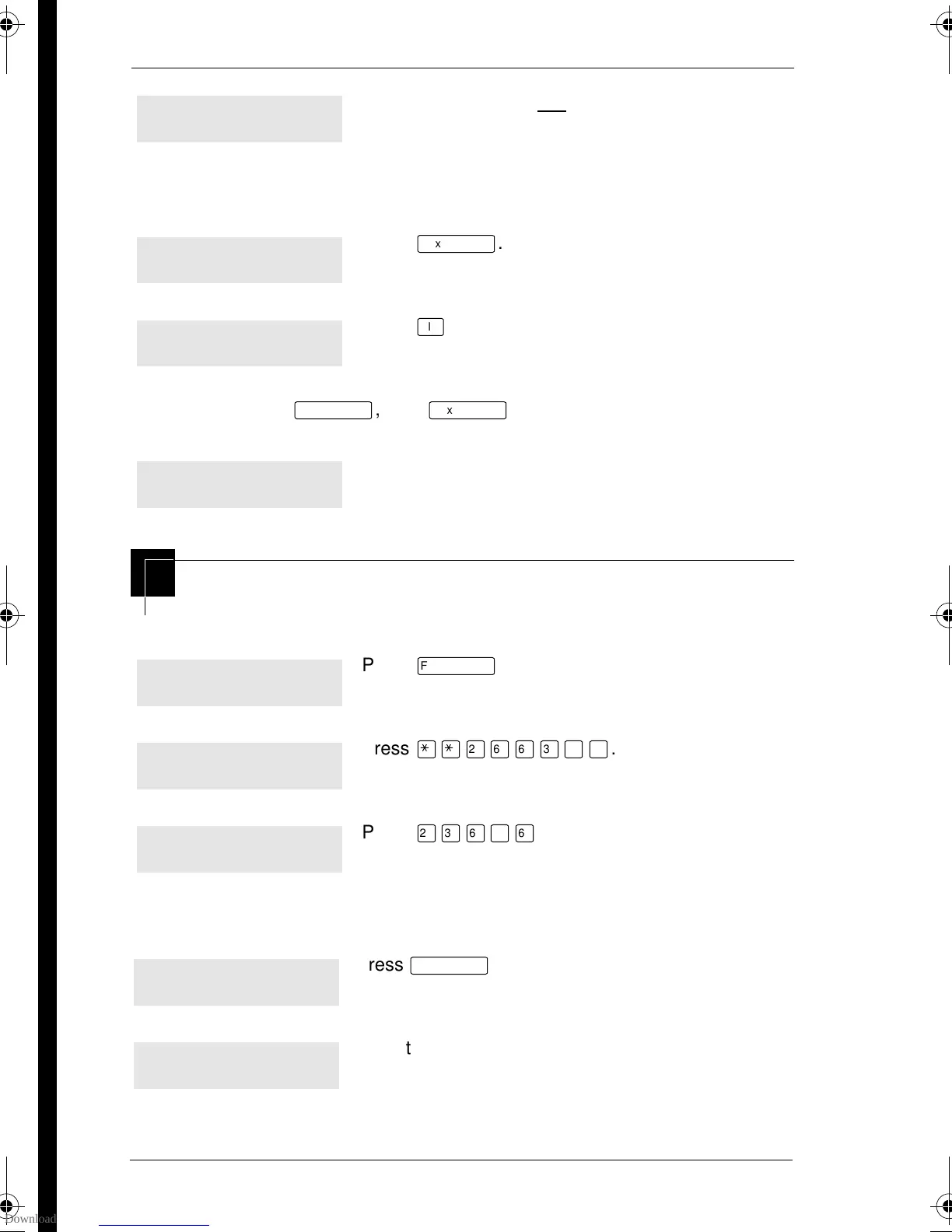
Begin the programming session
Change the name of a telephone
Use the dial pad and --> until you have the entire
name.
The name can be up to 16 characters long, including spaces.
Press # on the numeric dial pad to add spaces.
Press
‘
.
Press
®
to end your session.
Or you can press
–
, then
‘
to program another speed dial
number.
Press
ƒ
.
Press
••¤flfl‹››
.
Press
¤‹fl›fl
.
Press
≠
.
Enter the internal number (DN) of the telephone or
voice mail extension. In this example, it’s 221.
Name:S__
<-- BKSP -->
Name:SAVINGS BANK
<-- BKSP -->
Name:SAVINGS BA...
CLR CHANGE
End of session
Jan 1 12:00pm
Feature:
Password:
RETRY
Terminals&Setsˆ
Show set:___
LIST
p0881591.book Page 20 Wednesday, August 19, 1998 6:43 PM










 To Next Page