Frequently used programming operations / 21
P0881591 Issue 01 Modular ICS 4.0 System Coordinator Guide
If the set has already been given a name, it appears after DN: on the display.
Press
≠
then
‘
.
This is the name the display shows if you don’t
change it. Press CHANGE
.
Decide what name you want to give to the telephone number.
Press the telephone’s numeric dial pad button that
has the first letter of the name until the display shows
the letter you want.
Press -->.
Use the dial pad and --> until you have the entire
name.
Press
‘
to use the name you have entered.
The name can be up to 7 characters long, including spaces.
Press
®
to end your session.
You can press
–
once to continue programming this telephone, or
press
–
twice to return to the Terminals and Sets heading.
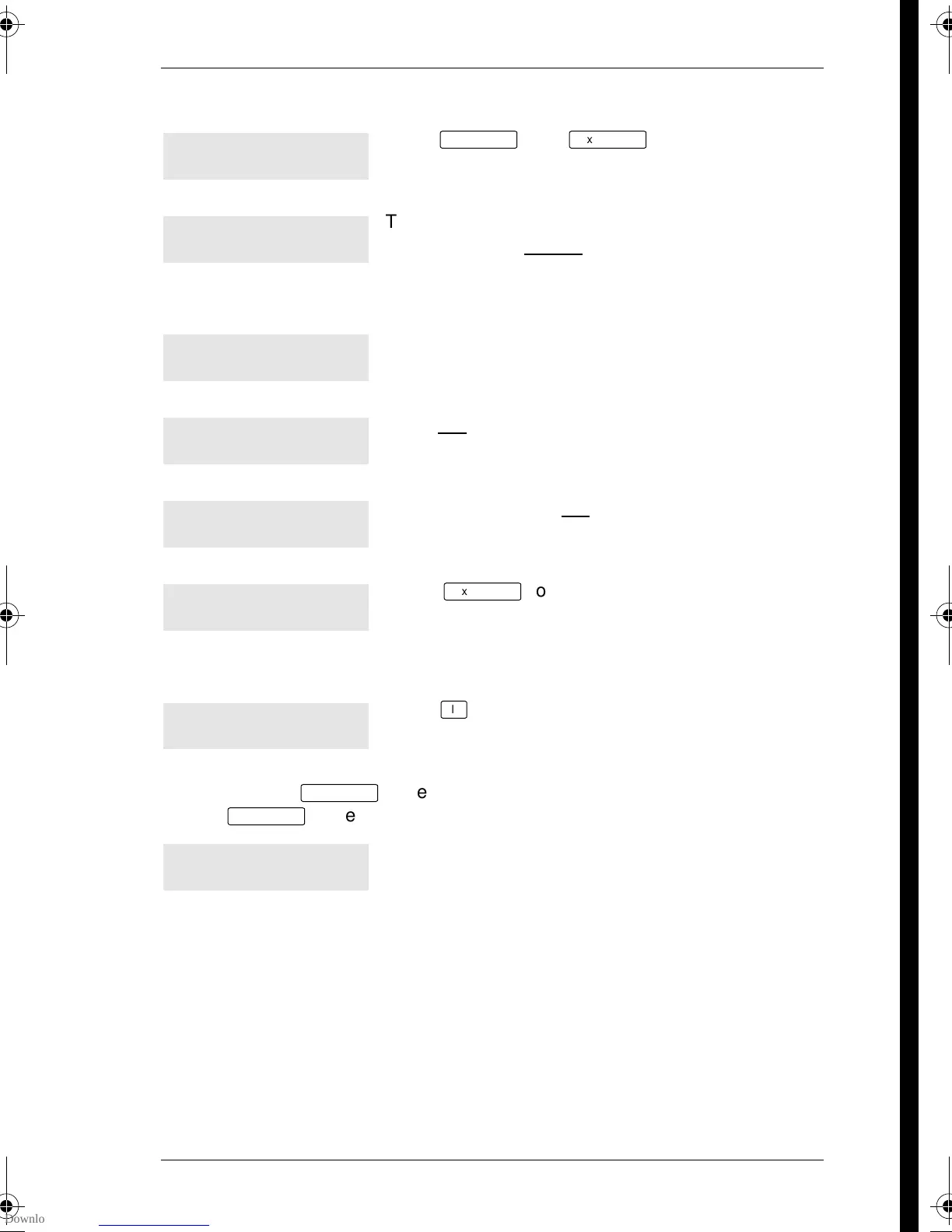
221:221ˆ
FIND
Name:221
CHANGE
Name:___
-->
Name:J
BKSP -->
Name:J___
<-- BKSP -->
Name:JEAN B
<-- BKSP -->
Name:JEAN B
CLR CHANGE
End of session
p0881591.book Page 21 Wednesday, August 19, 1998 6:43 PM










 To Next Page