Answering calls / 49
P0881591 Issue 01 Modular ICS 4.0 System Coordinator Guide
Handsfree Answerback
Handsfree Answerback allows you to answer a voice call
without lifting the receiver. It is always turned off for an
M7100 telephone.
You can turn Handsfree Answerback on or off for a telephone
that is programmed to use Handsfree.
You need the programming template found at the front of this
guide. See “Getting started with Norstar” on page 1 for more
information.
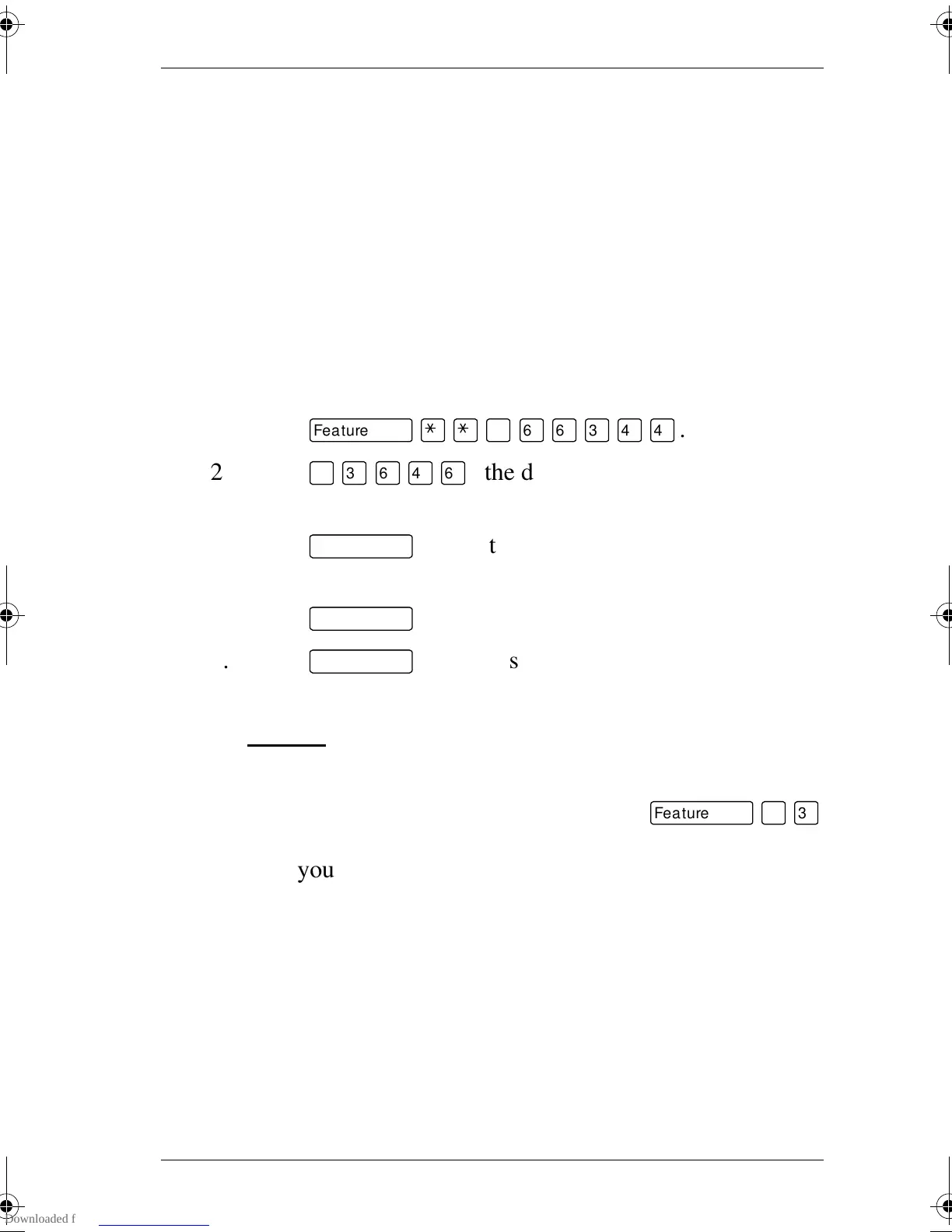
1. Press
ƒ••¤flfl‹››
.
2. Press
¤‹fl›fl
(the default System Coordinator
password).
3. Press
≠
and enter the internal number of the
telephone you want to program.
4. Press
≠
twice.
5. Press
‘
four times.
6. Choose a setting (Yes or No) at HF answerback: using the
CHANGE
button.
Turning Privacy on or off for a call
ƒ°‹
Lines in your system can be configured to have automatic
privacy. If a line is not programmed with privacy, anyone with
the line assigned to their telephone can join your call by
pressing the line button. If a line is programmed with privacy,
only one person at a time can use the line.
Privacy control cannot be used on internal or conference calls.
p0881591.book Page 49 Wednesday, August 19, 1998 6:43 PM










 To Next Page