48 / Answering calls
Modular ICS 4.0 System Coordinator Guide P0881591 Issue 01
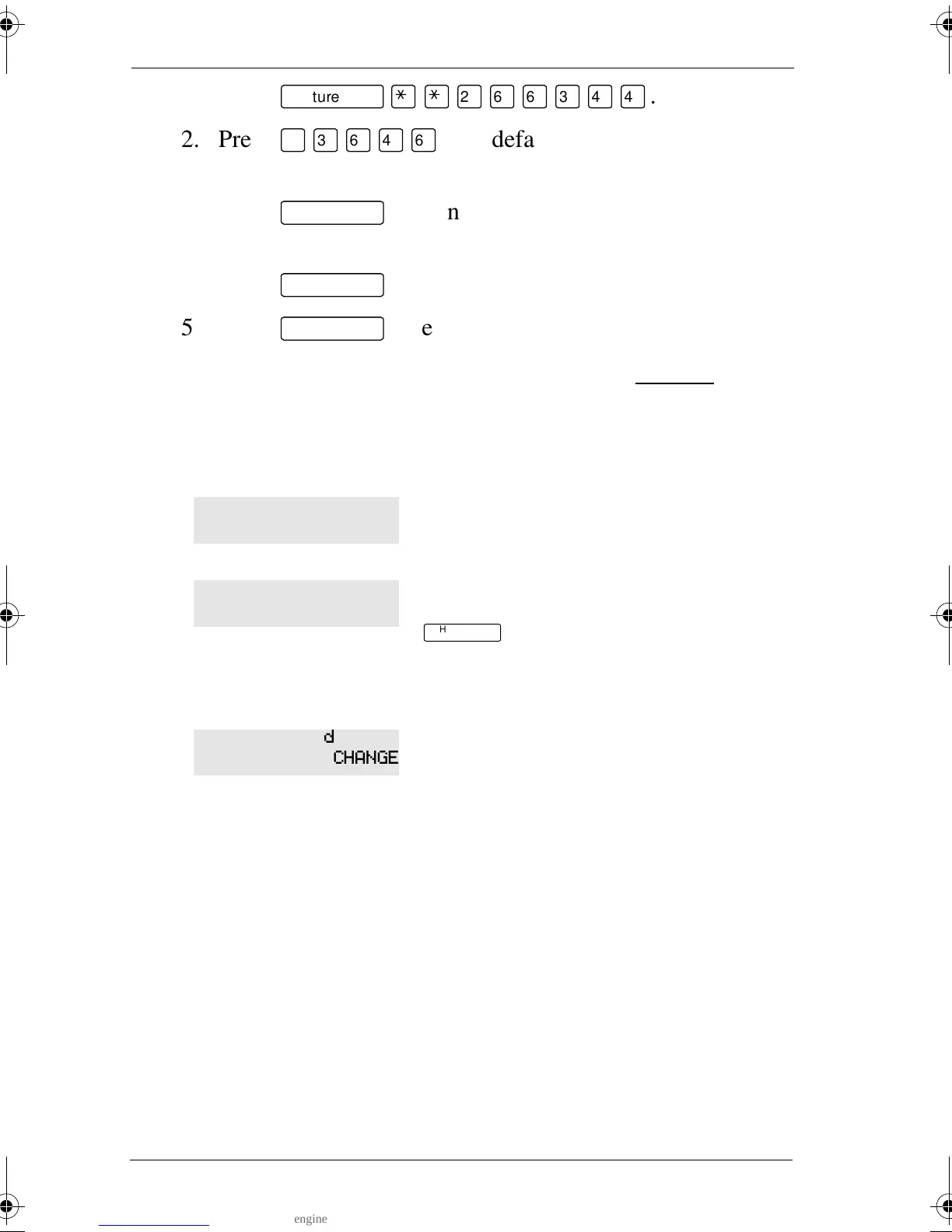
1. Press
ƒ••¤flfl‹››
.
2. Press
¤‹fl›fl
(the default System Coordinator
password).
3. Press
≠
and enter the internal number of the
telephone you want to program.
4. Press
≠
twice.
5. Press
‘
three times.
6. Choose a setting at Handsfree: using the CHANGE
button.
There are three ways to set Handsfree for an individual
telephone:
Both Auto and standard Handsfree allow you to use a headset
with a Norstar telephone.
A Handsfree/Mute button is automatically assigned to a
telephone that is programmed with Handsfree and is always
located in the lower right-hand corner of the telephone.
Handsfree is not available to the telephone.
You can make or answer a call without
having to pick up the receiver or press
©
. The telephone’s internal
microphone and speaker turn on
automatically when you press a line or
intercom button to make or answer a call.
A standard version of Handsfree described
“Using Handsfree/Mute” on page 45.
For other displays, see “Common feature displays” on page 203.
Handsfree:None
CHANGE
Handsfree:Auto
CHANGE
Handsfree:Std
CHANGE
p0881591.book Page 48 Wednesday, August 19, 1998 6:43 PM










 To Next Page