Using System features / 177
P0881591 Issue 01 Modular ICS 4.0 System Coordinator Guide
Making a telephone a hotline telephone
You can set up a telephone as a hotline.
You need the programming template found at the front of this
guide. See “Getting started with Norstar” on page 1 for more
information.
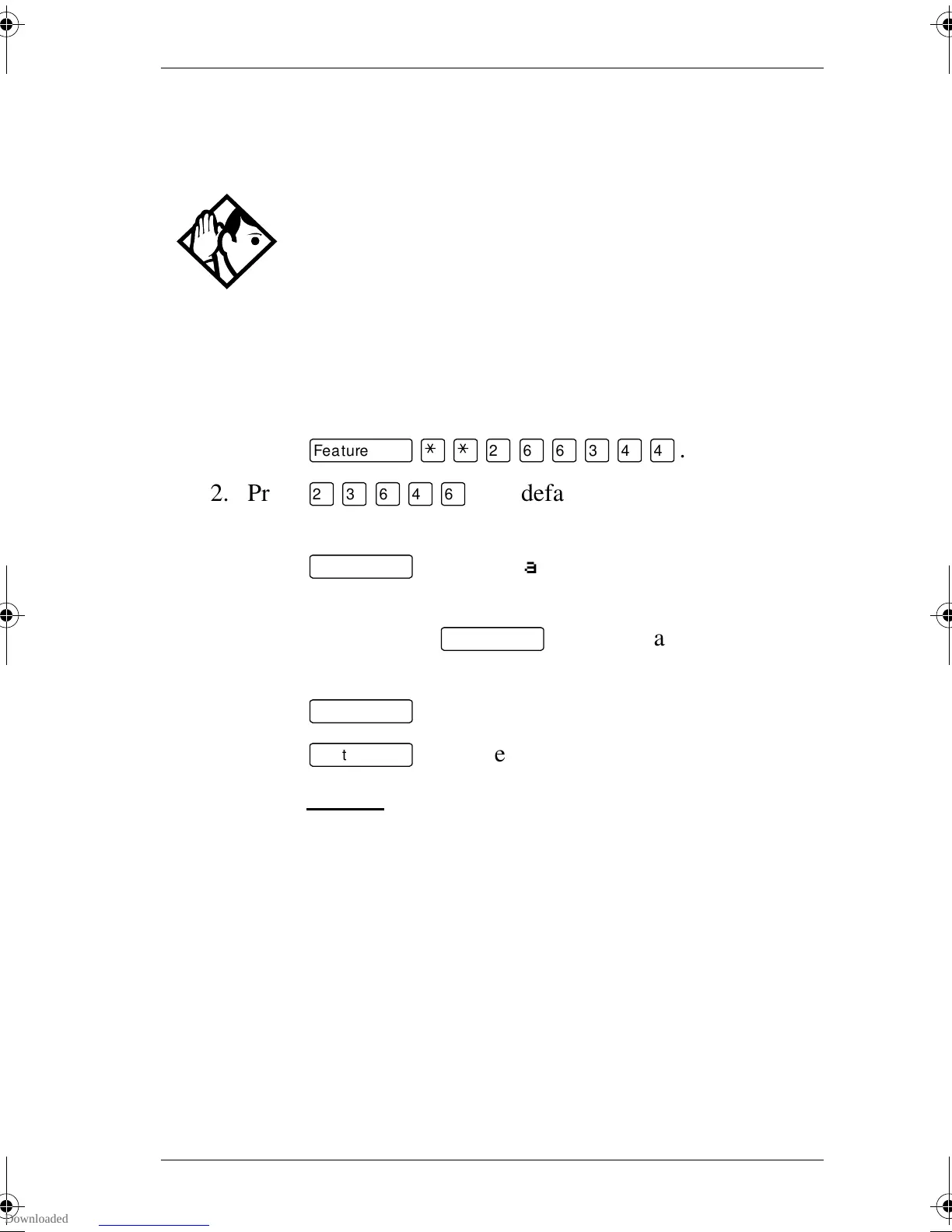
1. Press
ƒ••¤flfl‹››
.
2. Press
¤‹fl›fl
(the default System Coordinator
password).
3. Press
≠
at Terminals&Sets.
4. Enter the internal number of the telephone you want to
program and press
≠
. The display reads
Capabilities.
5. Press
≠
.
6. Press
‘
until the display reads Hotline.
7. Press CHANGE
to select the type of call the hotline makes:
None, Intrnl, or Extrnl.
Internl assigns an internal number.
External assigns an external number. If you select an external
number, you can select the line on which the call is made: the
prime line, an external line, a line in a line pool, or a line
selected by the routing table. If you select a line pool, you must
specify the line pool access code. If you select the routing
table, the number dialed is treated as a destination code and is
routed according to the routing tables.
Tip -
A Hunt Group set DN can be specified as a Hotline
telephone. For more information on Hunt Groups see
“Programming Hunt Groups” on page 135.
p0881591.book Page 177 Wednesday, August 19, 1998 6:43 PM










 To Next Page