70 / Time savers for making calls
Modular ICS 4.0 System Coordinator Guide P0881591 Issue 01
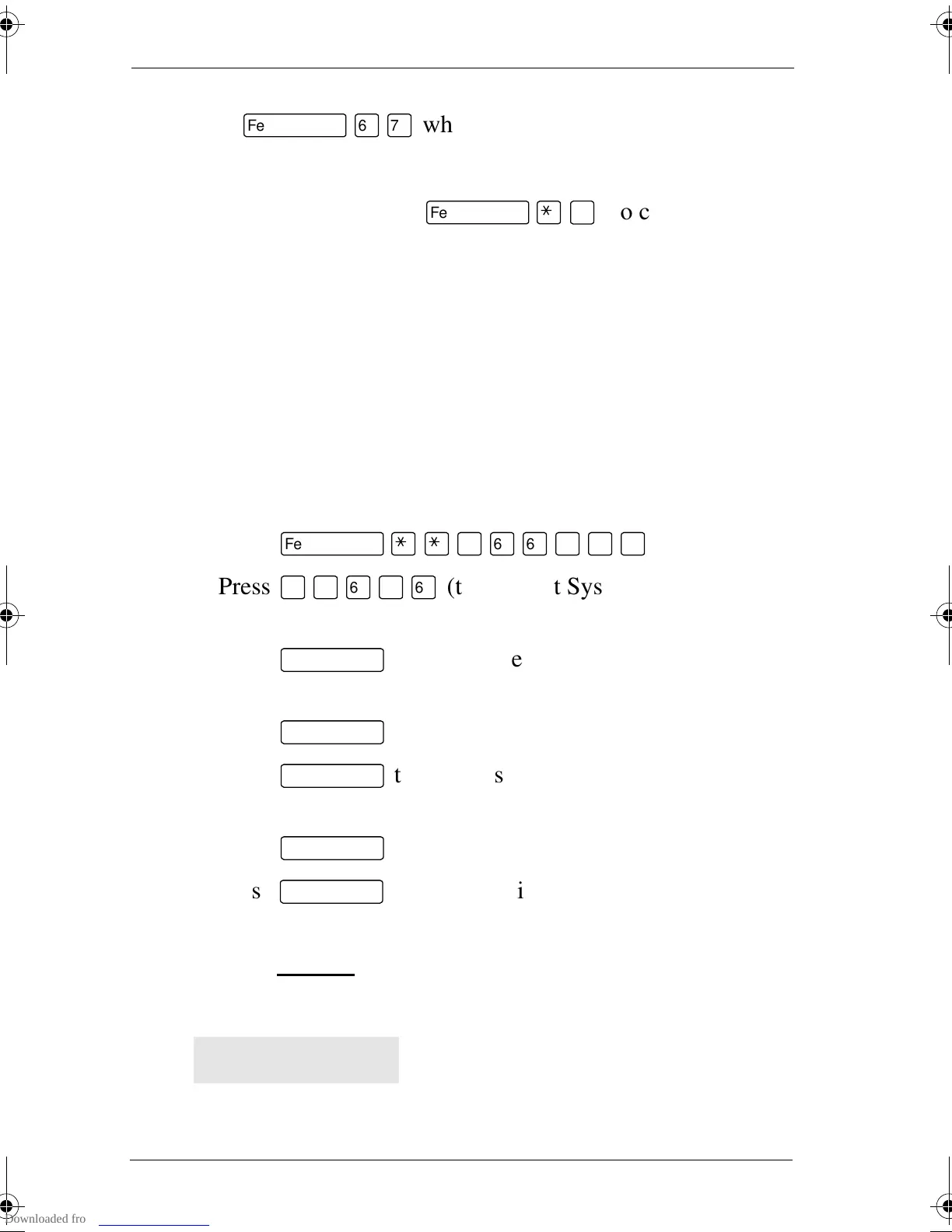
Dialing a saved number
Press
ƒfl‡
when you are not on a call.
If you have a programmed Saved Number Redial button, you
can use Button Inquiry (
ƒ•‚
) to check the last
number before you dial it.
Preventing a telephone from using Saved Number
Redial
Saved Number Redial can be restricted at individual
telephones.
You need the programming template found at the front of this
guide. See “A map for working in programming” on page 7 for
more information.
1. Press
ƒ••¤flfl‹››
.
2. Press
¤‹fl›fl
(the default System Coordinator
password).
3. Press
≠
and enter the internal number of the
telephone you want to program.
4. Press
≠
.
5. Press
‘
three times. The display shows
Restrictions.
6. Press
≠
twice.
7. Press
‘
twice. The display shows Allow saved
no:.
7. Press CHANGE
to choose Y (Yes) or N (No).
Displays
You have saved a speed dial number that
displays a name rather than the number. The
number is dialed correctly, but you cannot
see it.
Hidden number
p0881591.book Page 70 Wednesday, August 19, 1998 6:43 PM










 To Next Page