170 / Using System features
Modular ICS 4.0 System Coordinator Guide P0881591 Issue 01
Displays
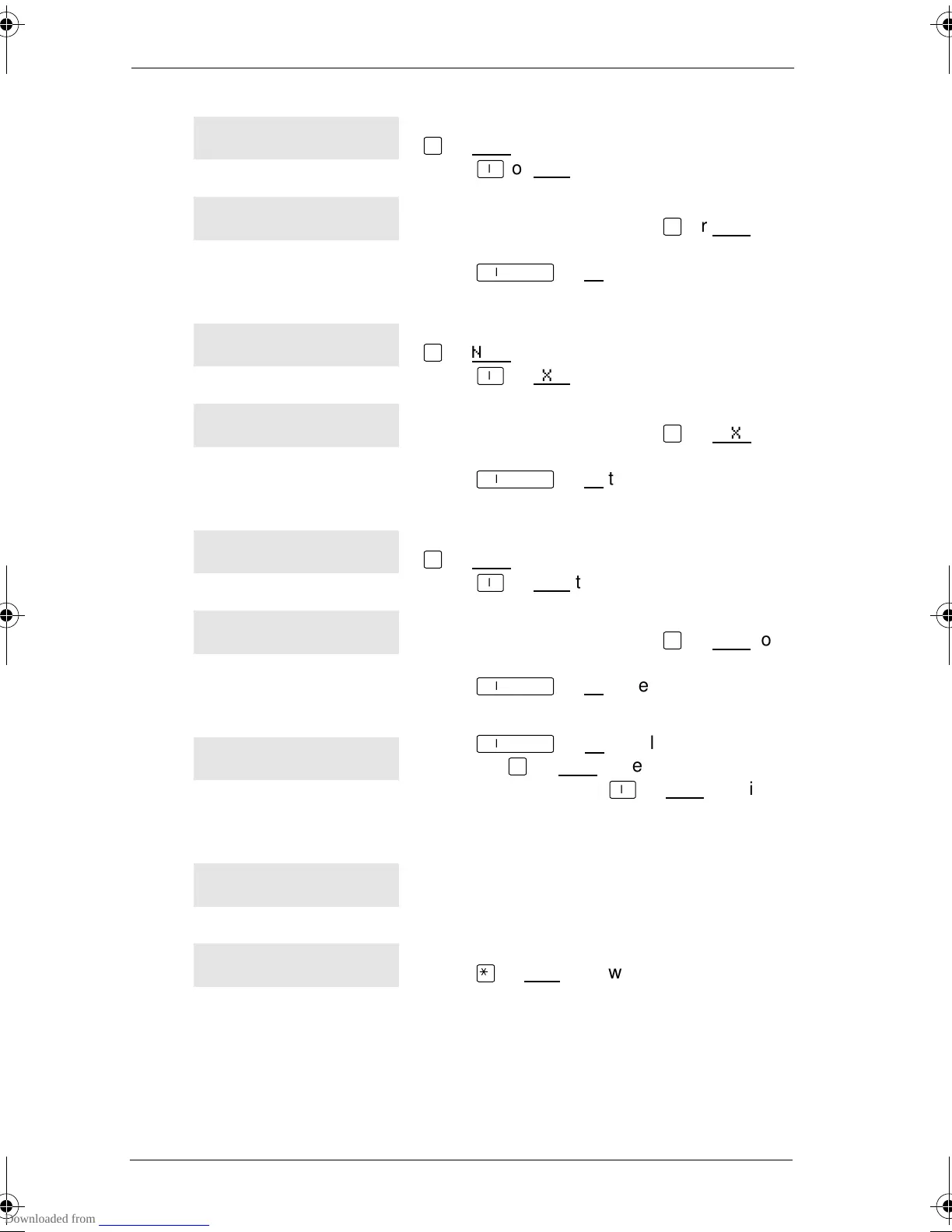
You are viewing the active Services. Press
£
or NEXT
to see the other active Services.
Press
®
or EXIT
to quit.
The name of the current Restriction service
schedule is displayed. Press
£
or NEXT
to
see the other Ringing service schedules.
Press
˙
or OK
to select the desired
schedule.
You are viewing the active Services. Press
£
or NEXT
to see the other active Services.
Press
®
or EXIT
to quit.
The name of the current Ringing service
schedule is displayed. Press
£
or NEXT
to
see the other Ringing service schedules.
Press
˙
or OK
to select the desired
schedule.
You are viewing the active Services. Press
£
or NEXT
to see the other active Services.
Press
®
or EXIT
to quit.
The name of the current Routing service
schedule is displayed. Press
£
or NEXT
to
see the other Routing service schedules.
Press
˙
or OK
to select the desired
schedule.
Press
˙
or OK to select this
schedule,
£
or NEXT
to see the next
available schedule, or
®
or QUIT
to exit. If
you select this schedule, it is in effect until
the next automatic schedule takes effect.
You have entered the Show Services feature
code and there is no active Service.
There is a Service active in your system.
Press
•
or LIST
to view the active Services.
For other displays, see “Common feature displays” on page 203.
<Sched> Restr'n
EXIT NEXT
<Sched> Restr'n
QUIT OK NEXT
<Sched> Ringing
EXIT NEXT
<Sched> Ringing
QUIT OK NEXT
<Sched> Routing
EXIT NEXT
<Sched> Routing
QUIT OK NEXT
<Sched> until *
QUIT OK NEXT
No services ON
Services ON
LIST
p0881591.book Page 170 Wednesday, August 19, 1998 6:43 PM










 To Next Page