NovaPro HD User's Manual
www.novastar.tech -23-
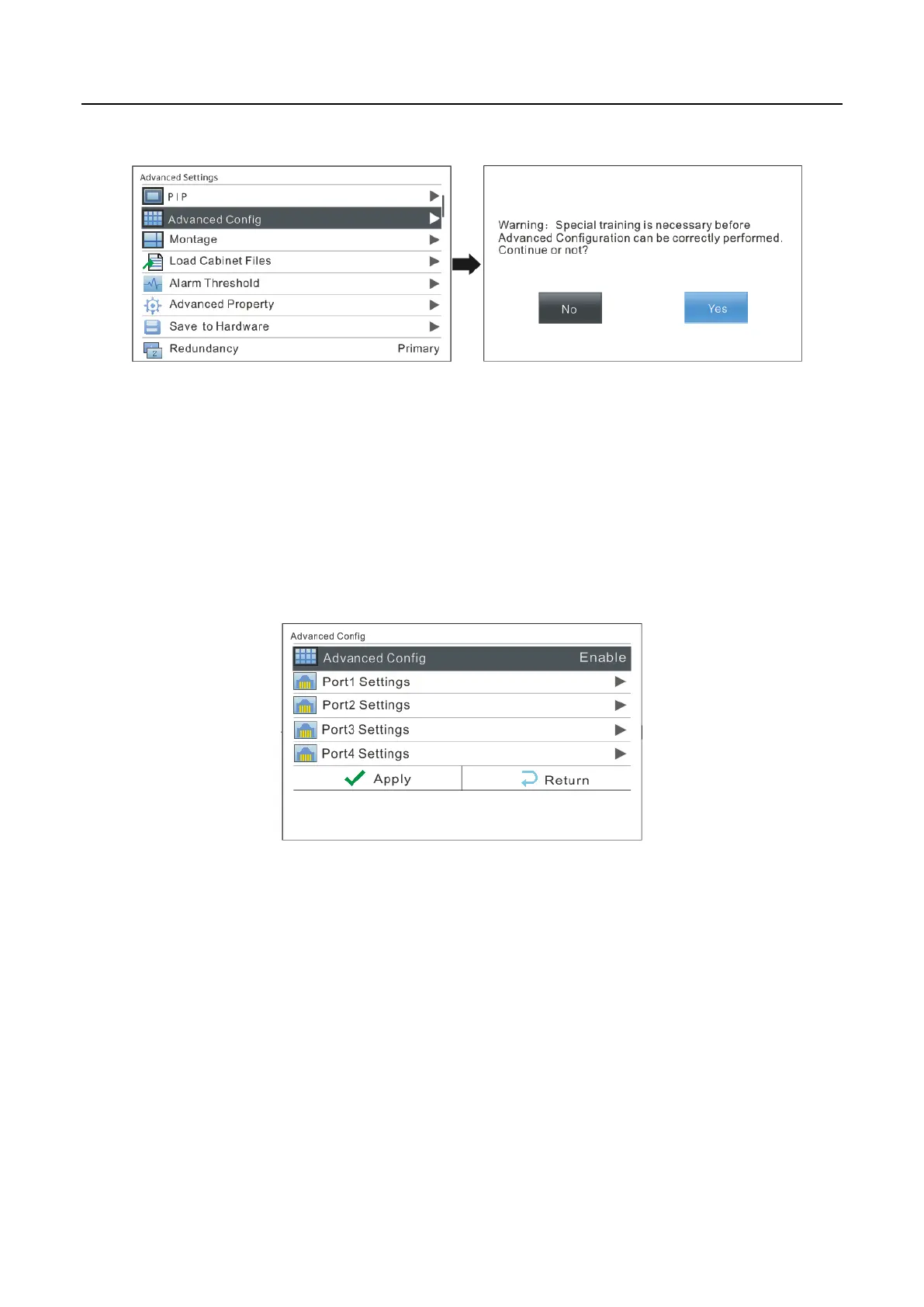
Operating steps of advanced configuration are shown as below:
1) Enable Advanced Config
Please enable Advanced Config first since it is disabled by default in NovaPro HD.
Advanced Config defaults to “Disabled”. After the function is enabled, the rows and
columns of the cabinets loaded by each port, offset, and data flow can be set
respectively.
2) Ethernet Port Settings
Set the rows and columns of the cabinets loaded by each port, horizontal and vertical
offset as well as data flow according to the actual layout of the cabinets.



 To Next Page