NovaPro HD User's Manual
www.novastar.tech -24-
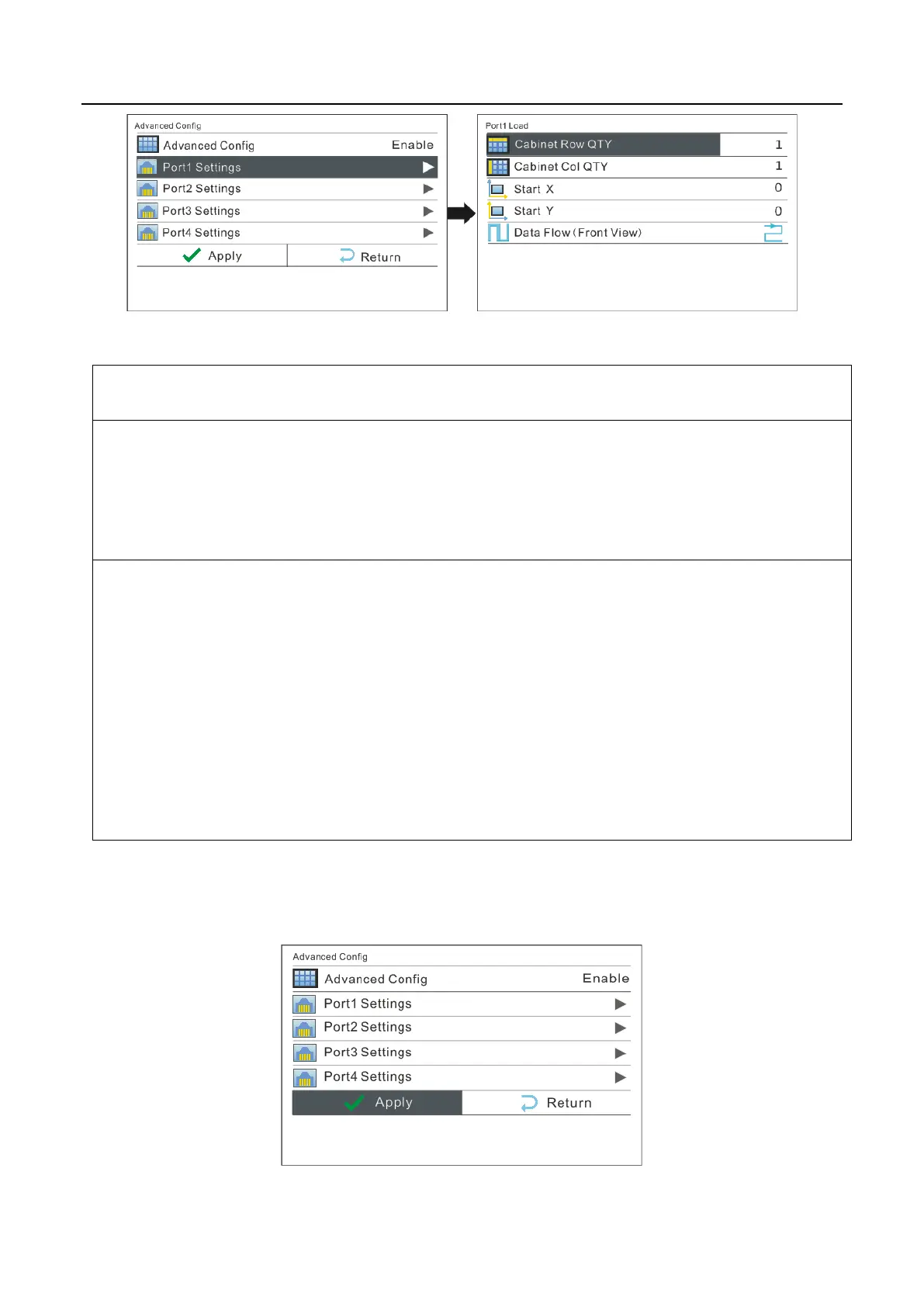
Precautions for advanced mapping screen:
a) If the cabinets are irregular shaped and the sizes are different and the LED screen is also
irregular shaped, the software NovaLCT-Mars is required to be connected to configure LED
display.
b) When wiring method is set, real-time effect of different wirings can be displayed on the
display screen by turning the knob. If you are satisfied, you must press the knob once to save
the setting and press return key to exit the current operation. During data flow setting, turn
the knob and the results can be viewed on the LED display in real time. Press the knob to
save your setting if you are satisfied with it and then press return button to exit from current
operation.
After Port Settings are completed, select "Apply" and press the knob to apply
current settings. If you want to quit the settings, select “Return”.



 To Next Page