MCTRL4K LED Display Controller
User Manual 7 Menu Operations
www.novastar.tech 30
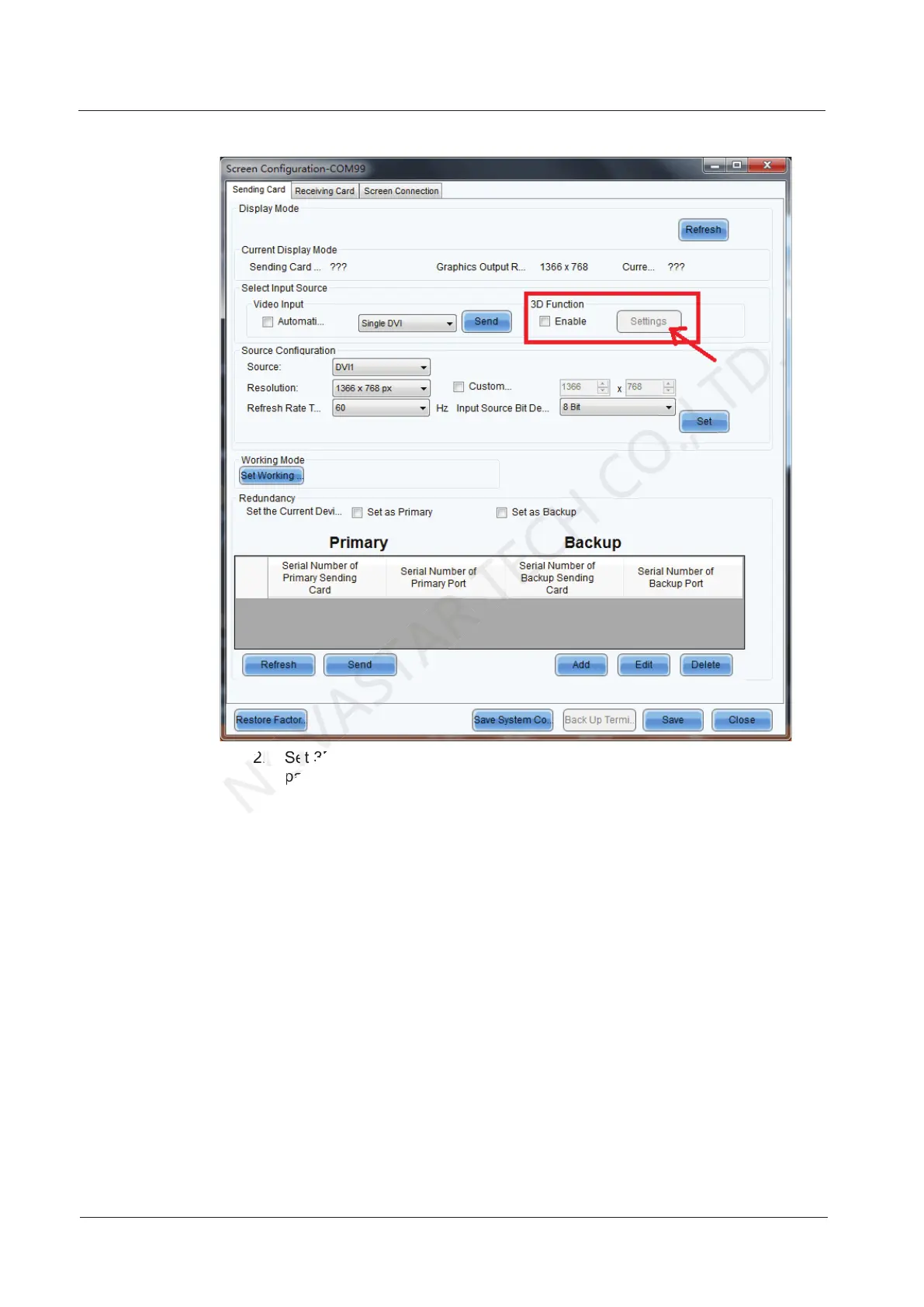
Figure 7-23 Screen configuration page
2. Set 3D function parameters. Then, click Save to File to save the
parameters you set as a file. Or, you can click Load from File to load an
existing 3D configuration file.
− Mode Selection: This parameter is available when the video source is
Dual DVI, as shown in Figure 7-24. It is unavailable when the video source
is HDMI or DP.
Set 3D function parameters. Then, click
NOVASTAR
Set 3D function parameters. Then, click
parameters you set as a file. Or, you can click
NOVASTAR
parameters you set as a file. Or, you can click



 To Next Page