CNC Operation
en-938821/2 5 - 33
5
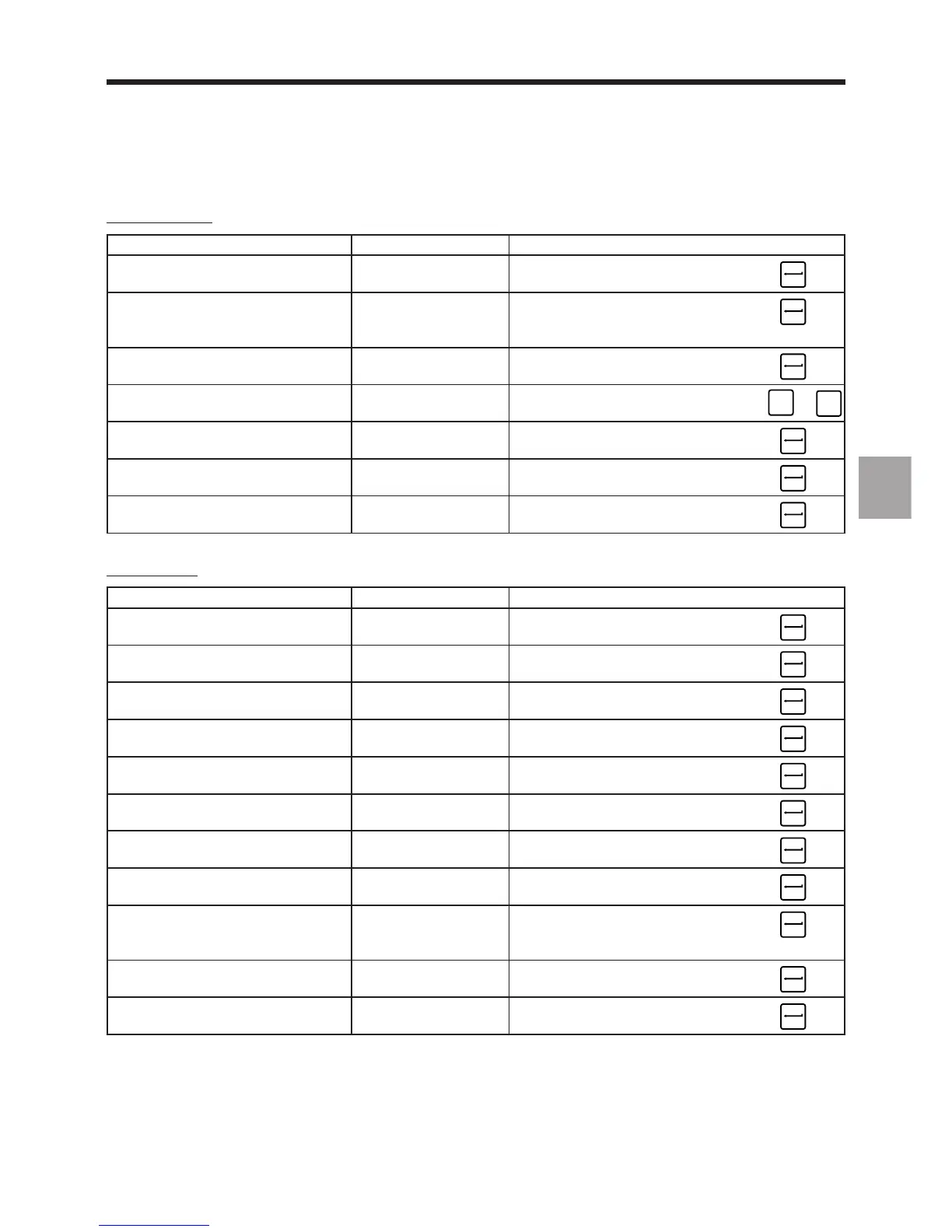
Selecting blocks
Operation to be performed Block selected Command
Select the programme to Any %[Programme No.]
be modified (first block selected) ☞
Go to a block Any %[Programme No.] N [Block No.]
(%No. unnecessary if it is the ☞
programme displayed)
Go to an unnumbered block Any %[Programme No.] Na + b
(block Na + b lines) ☞
Go to a block Any Successively hit until reaching
the block ☞
➞
or
➞
Go to a block containing Block located further ; [character string to be found]
a character string down the programme ☞
Go to the next block containing Block selected ;
the same character string during previous op. ☞
Move down the pointer Any Successively hit
☞
Editing blocks
Operation to be performed Block selected Command
Delete a block Block to be deleted -
☞
Insert a block Previous block + [block to be inserted]
☞
Transfer a block to the dialogue Block to be transferred #
line (for editing) ☞
Replace one block by Block to be replaced # [new block]
another ☞
Replace one character Block containing the # ; [string to be replaced] ;
string by another string to be replaced [new string] ☞
Add a character string Block to be modified # ; ; [string to be added]
at the end of a block ☞
Recall the last block Block to be replaced ∗
displayed in the dialogue line (#...) ☞
Replace a block by the block Block to be replaced
in the dialogue line (#...) ☞
Insert block Na + b lines to block Block preceding the I %[programme number] Na + b
Nc + d lines of a programme blocks to be inserted Nc + d (%No. unnecessary if it is ☞
the programme displayed)
Insert a whole programme Block preceding the I %[numéro de programme]
(except the programme number) blocks to be inserted ☞
Delete blocks down to block First block to be DEL Na + b
Na + b lines deleted ☞



 To Next Page