5 - 34 en-938821/2
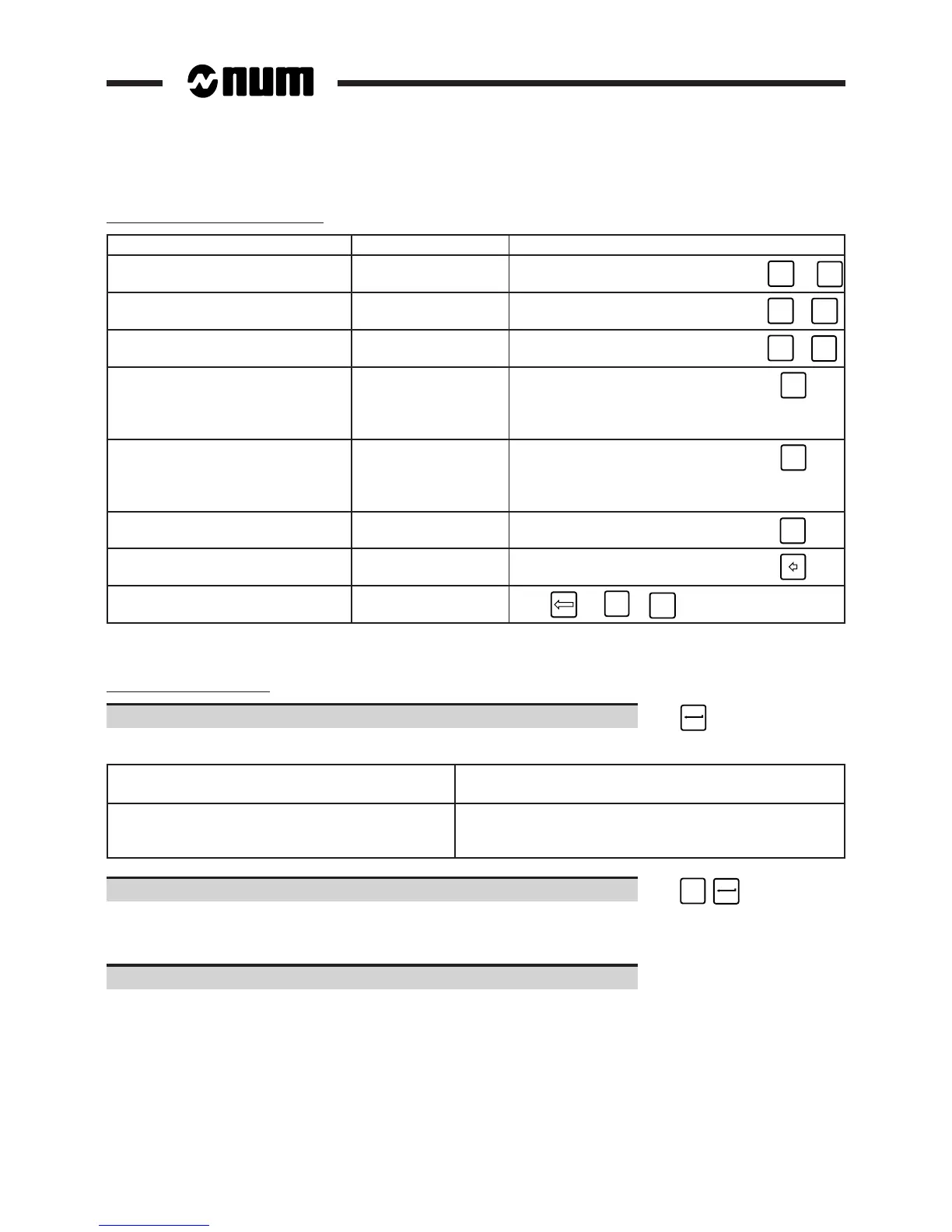
Editing blocks in the dialogue line
Operation to be performed Position of cursor Command
Move the cursor by one character Any
☞
➞
or
➞
Move the cursor to the end Any
of the dialogue line ☞
SHIFT
+
➞
Move the cursor to the start Any
of the dialogue line ☞
SHIFT
+
➞
Overtype text First character to Select the overtype
be overtyped mode ☞
INS/
OVER
Indicateur "OVER" dans la fenêtre status
(See 3.1.3). Enter the new characters.
Insert characters Character after Select the insert
the insertion mode ☞
INS/
OVER
"INS" indicator in the status window
(See 3.1.3). Enter the new characters.
Delete a character Character to be
deleted ☞
line
DEL
char
Delete a character Character after char-
acter to be deleted ☞
Delete the dialogue line Any
☞ (or
SHIFT
+
line
DEL
char
)
Notes
Creation of a programme
Enter "%[Programme number] (Optional comment)" ☞
When there is no programme corresponding to the number entered:
No programme with that number A programme with the same number
exists in the protected area exists in the protected area
Display of the message: Display of the message:
CREATE NEW PROGRAMME? (Y/N):
❚
WARNING: this programme exists in a protected zone.
Create the programme in zone 0? (Y/N):
❚
Confirm creation of the programme. ☞
Y
Display of the line:
>%[Programme No.] (Comment)
Create the programme blocks using the edit mode functions.



 To Next Page