4 - 14 en-938821/2
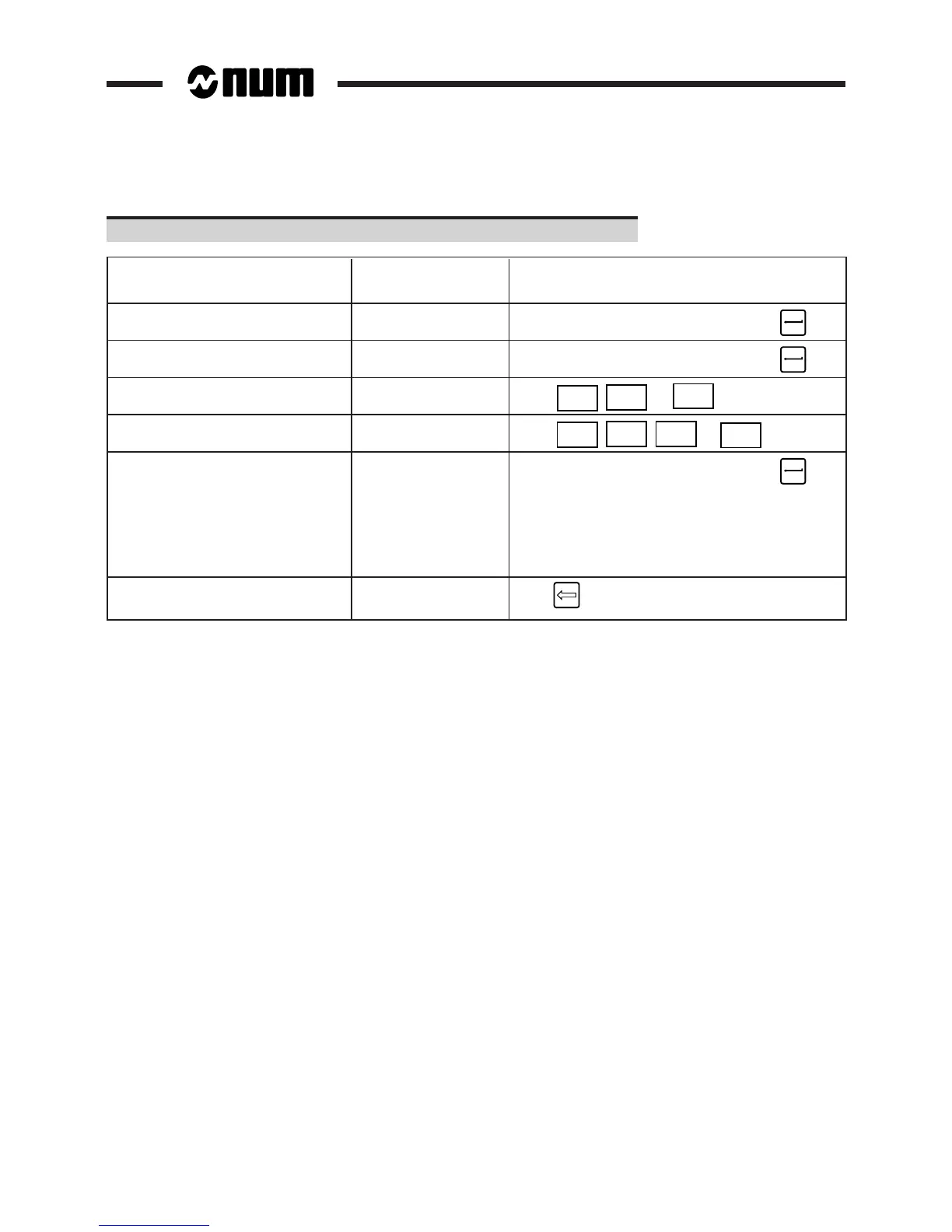
Complete the fields (See table below).
Operation to be performed Field selected Command
(flashing)
Select the programme Programme (default [Programme number]
to be displayed (mandatory) field) ☞
Select the first and last blocks Block field [Block number]
of the sequences to be displayed ☞
Select the 1st display PLANE 1 (X-Y by
plane default) ☞
X - Y
Y - Z
or
Z - X
Select the 2nd display PLANE 2 (from
plane BELOW by default) ☞
LEFT
RIGHT
ABOVE
or
BELOW
Enter the screen sizes Min. or Max. fields [Limit value on axis]
for planes 1 and 2 of axes to be shown ☞
Remark: the screen sizes are
recalculated during part contour tracing
(See 4.6.1.2) or automatic scaling
of display planes (See 4.6.1.3)
Delete field contents Field to be cleared
☞



 To Next Page