16
EN
TECHNICAL OWNER MANUAL
B
D
E
6.6 Harmony
TM
Hub Interface
Compatibility & Orientation
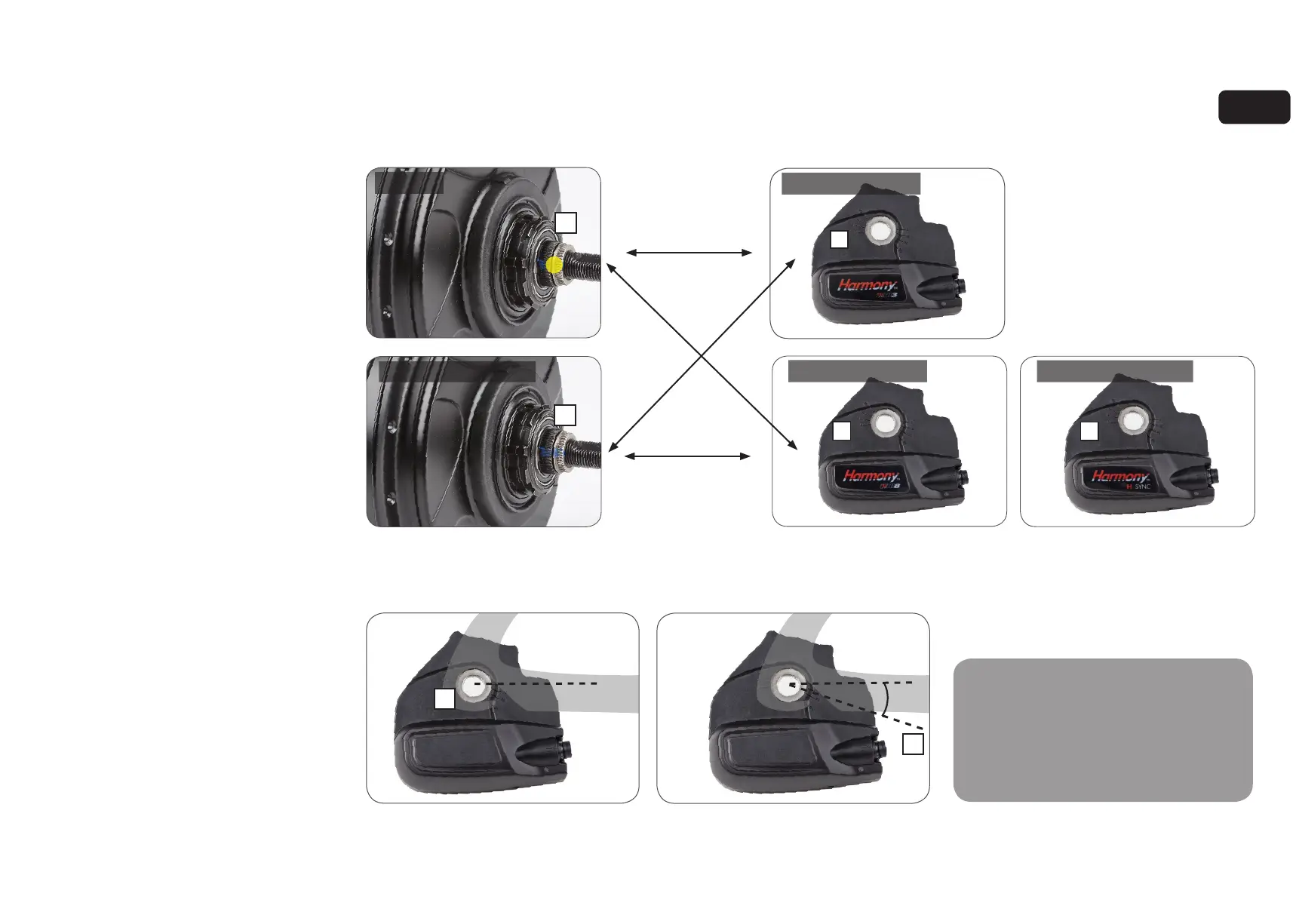
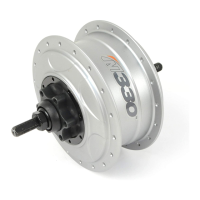
1. Ensure you have the correct Harmony Hub
Interface for your NuVinci Optimized CVP.
• N330
CVPs have a yellow dot (A), and are
compatible only with HHI3 Hub Interfaces
(B, for Harmony systems).
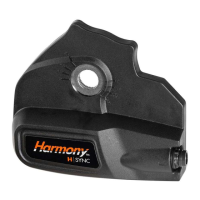
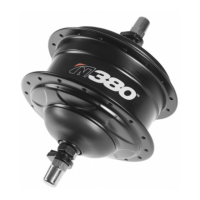
• N360 and N380/N380SE CVPs have
a black colored shift driver (C), and are
compatible only with HHI8 and H|Sync
Hub Interfaces (D, for Harmony 380
and
Harmony H|Sync systems).
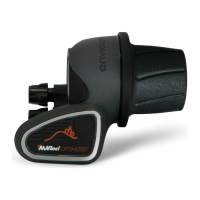
2. Use the uninstalled Harmony Hub Interface
(E) to determine the desired orientation
• Orientation should be forward, parallel
to the chain stay with the Harmony main
connector facing forward.
• Move the Harmony Hub Interface along
the dropout to ensure clearance at different
axle positions.
3. With the Harmony Hub Interface oriented
correctly inside the right dropout, the
installation angle (F) is the indicated
angle of the dropout (20 degrees in this
example).
• Use the markings on the Harmony Hub
Interface to determine your approximate
installation angle.
C
A
6.6 Harmony Hub Interface Compatibility
& Orientation
N330 and N360/N380/N380SE
series CVPs have different shift driver
configurations, and are compatible
only with the appropriate Harmony Hub
Interface. Do not attempt to fit incorrect
Harmony Hub Interfaces, as damage will
occur.
0°
0°
F
20°
compatible
compatible
incompatible
D
incompatible
!
Harmony Hub Interface 3
Harmony Hub Interface 8
Harmony Hub Interface Sync
N330 CVP
N360/N380/N380SE CVP
HARMONY ASSEMBLY OF COMPONENTS



 To Next Page