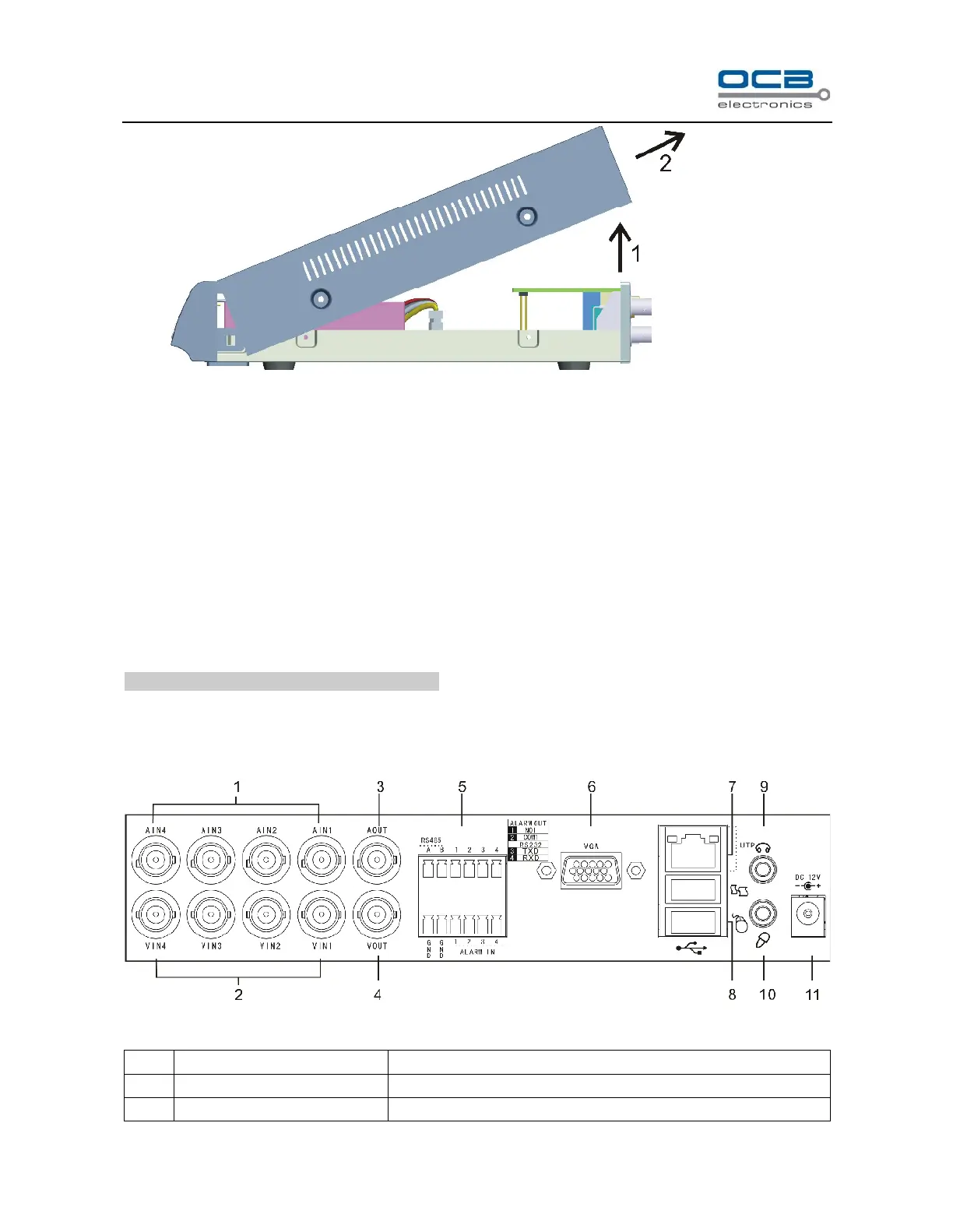
Fig. 1
2. Remove HDD mounting bracket.
3. Fit HDD onto bracket using supplied mounting screws.
4. Replace HDD mounting bracket.
5. Connect the ATX power cable to the power connection on the HDD. Pay attention to the correct
orientation.
6. Plug HDD cable into SATA port on HDD.
7. Plug HDD cable into SATA port on the main board.
8. Replace the top of the DVR enclosure.
NOTE: Please format the hard disk before record.
Section 3 Back panel
Fig. 2



 To Next Page