1-4 CH Status: “√” and “×” on up side stand for recording status. “√”means recording, “×”means idle.
1-4 CH Start/Stop recording: Squares on downside are used to start/stop recording of the corresponding
channel. Press “ ” and “ ”on the panel to select channels. Press “ ” and “ ” to start/stop recording.
Record: Press this button to start all channels recording.
Stop: Press this button to stop all channel recording.
Return: Press this button to close the Manual Record window.
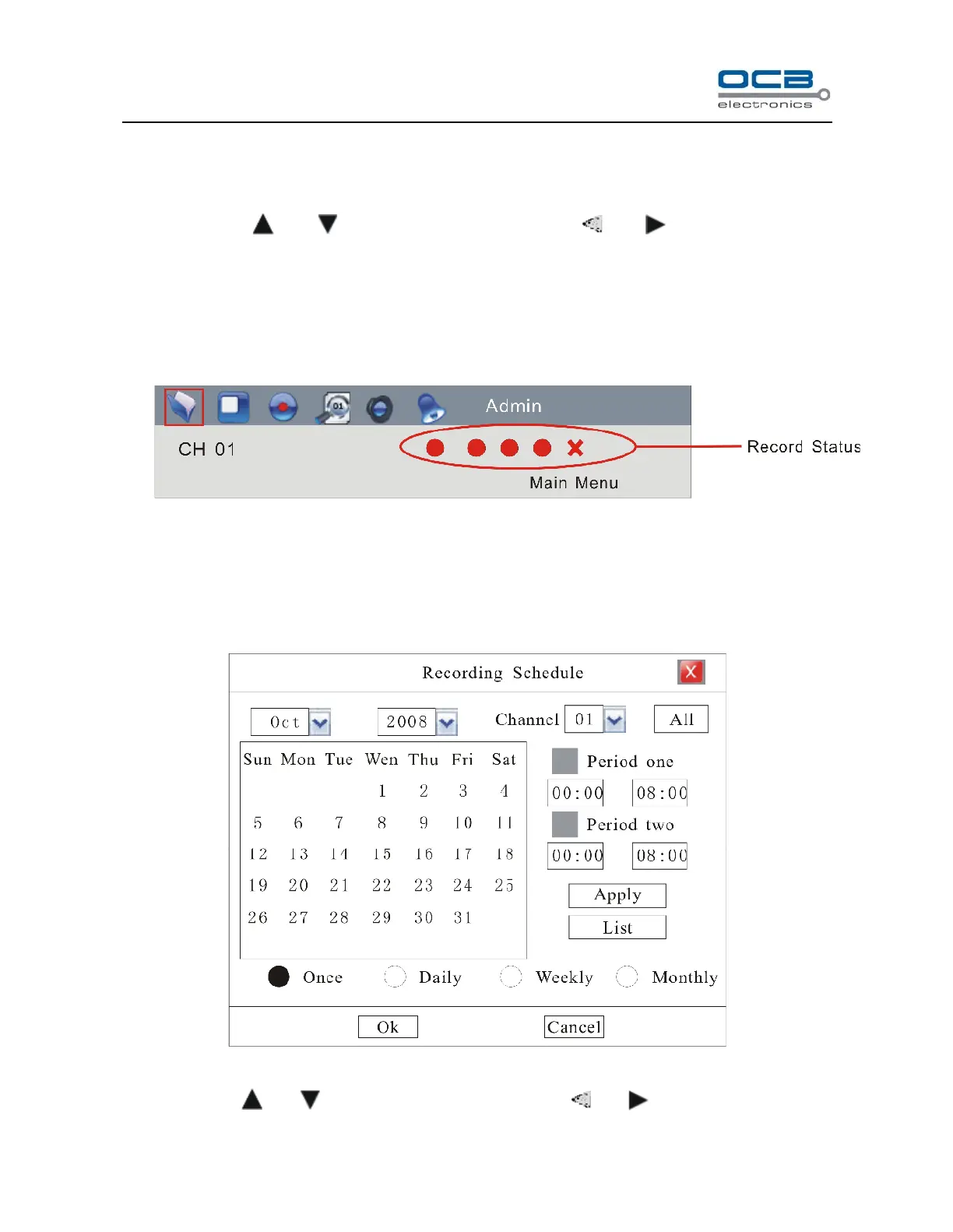
Check channel recording status in the red circle of status bar as shown in the following Fig.
Please refer Status Bar section.
Schedule Recording
Enter ”Main Menu-Rec. &Alarm—Schedule” as shown in Fig. 21
Fig. 21
Move cursor with and on the front panel and select item with and .



 To Next Page