PPPoE
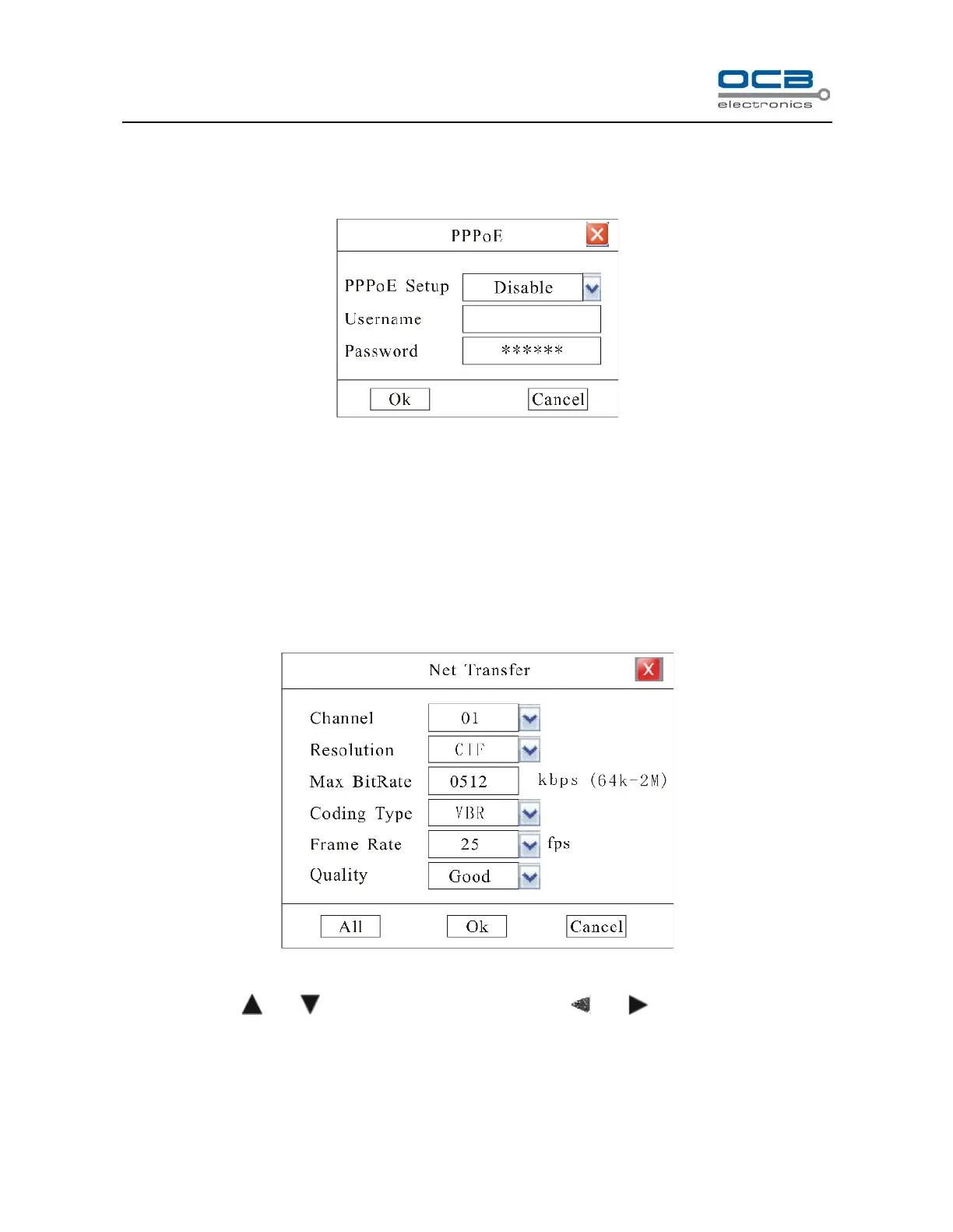
Enter “Network” → “PPPoE Setup” as shown in Fig.27
Fig.27
Please “Enable” “PPPoE Setup”, then input the Username and Password provided by ISP. System will use PPPoE
protocol to connect the net with an auto-obtain dynamic IP address.
Section 11 Net Transfer Parameter Setup
Enter “Main Menu-Advanced-Transfer”, as shown in Fig.28
Fig. 28
Move cursor with and on the front panel and select item with and .
Channel number: select relevant channel to setup.
Resolution: The higher resolution is, the clearer the image is. The resolution options from low to high are:



 To Next Page