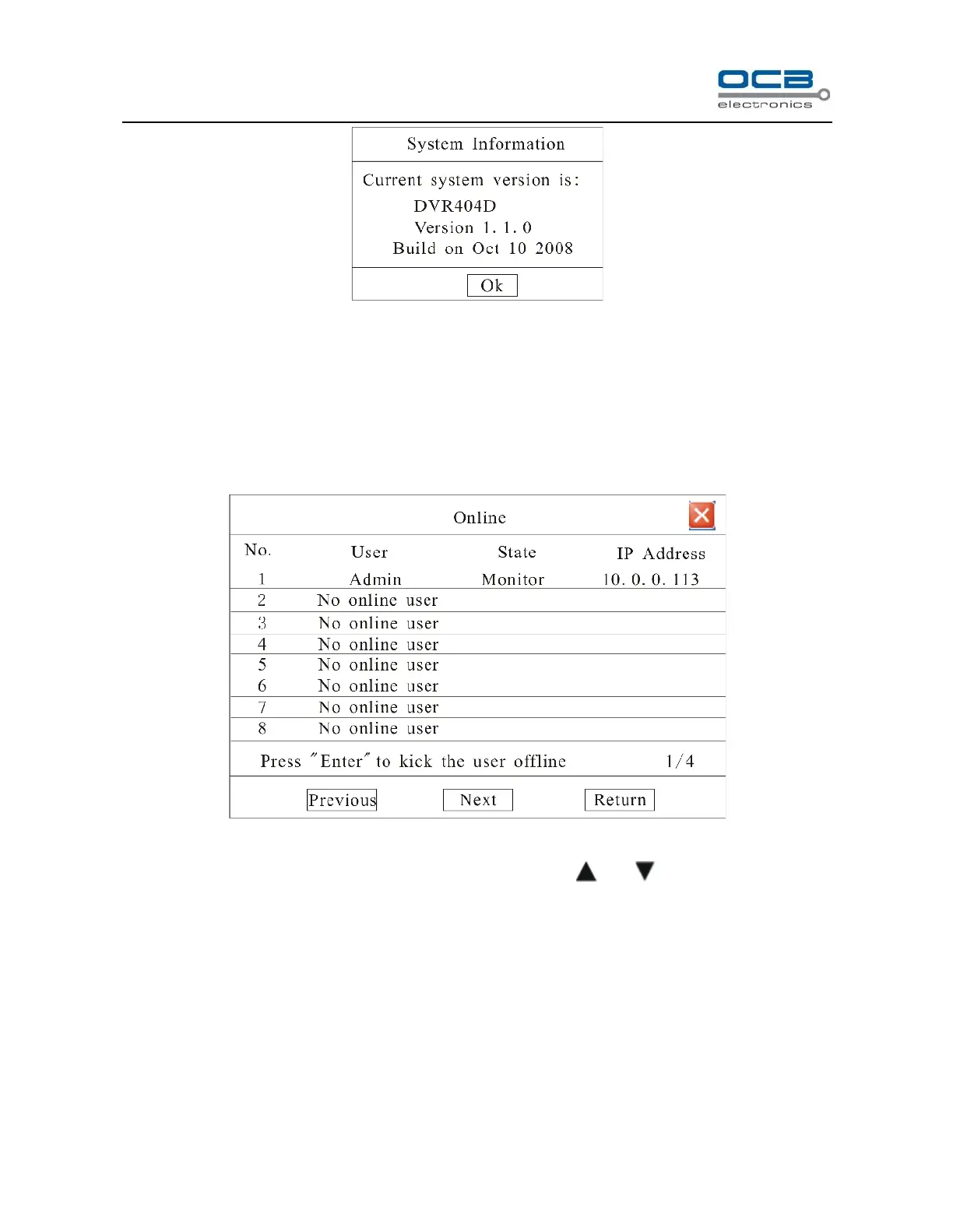
Fig. 40
Check information of current firmware version.
User Information
Enter “Main Menu-Information-Online” as shown in Fig.41.
Fig. 41
List box: Display the remote user name, State and IP address. Use and key to move the cursor. If
user presses ‘Enter’ key on one item in list box, affirmation dialog box will appear. When user selects ‘Enter’,
the system will terminate the remote user.
You can turn pages to look over by selecting ‘Previous’ and ‘Next’.
Section 17 System Update
Method 1: Please update system through DVR_WEB Internet. About the DVR_WEB setting please refer



 To Next Page