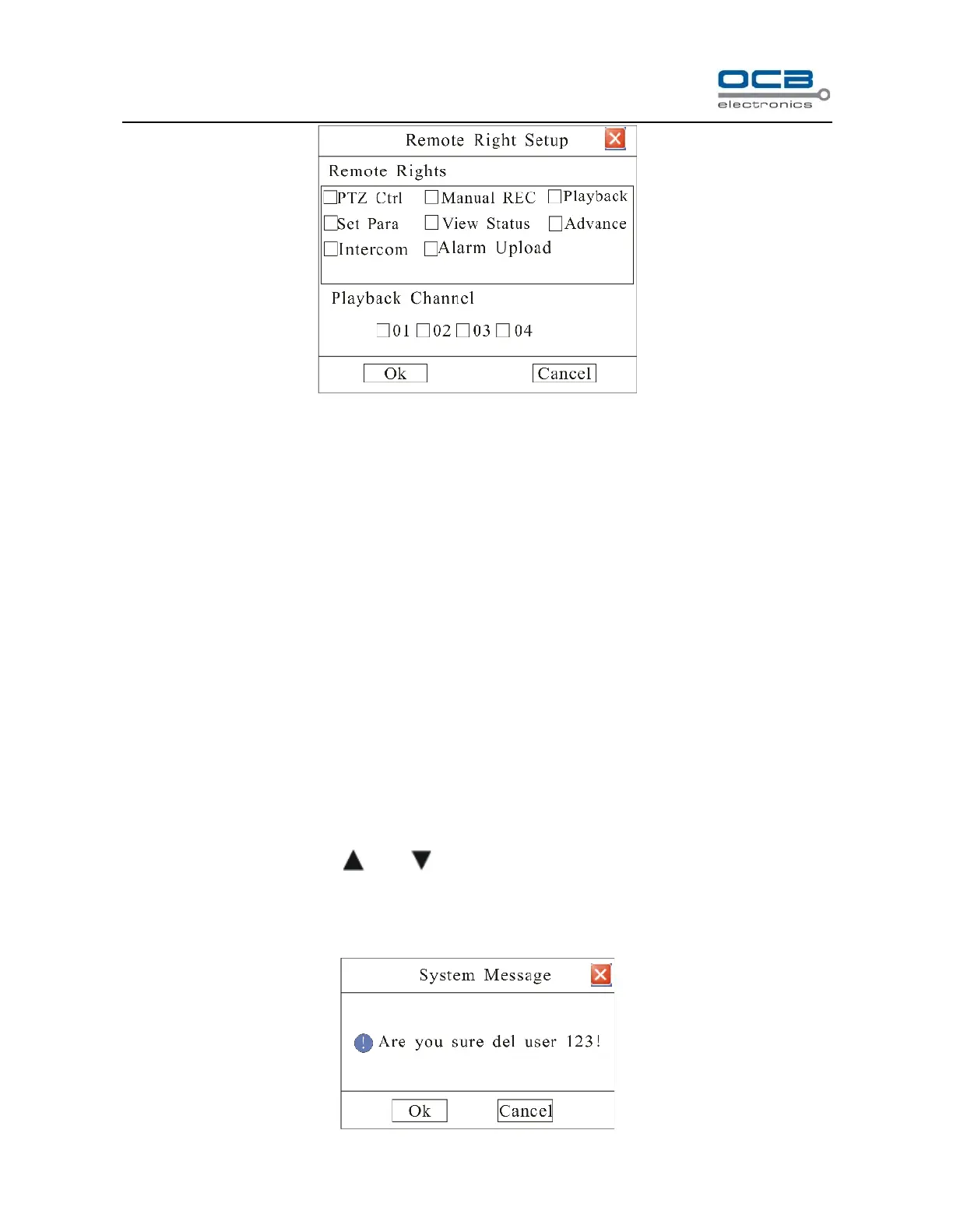
Fig. 34
Remote Rights:
Remote rights are for remote operation.
PTZ Control: Remote control PTZ and setup the PTZ parameters;
Manual REC: Remote manual start/stop recording;
Playback: Remote playback and download the recorded files on DVR, can be set for each channel.
Set Parameters: Remote setup the DVR parameters (Except the PTZ parameters).
View Status: Remote view the log on DVR;
Advance: Remote upgrade firmware, format HDD, reboot DVR and look over the online user, etc.
Intercom: Client talks with DVR.
Alarm Upload: Upload alarm information.
Delete user
In “User” interface, you can use “ ” and “ ” keys to select one user and press “ENTER” to enter into the
“User Operation” menu. Then select “Delete” to enter into “System Message” interface as follows, and delete it.
E.g. the user name is “123” as shown in Fig. 35.



 To Next Page