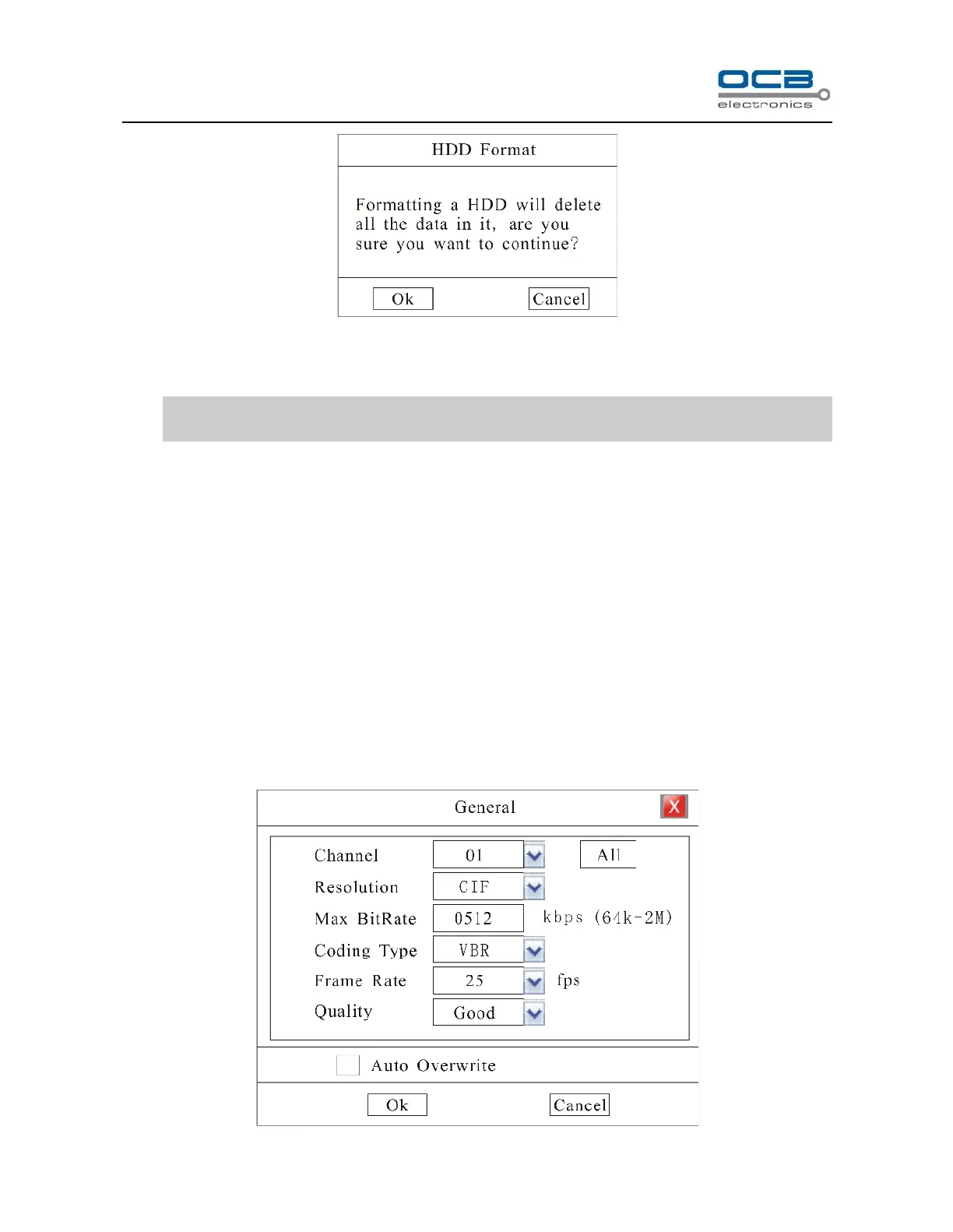
Fig. 18
Press “Ok” to format HDD.
Note: Do not format a disk while it is recording.
Formatting a HDD will delete all the data in it.
Recording Auto Overwrite
Enter “Main Menu-Rec. &Alarm—General” to setup ‘Auto Overwrite’ function: whether activate overwrite
function when HDD is full. Select on then system will overwrite the earliest recording when HDD is full.
Section 8 Recording
Record Parameter Setup
Enter ”Main Menu-Rec. &Alarm—General” as shown in Fig. 19.



 To Next Page