Channel number: connect channel number of decipherer
RS-485 parameters: Including baudrate, data bit, stop bit, parity bit, flow control, etc. These parameters
must be the same as those of PTZ Protocol.
PTZ Addr: Each PTZ has one different address. Default system configuration: 001.
Protocol: DVR had the following PTZ protocol: PELCO-D、PELCO-P2、PELCO-P1、W110、P3、PLD、
ENKEL、YAAN、SONY、JC4116、PD-NW、PD-CONST、PIH-1016、KRE301、PELCO9760、LILIN、
T3609HD、HD600、KTD、SAMSUNG、ELEC、PANASONIC、FASTRAX、DL-0001.
Speed: PTZ turning speed. 01: Turning slower; 03: Turning faster Default system configuration: 02.
Vertical: Reverse PTZ’s vertical field.
Horization: Reverse PTZ’s horizontal field.
In the course of setting up the parameters, if the parameters needed to be set the same in all channels, you can
select ‘ALL’ after finishing the setup of parameters of one channel. The system will prompt a dialog box. When
pressing ‘OK’, parameters setup for all channels will be achieved.
Section 15 Restore Defaults Setting
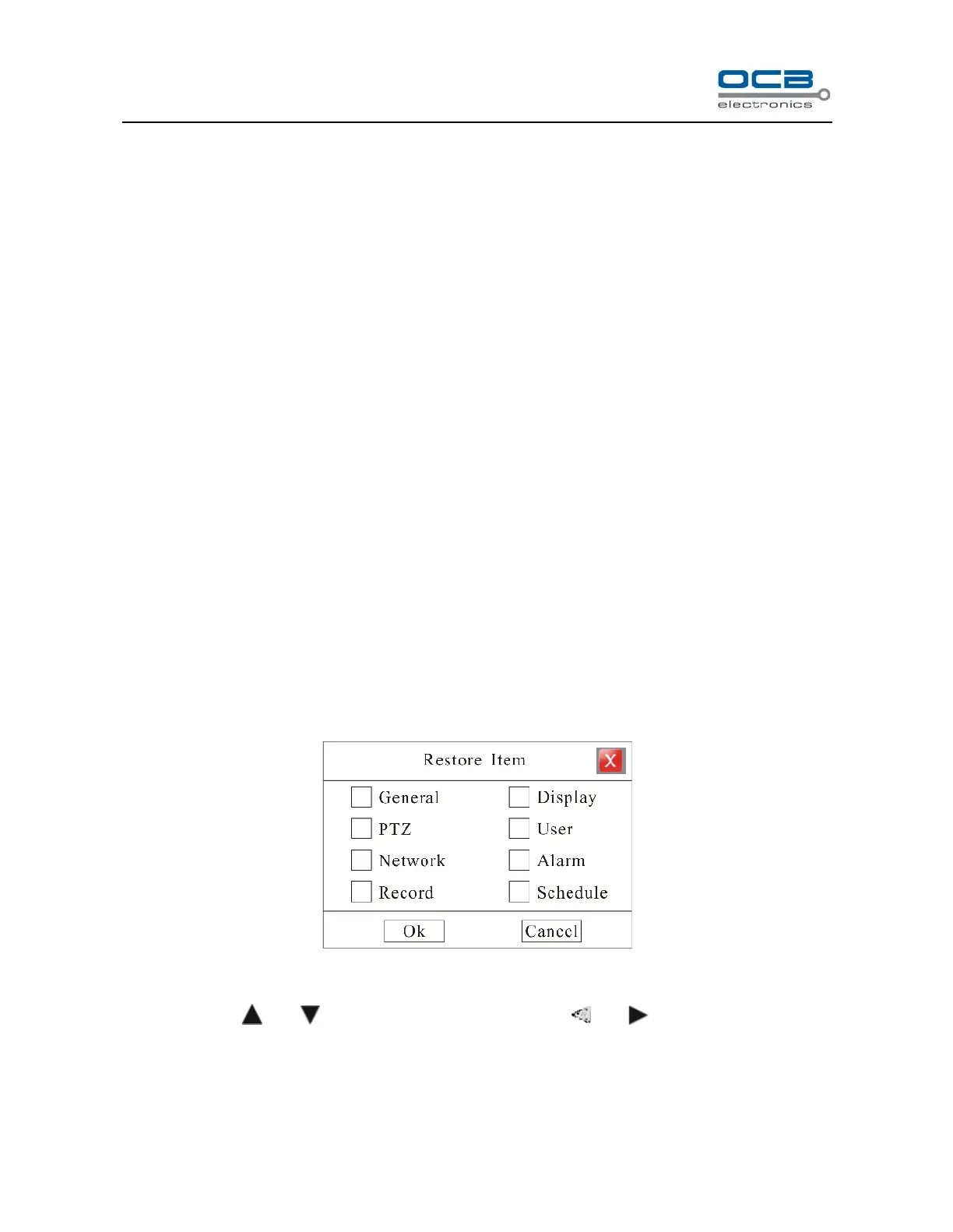
Enter ”Main Menu-Advanced-Maintenance-Reset” as shown in Fig. 38
Fig. 38
Move cursor with and on the front panel and select item with and .
Select a item to restore default setting.



 To Next Page