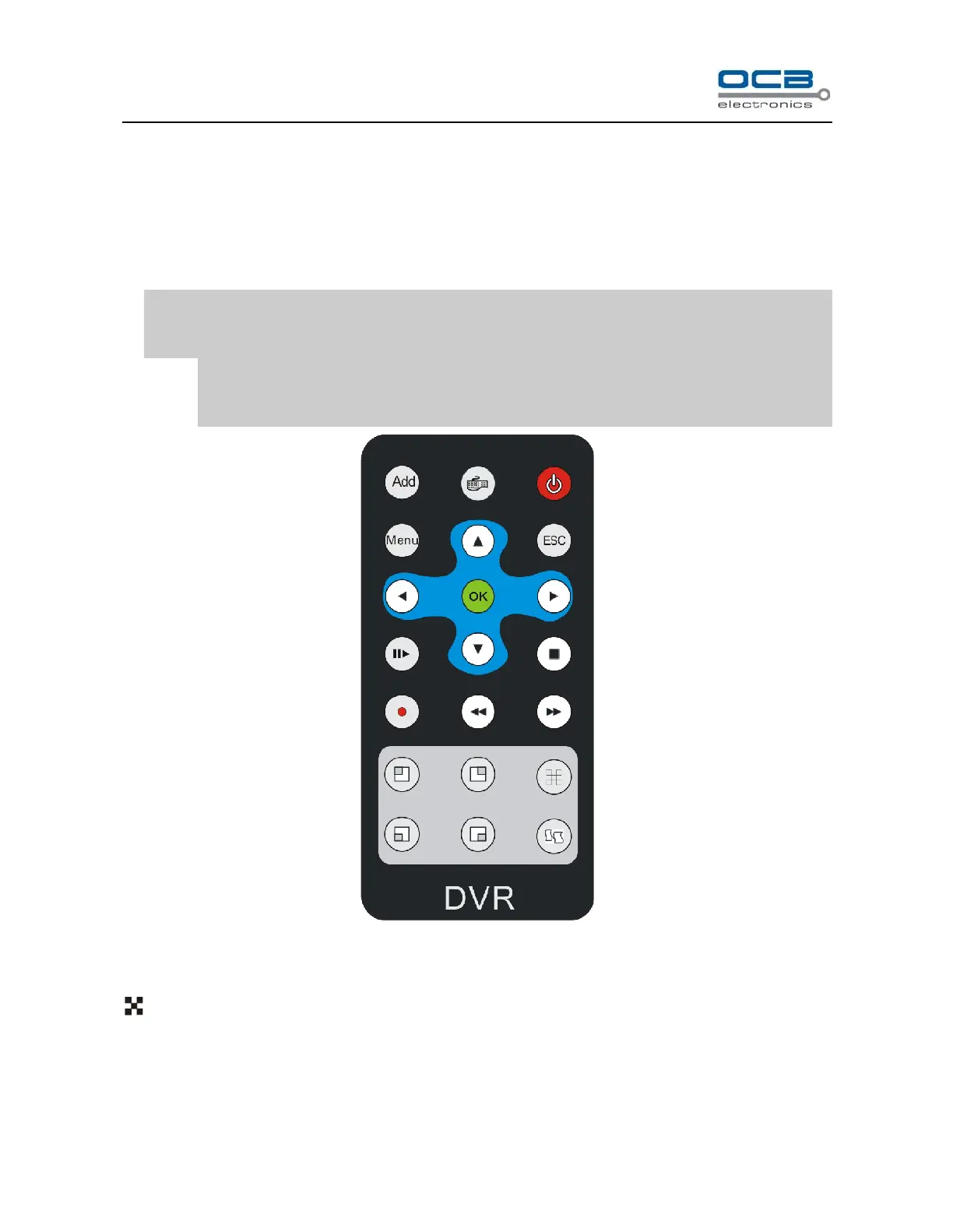
Section 2 IR remote controller
Insert the battery. Please aim the launch end at the receive end of DVR while using IR remote controller.
In the control range, if more than one DVR need to be controlled separately, please press “ID” button, then
input the host address of which DVR need to be controlled and press “OK” button will realize the function.
NOTE: Press “ID” in IR remote controller, then input “000” in “Remote Control Address Set” will control all
DVRs in the effective range.
The defaulted host address is 001, the value field among 000-255. It can be modified in the “Main
Menu-Advanced -General”.
Fig. 8
Refer to the section of “DVR Front Panel” for the detailed description of the function of the keys on remote
controller.
: Screen-split mode switch.
Section 3 Mouse operation
This DVR supports a USB mouse:



 To Next Page