Chapter Ⅶ IE Monitor
Section 1 Introduction
The DVR can be visit and control by IE browser. IE provides the functions, such as remote monitor, local
record, PTZ control, Remote control, etc.
Section 2 IE Setting
Please follow next steps before monitoring videos on IE at the first time:
1. If the computer has installed other softwares of our DVR in IE, please run CLEAR program that form a
complete set with this software, to eliminate them firstly.
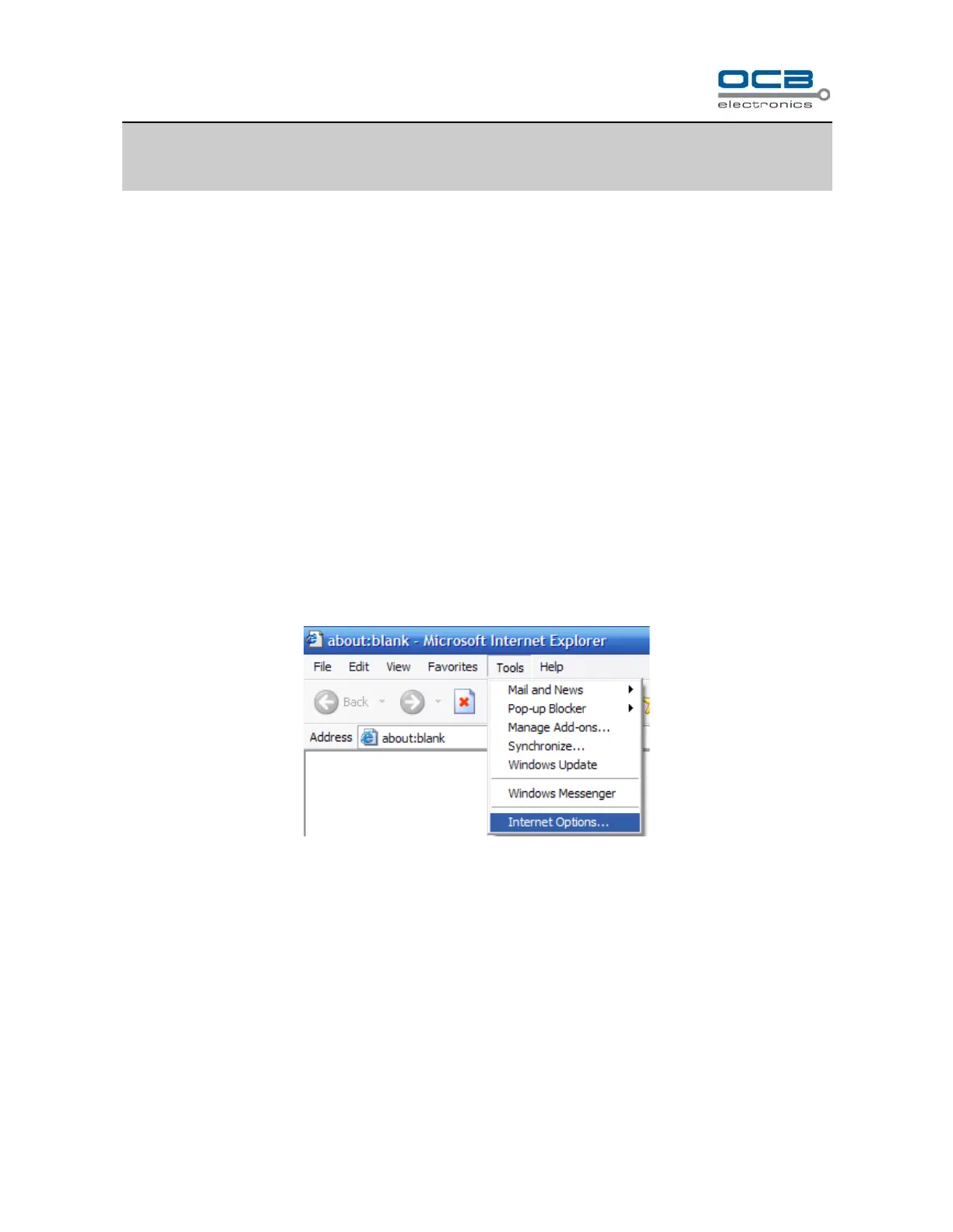
2.Open IE. Enter “Tool” → “Internet Option” and then click “Security” label. (Or right click on IE browser icon,
enter “Attribute”, enter “Security” label). Please refer figures below:



 To Next Page