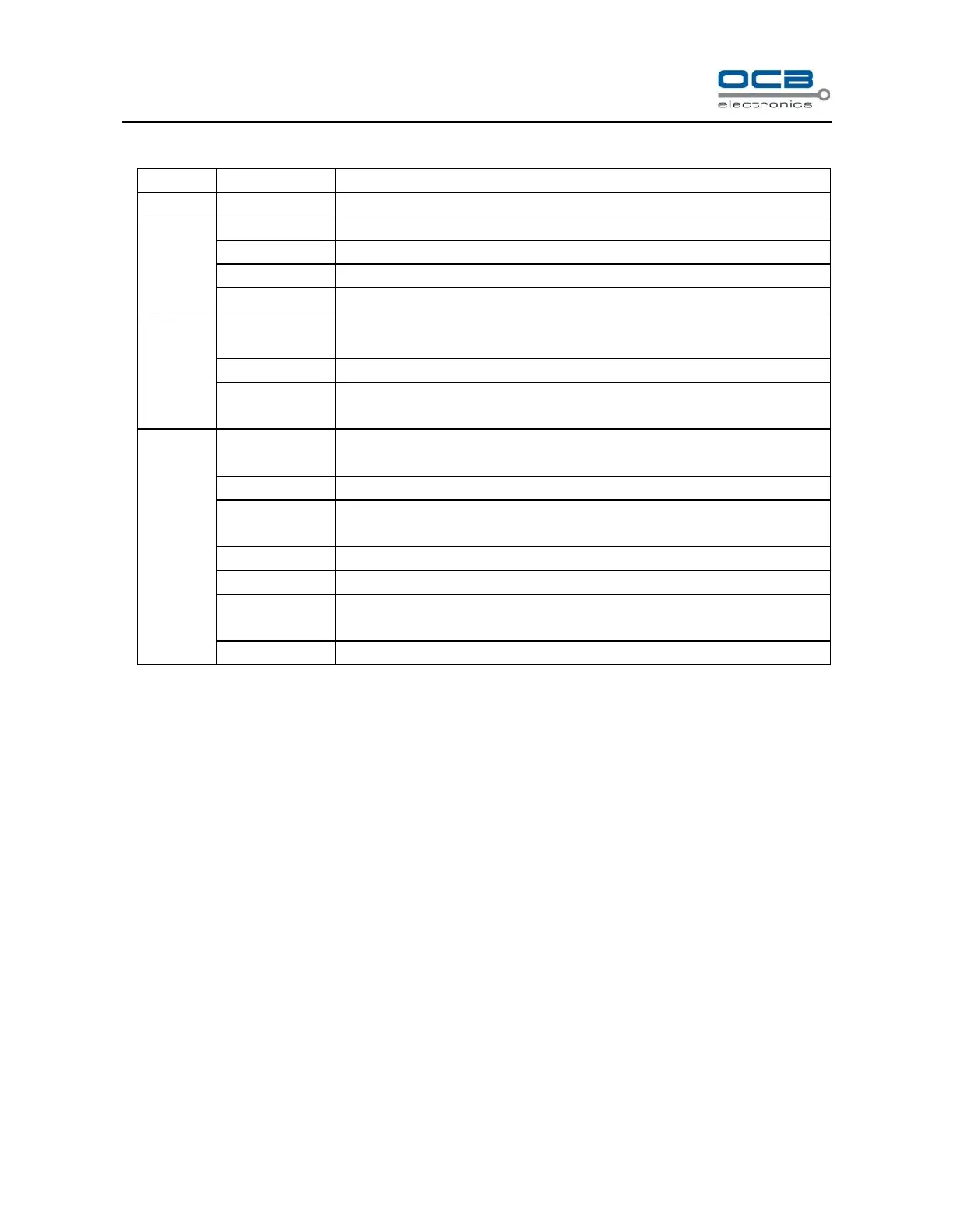
Search recording, playback or backup
HDD status check, HDD format and HDD alarm setup
System running and alarm information
System firmware version information
Check online user information, force kick online user
Setup recording resolution, codec type, image quality, stream bit, frame rate of
channels, Setup HDD overwrite automatically.
Schedule recording channel selection and recording time period setup
Alarm input, motion detection, video shelter and video lost alarm and
recording setup.
DVR name, remote control number, system time, menu alpha, VGA
resolution, auto logout, idle time, circular monitor, video format display
Add and delete user, modify password, set user rights
Channel name modification and display, system time display, cover area setup,
video parameters setup
Communication parameters, PTZ address, PTZ protocol setup
IP address, host port, DHCP and PPPoE network parameters setup
Set network transmission resolution, codec type, stream bit, frame rate, image
quality for every channel
Resume default configuration, log out, restart and timing restart.



 To Next Page