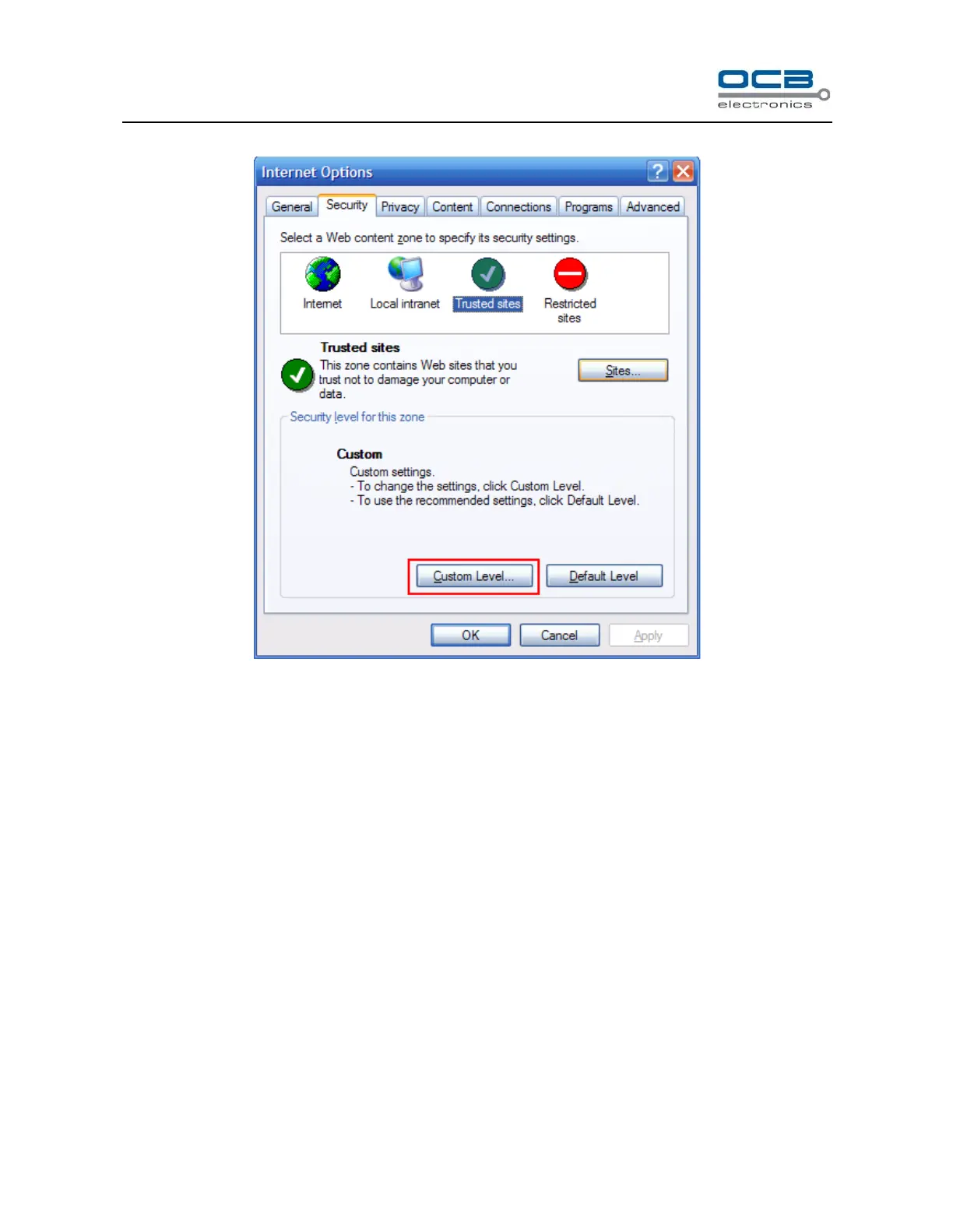
4. Click ‘Custom Level’ as shown in following Fig.
Please Modify below items(Enable/Disable)then press ‘OK’ to finish setting.
a) [Enable] Automatic prompting for ActiveX controls.
b) [Enable]Initialize and script ActiveX controls not marked as safe.
c) [Enable]Download unsigned ActiveX controls.
d) [Disable] Use Pop-up Blocker.
e) [Enable]Allow Script-initiated windows without size or position constraints.
Keep the other items as default.



 To Next Page