14 Océ 3050 User Manual
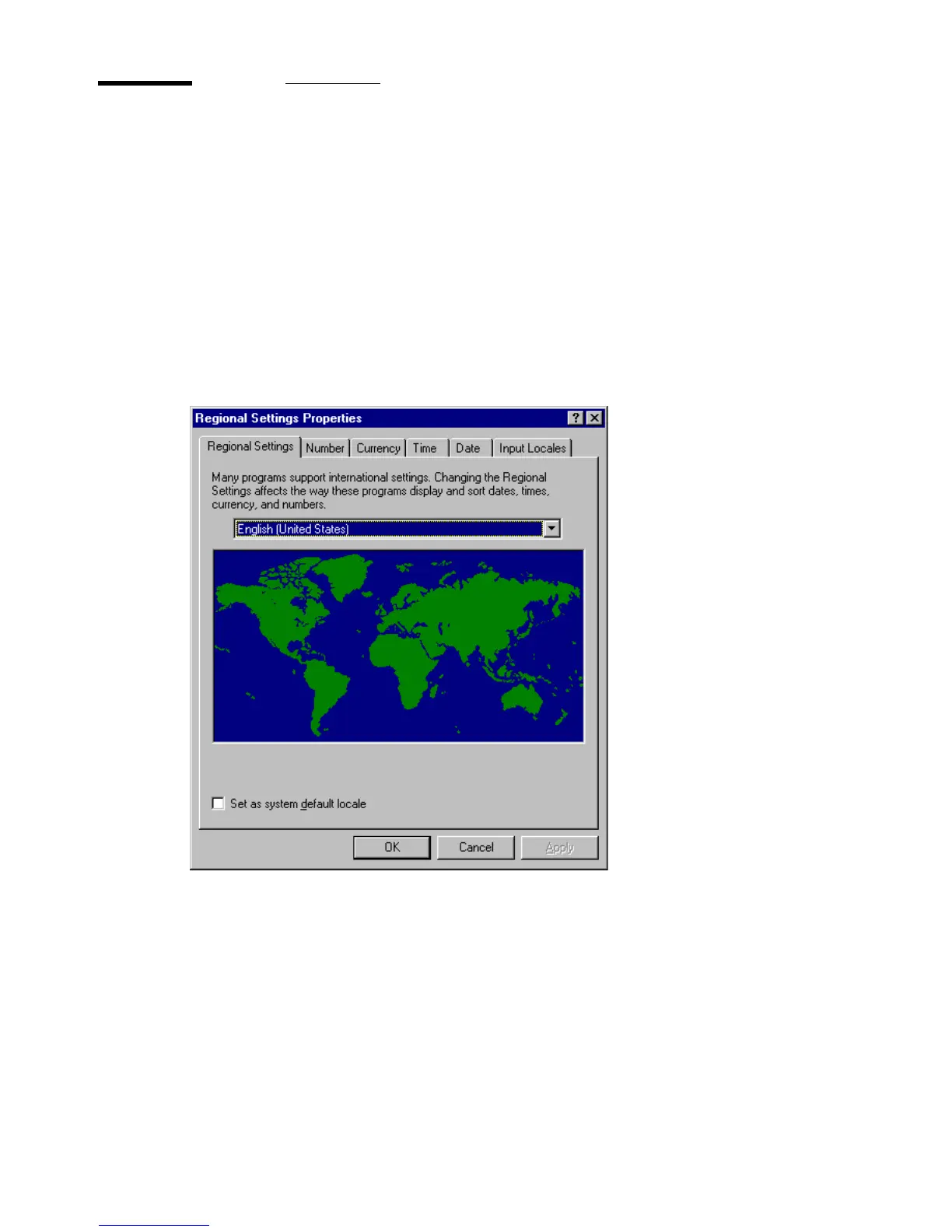
Selecting a language
You can specify the language in which the Océ 3050 Windows software is
displayed on your screen. You can choose English, French, German or Italian.
▼ To select a language:
1 Open the Control Panel menu in Windows.
2 Select Regional Settings.
3 Specify the desired language in the Language selection box.
Note: If you choose a language that is not supported, English will be
selected as default language.
[2] Language selection
4 Click OK to go back to the Control Panel window.
5 Exit the Control Panel window.
You can now start the Océ 3050 Microfilm scanner Windows application.
2065.tif



 To Next Page