30 Océ 3050 User Manual
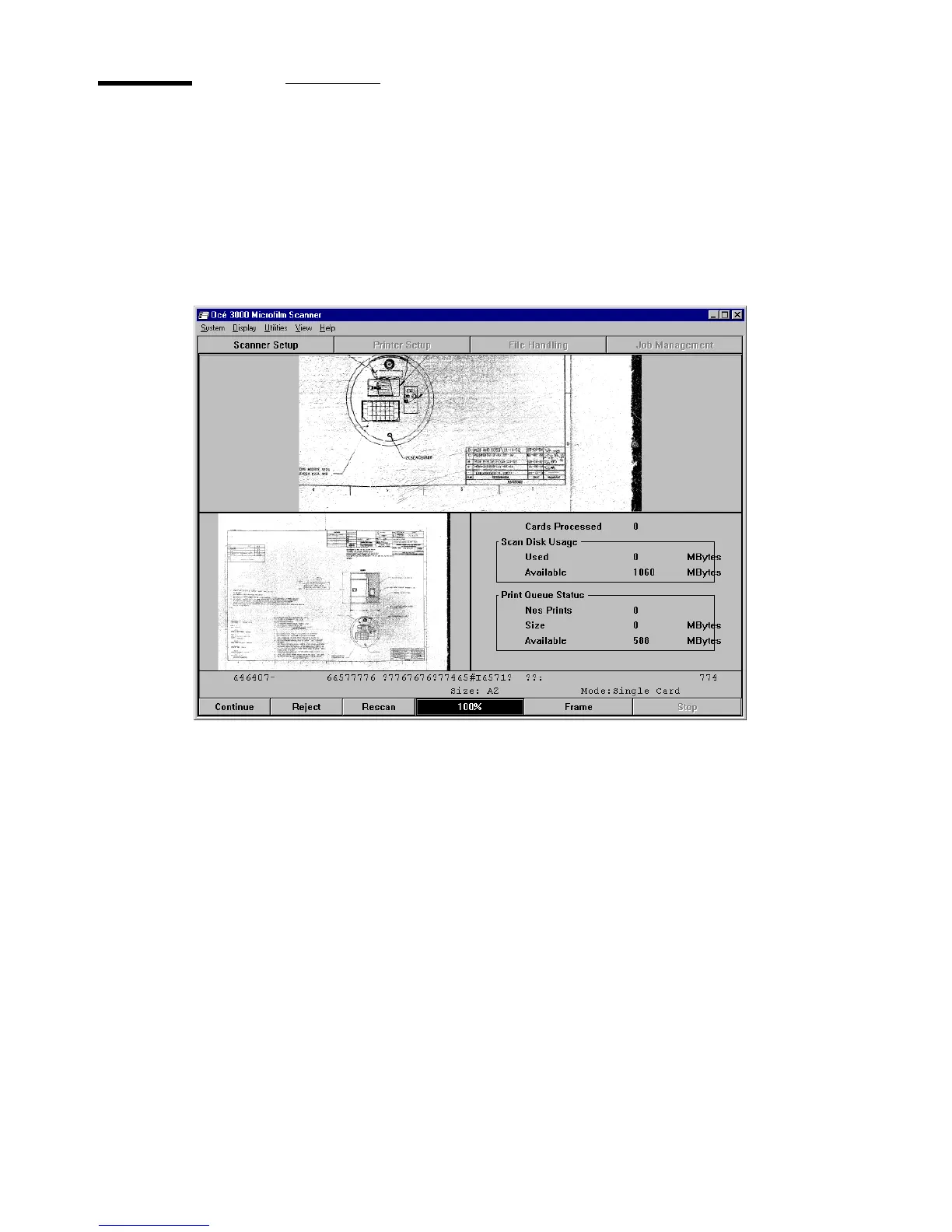
The Run-Time Display window
The Run-Time Display window appears when you click on the Start button on
the Control window. The display mode depends on the setting in the Display
menu. The illustration below shows an example of a Run-Time Display
window in Batch mode.
[12] Run-Time Display window (Dual Mode)
While scanning is paused, the Scanner Setup window can be called to change
the imaging parameters and the drawing size of the scan. In case a different
display mode is preferred, you can choose full, enlarged or dual. To change the
display mode see section
‘Choosing a display mode’ on page 34.
The button bar at the bottom of the window allows you to control the scanning
session.The layout of the button bar depends on the running mode and the
output mode.The following buttons can appear:
■ File/Print/Print+File
■ Continue
■ Reject
■ Rescan
■ Accept



 To Next Page