Scanning 19
The Control window
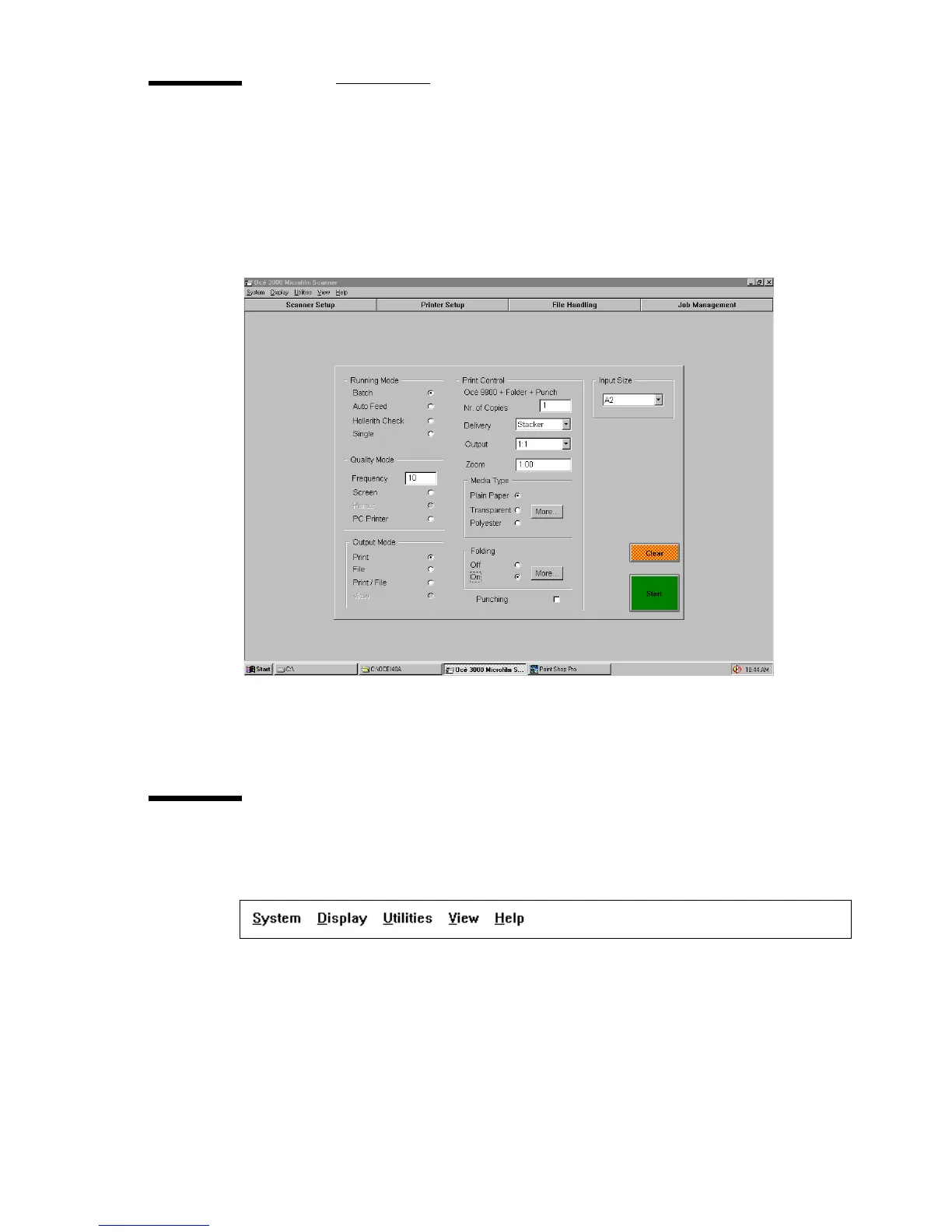
When the Océ 3050 Microfilm Scanner Windows application is activated, the
Control window appears on the screen. The following figure displays the
default Control window.
[5] Default Control window
The different parts of this window are described in the following paragraphs.
The option bar
The option bar provides five pull down menus.
[6] The option bar
System This is a pull down menu which contains the exit route for terminating
a scanning session.
Display This pull down menu selects one of the three possible display modes.
All display modes are available during the scanning process and during the



 To Next Page