Scanning 35
Enlarged
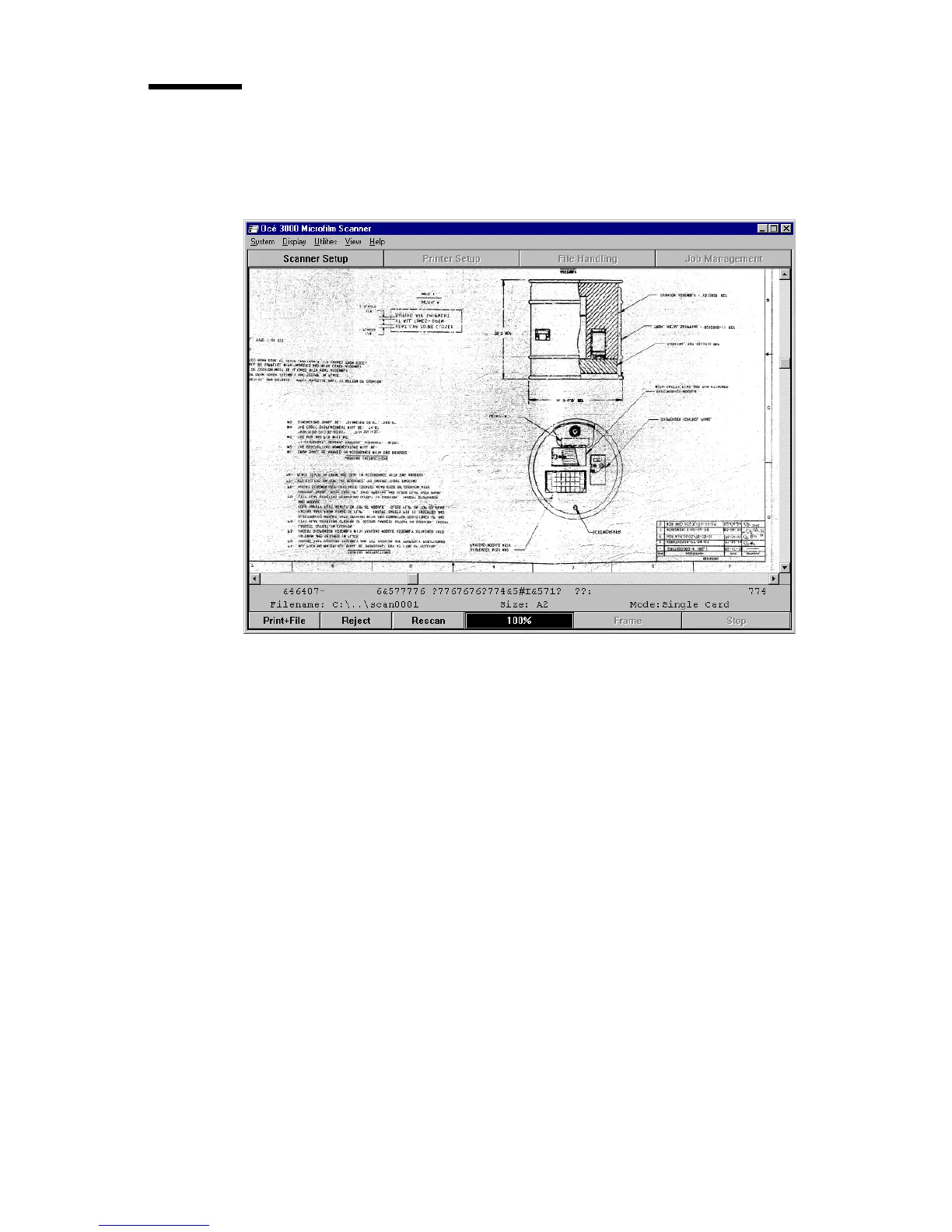
This option is a full screen display of a selected area of the image, scaled to fit
the available space in the window.
[16] Run-Time Display window with an Enlarged Image
You select the image area to be displayed using the ‘zoom and pan’ facility.
The zoom ratio defines the level of detail of the image to be displayed, and the
pan position defines which part of the image is displayed.
The display area and zoom factor are retained for the duration of the scanning
session so that the same area of other images using the Enlarged Display will
be displayed. When switching the Océ 3050 Microfilm Scanner on, the display
defaults to the full image.
2075.tif



 To Next Page