70 Océ 3050 User Manual
Automatic Card Selection
The Océ 3050 can automatically decide to scan or not to scan a card, depending
on its Hollerith string. If you activated Automatic Card Selection, the Hollerith
string of each card will be compared with a list of Hollerith strings in a
specified ASCII file.
Note: The ASCII file may not exceed 100 Kilobytes.
Note: Using a large ASCII file may reduce the throughput of the scanning
process.
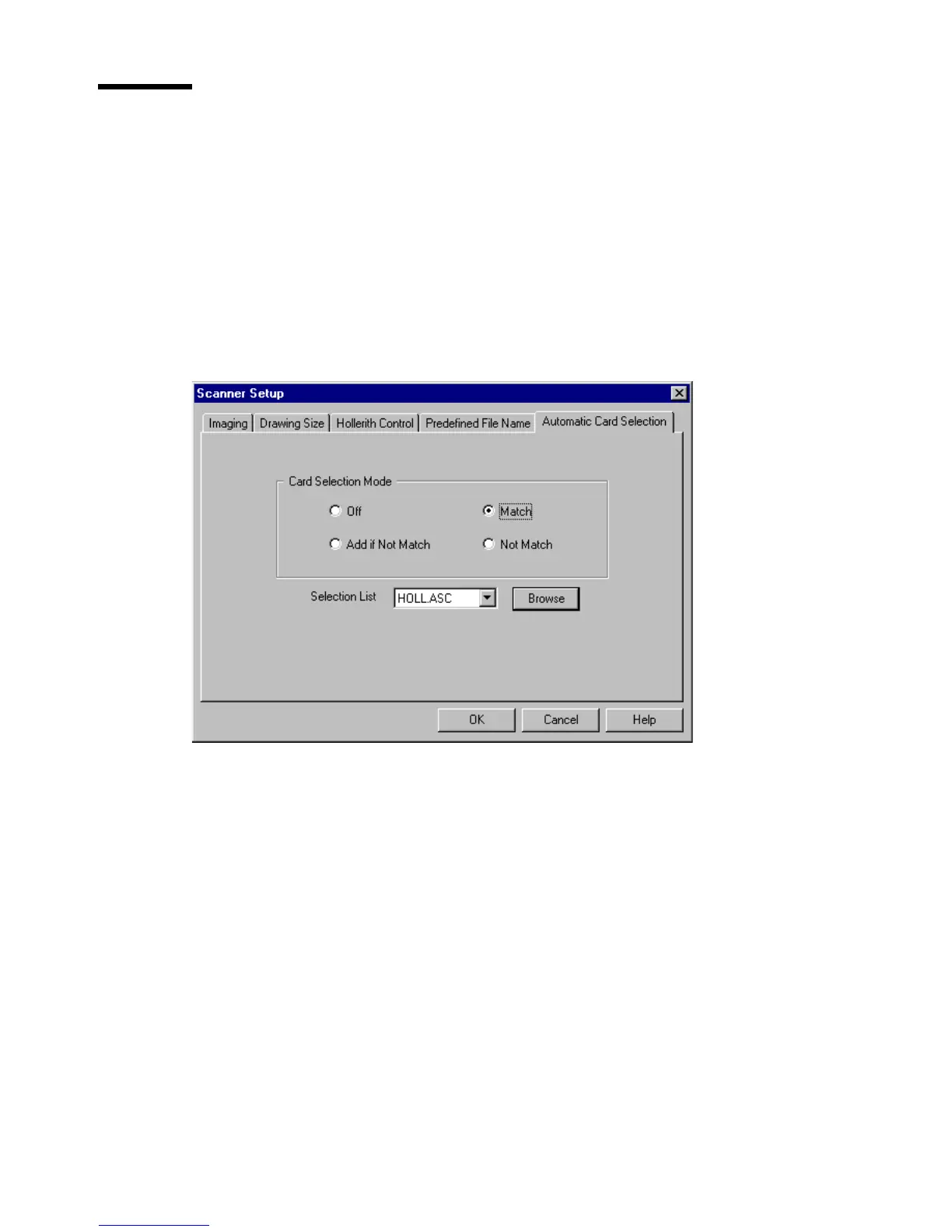
[48] Automatic Card Selection card of the Scanner Setup window
You can select the following operating modes:
Off All cards will be scanned.
Match Only if the Hollerith string of the card matches one of the strings in the
specified file, the card will be scanned.
Not Match Only if the Hollerith string of the card does not match one of the
strings in the specified file, the card will be scanned.
Add if Not Match If the Hollerith string of the card does not match one of the
strings in the specified file, the string will be added to the file and the card will
be scanned.



 To Next Page