72 Océ 3050 User Manual
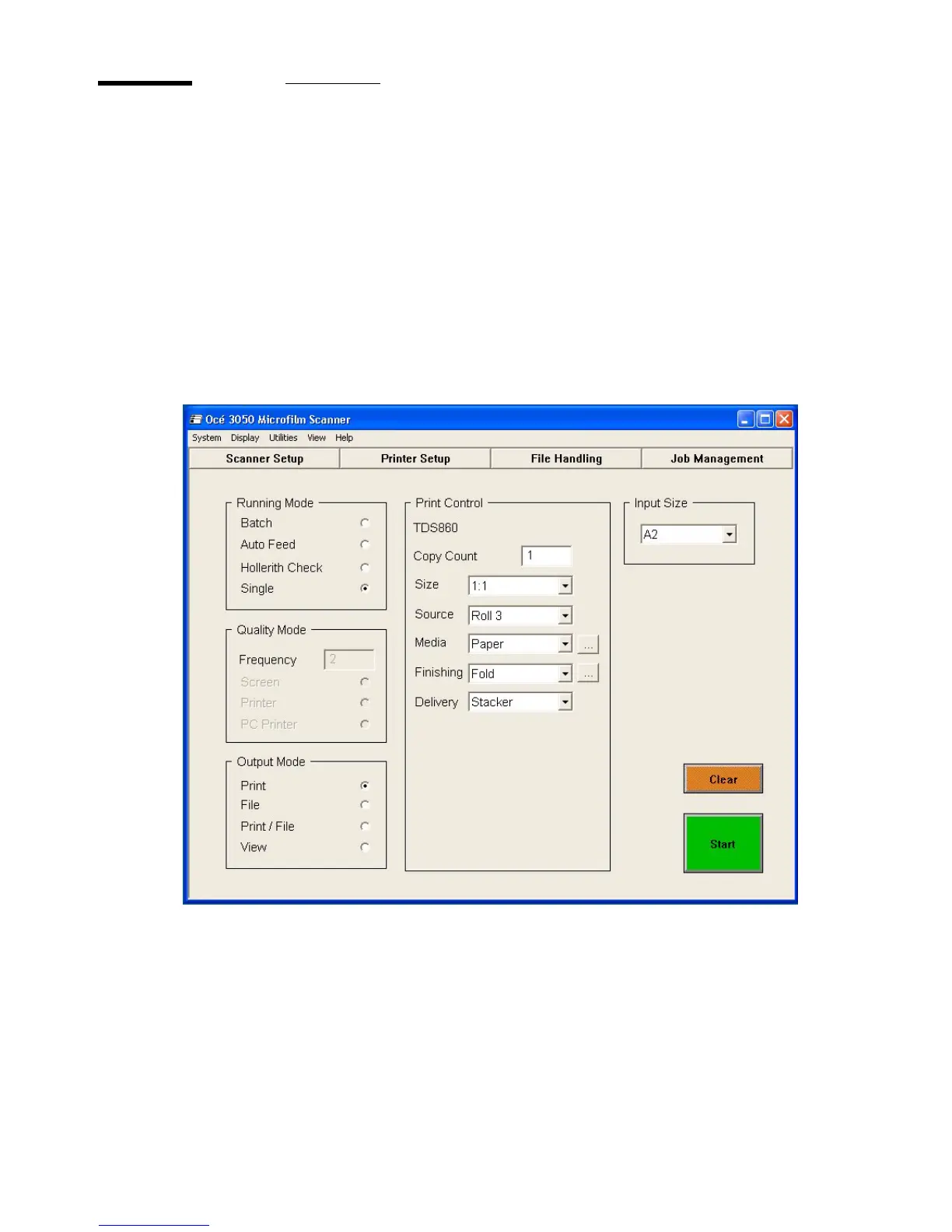
The printer setup
1 Click 'Printer setup' to set a new default printer.
The printer setup dialogue appears.
2 Select a printer from the list.
3 Click 'Set Default Printer'.
The name of the selected printer appears in the Default Printer box in the top
of the Printer Setup window.
4 Click 'OK'to confirm your selection.
The printer setup dialogue disappears and in the Print Control you will find the
selected printer.
[49] Main Window



 To Next Page