40 Océ 3050 User Manual
Viewing image files
The Viewing mode is a special mode for viewing scanned image files that are
stored in an image directory.
Click the View button in the option bar to enter the viewing function.
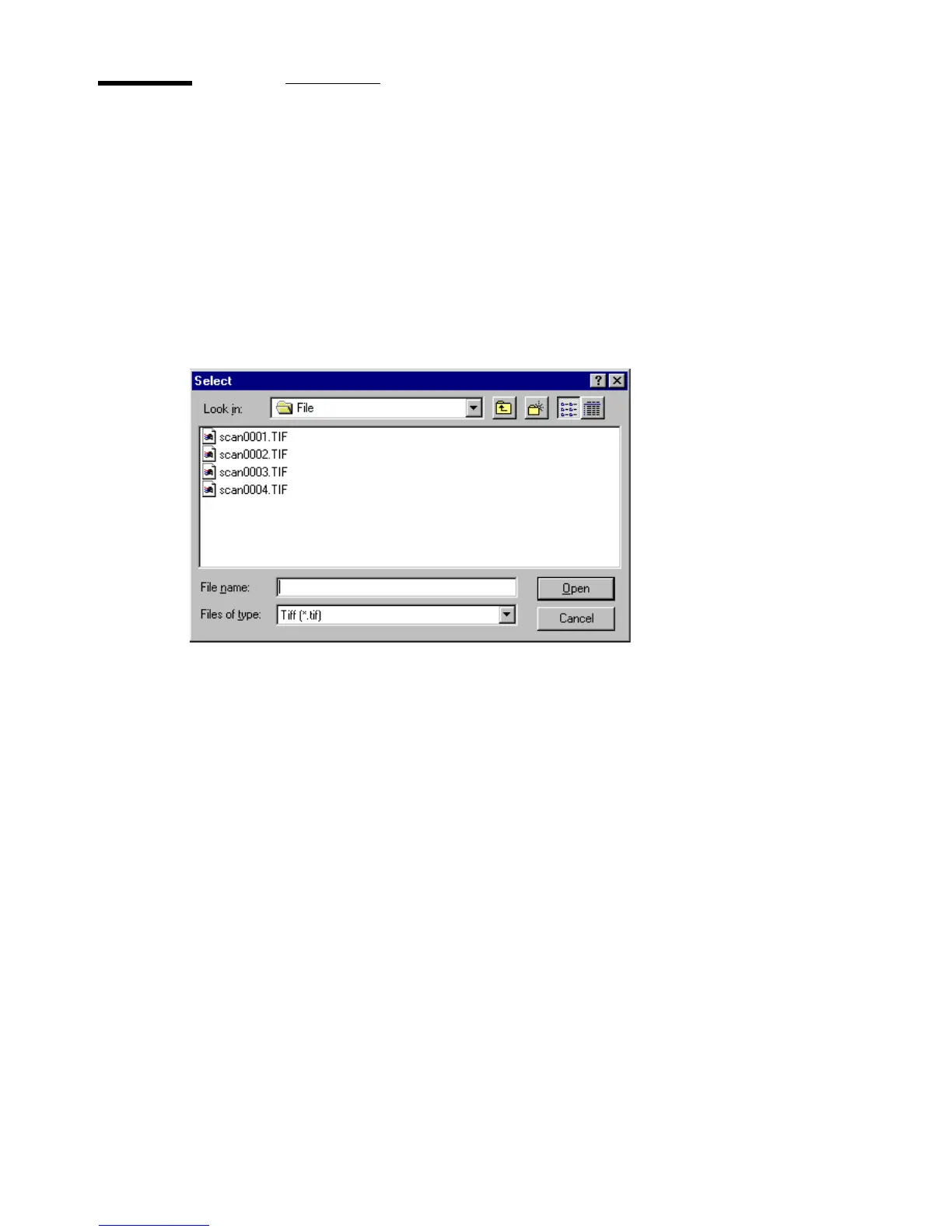
Click the Select option in the View pull down menu to open a file selection box
showing all the file names of a specified type in the current data directory:
[18] File selection
You select a file by double clicking the file name or you can select more files
at once
(see page 41).



 To Next Page