System installation 15
Start/ stop the scanning procedure
This section explains the procedure for start and stop the scanning, including
switching on/off the scanner and the PC.
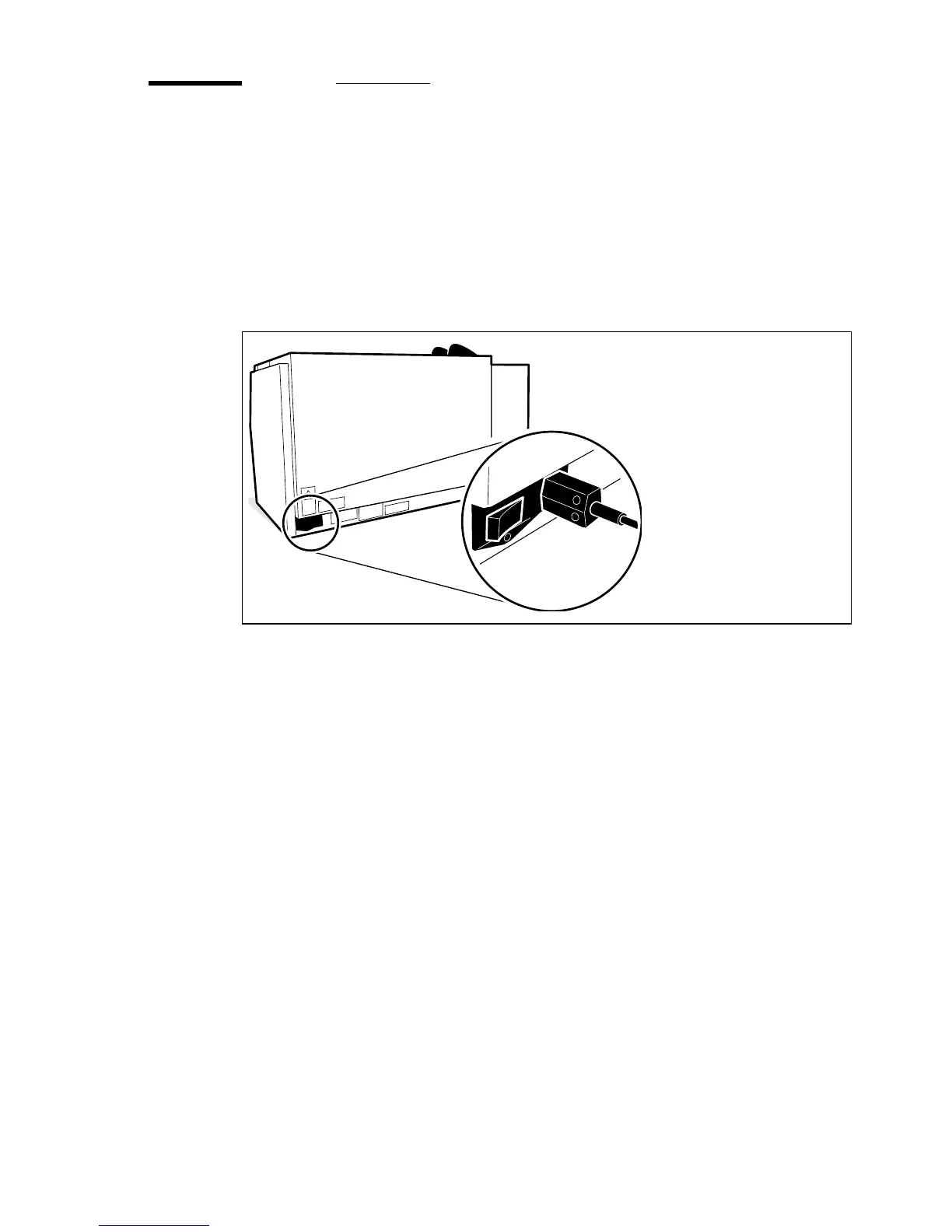
▼ To switch the scanner on:
1 Switch the ON/OFF switch on the rear of the Océ 3050 Microfilm Scanner to
the
‘I’ (ON) position (see figure 3).
[3] The ON/OFF switch
▼ To start the window application:
1 Switch the controlling PC on.
2 Start Windows.
3 With Windows running, open the Océ 3050 Scanner Group.
4 Double click the Océ 3050 icon.
The system starts up and performs a self-test. When the calibrating procedure
is finished (after about 30 seconds), the Control screen is displayed.
If the system is not to be used for several hours, switch the scanner system off.
▼ To stop the windows application:
1 Click System at the top of the screen.
2 Click Exit.
You may be asked if you want to save the current configuration.
3 Select the Shut Down option in Windows.
2244



 To Next Page