34 Océ 3050 User Manual
Choosing a display mode
Either during the scanning process or during the file viewing (browsing) after
drawings have been scanned, you can display the images in three different
modes. The three display modes are available in the Display pull down menu.
They are described below.
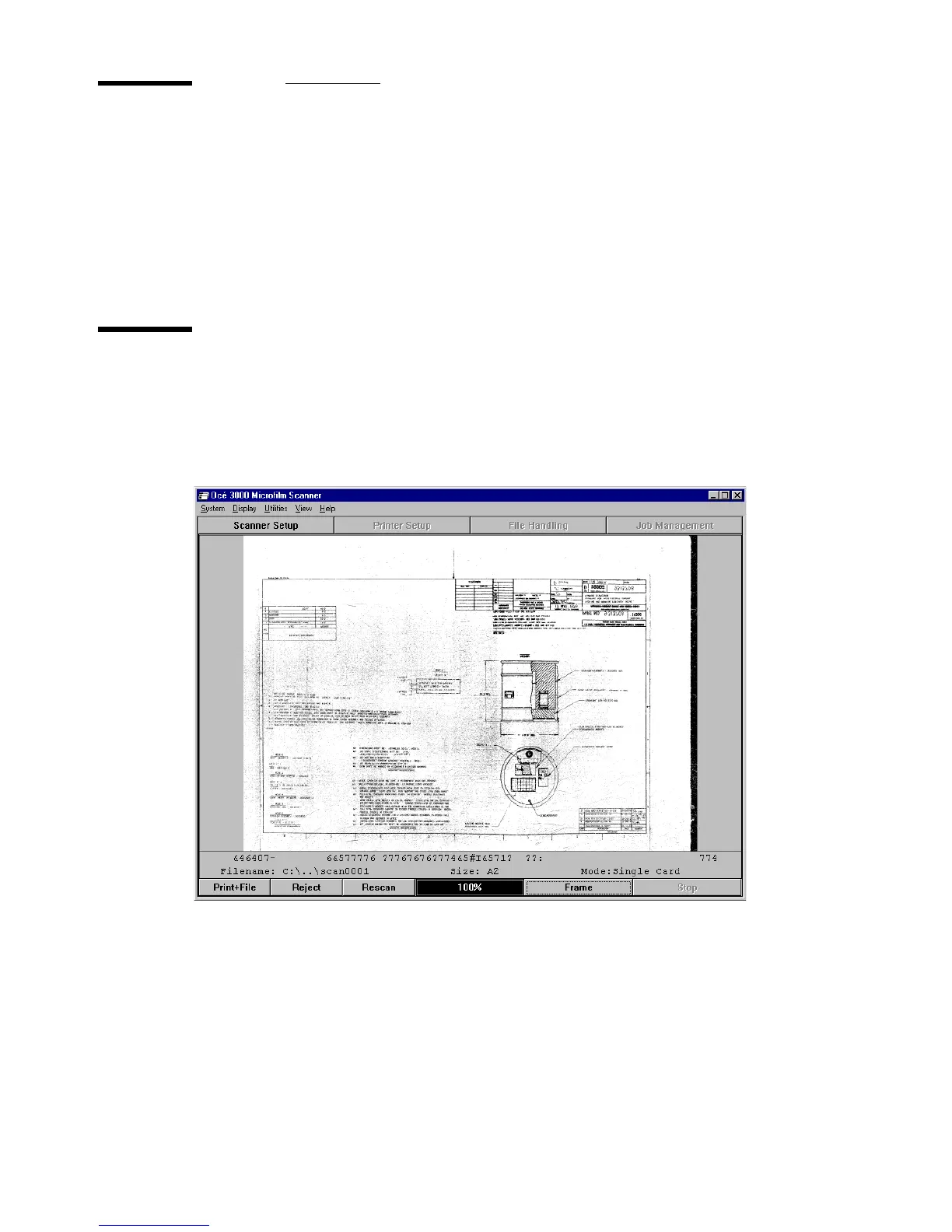
Full Image
This option provides a full screen display of the whole image, scaled to fit the
available space in the window. The ‘zoom and pan’ facility is not available in
this mode.
[15] Run-Time Display window with a Full Image
2074.tif



 To Next Page