90 Océ 3050 User Manual
Card jams
When a card jams, there are two ways of clearing the jam. You can try to clear
the card jam by clicking the Clear button in the Control screen. Scanning can
proceed if the card is ejected into the output hopper. If this does not work, you
should remove the card manually. Proceed as follows to do so.
▼ To clear a card jam:
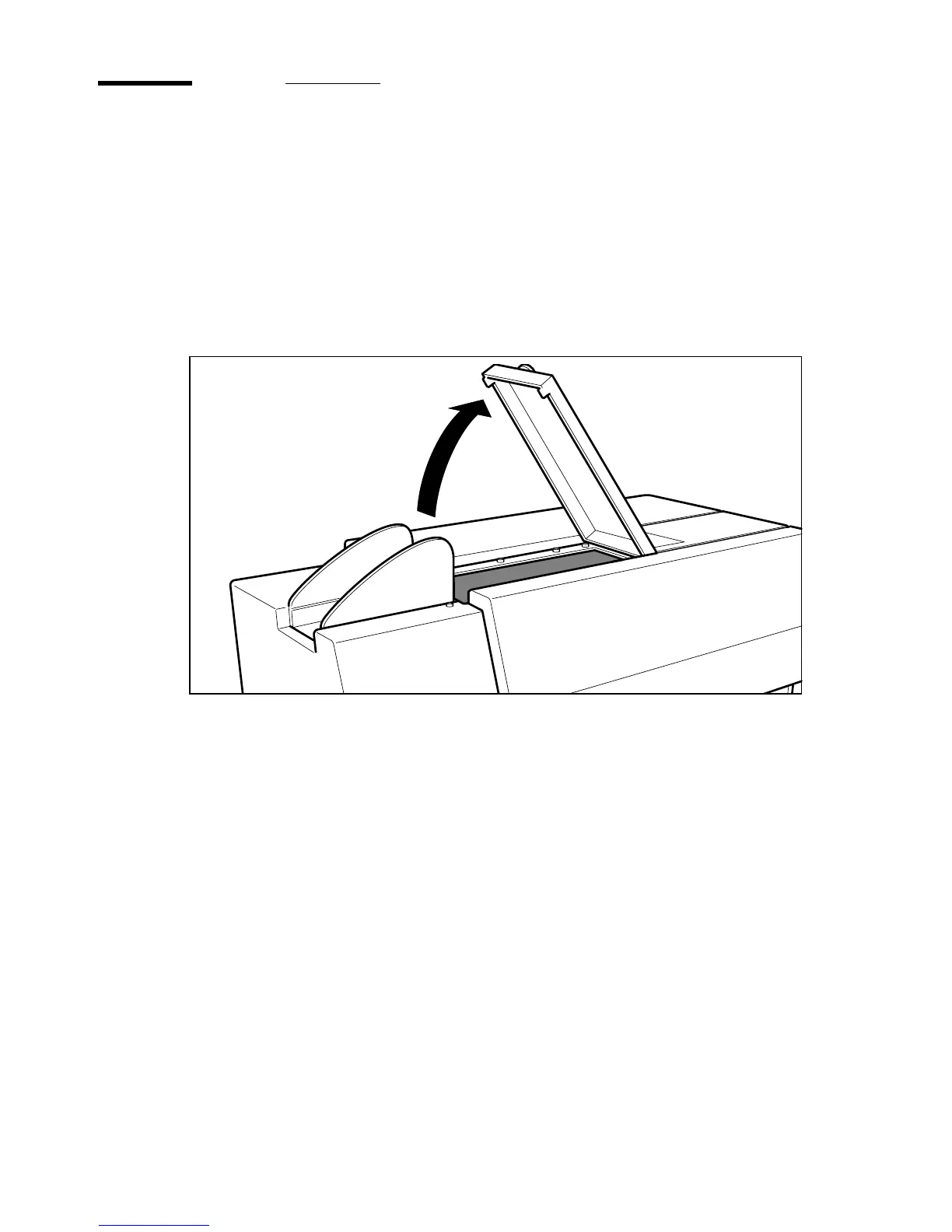
1 Open the Scanner access door.
[59] Scanner access door



 To Next Page