92 Océ 3050 User Manual
Cleaning the drum
The scanning drum needs regular cleaning. Use isopropyl alcohol and a cloth
that does not give off fluff.
▼ To clean the drum:
1 Open the Utilities pull down menu in the option bar.
2 Click Clean Drum in the pull down menu.
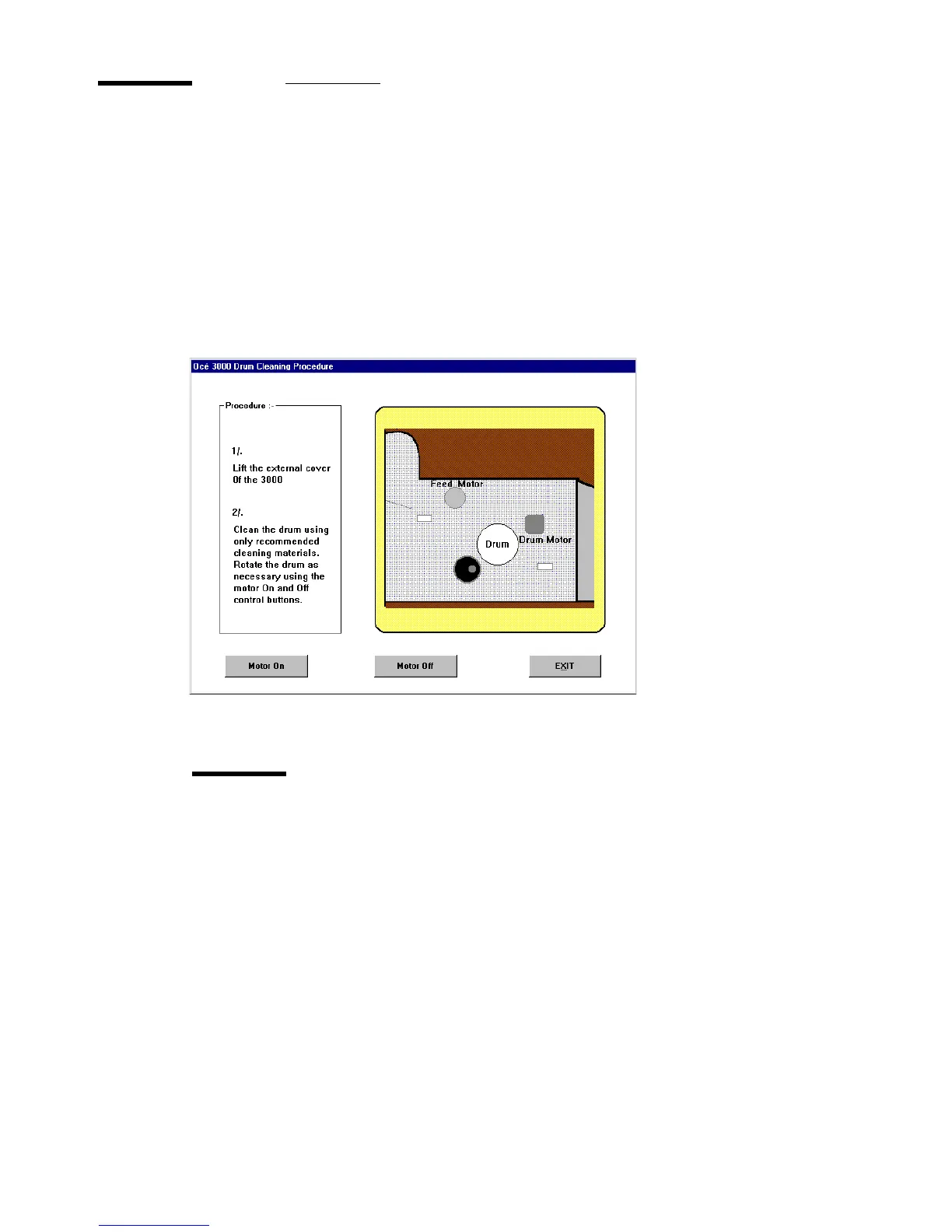
The Drum Cleaning Procedure window appears on the screen.
[61] Clean Drum
3 Open the scanner access door.
Caution: Make sure your tie or hair is not hanging over the scanner, as it
may get caught when the drum starts rotating.
4 Click Motor On on the screen.
The drum starts rotating.
5 Put some isopropyl alcohol on the cloth.
6 Hold the cloth with isopropyl alcohol against the drum as it rotates.
7 When the drum is clean, click Motor Off on the screen.
The drum stops rotating.
8 Close the scanner access door.



 To Next Page