44 Océ 3050 User Manual
The scanner setup
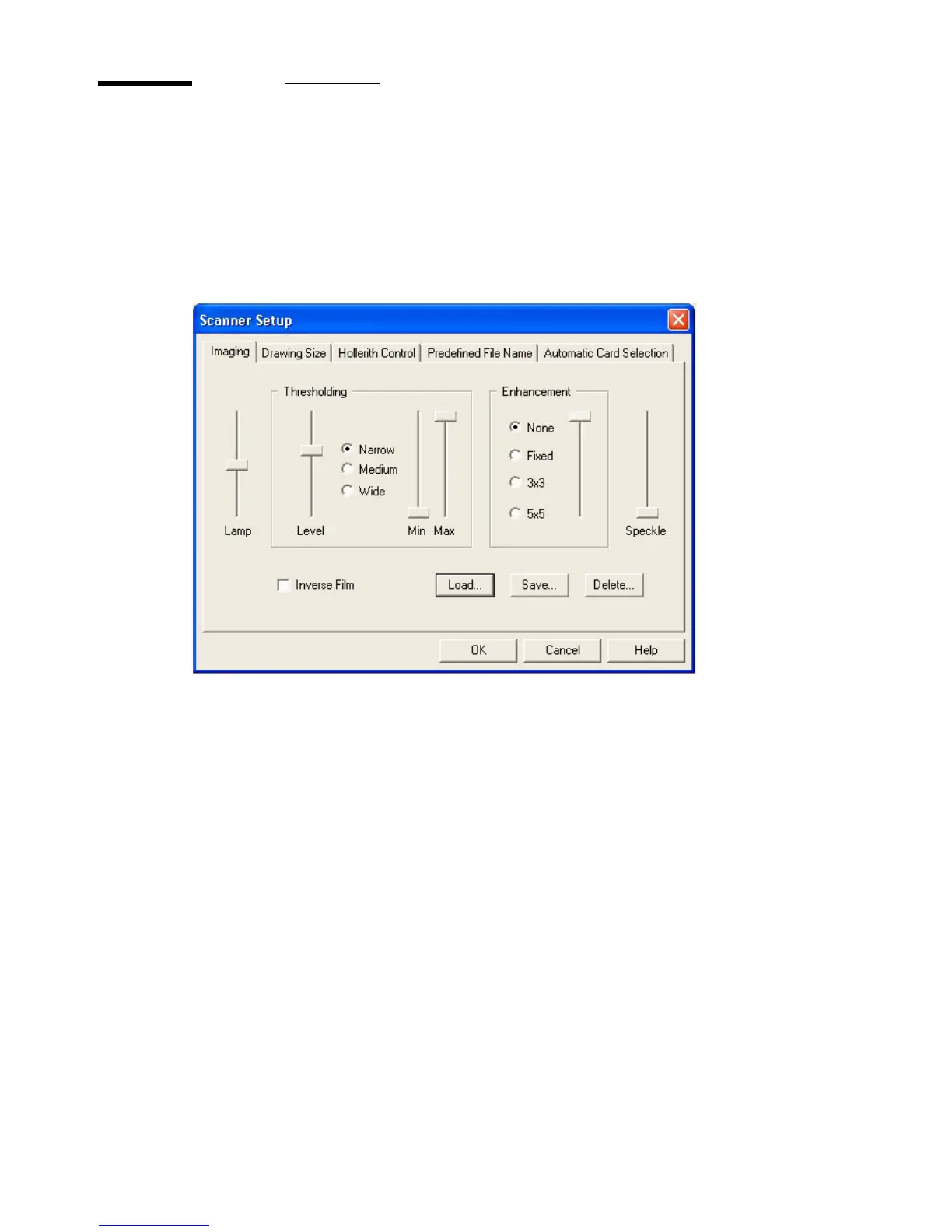
Click the Scanner Setup button to display the Scanner Setup window. The
Scanner Setup window contains entry boxes for all parameters necessary to
obtain scanned images of high quality. The Scanner Setup window is shown in
the illustration below:
[20] Scanner Setup
The window consists of five different cards:
■ Imaging
■ Drawing Size
■ Hollerith Control
■ Predefined File Name
■ Automatic Card selection
Each card can be selected by clicking its label. Besides these entry boxes, the
window also contains an on-line help button and two control buttons:
■ The OK button allows you to update the scanner setup after changing the
parameters.
■ The Cancel button allows you to exit the Scanner Setup window without
updating the parameters.
■ The Help button allows you to enter the help screen of the Scanner setup.



 To Next Page