Scanning 21
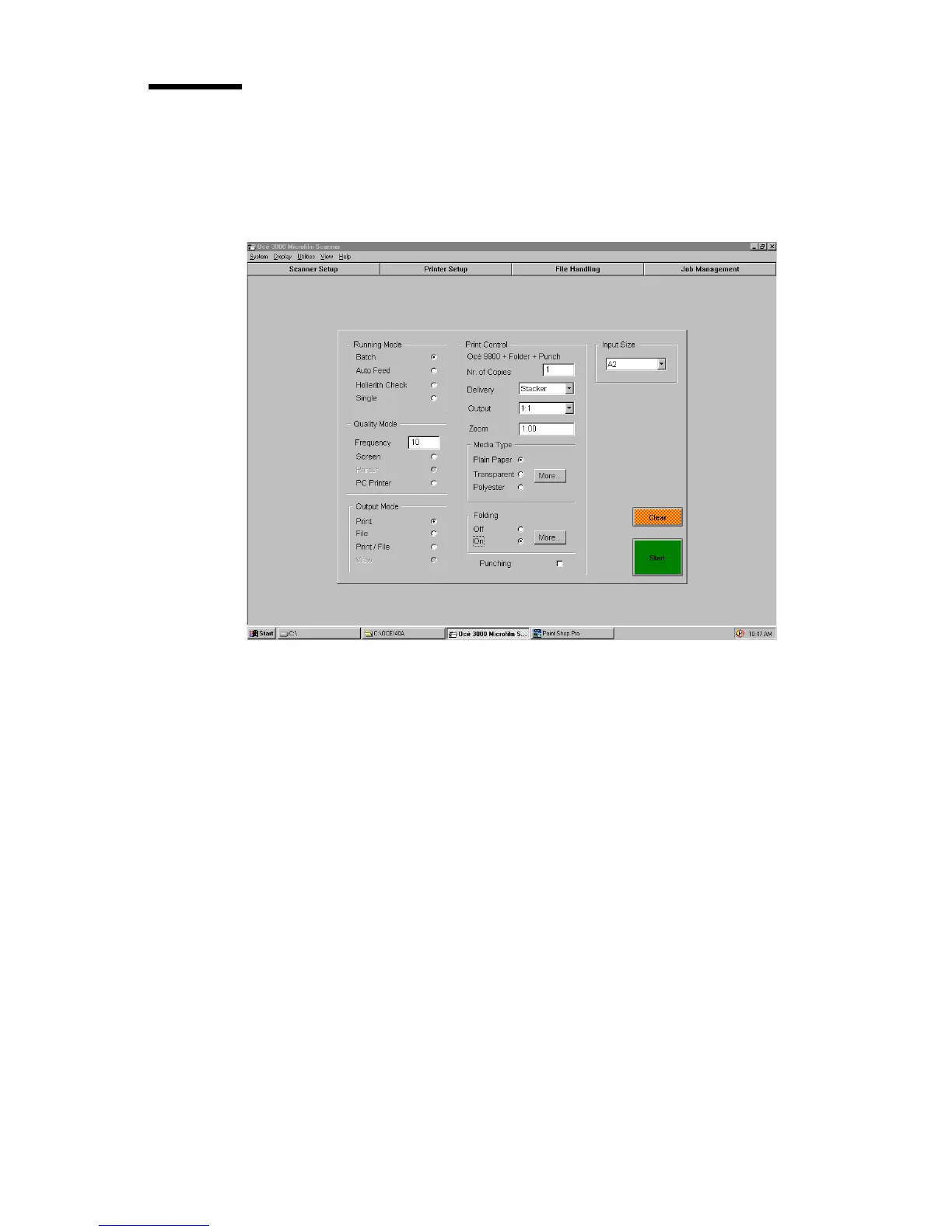
The Control window
The Control window contains five entry boxes to set parameters for the
scanning session and two control buttons for starting the job or clearing the
scanner.
[8] The control window
Running Mode The Running Mode entry box contains four radio buttons,
allowing you to choose from the various scanning modes: Batch, Auto Feed,
Single and Hollerith check.
Quality Mode The Quality Mode entry box is only accessible in Batch running
mode. This mode allows you to automatically pause the scanner after a preset
number of scanned cards, and to check the quality of the scanned images. You
can set the frequency of the Quality Mode and three radio buttons allow you to
choose from the various output settings: Screen, Printer or PC
Printer.
Output Mode The Output Mode entry box provides four radio buttons to select
the output: Print, File, Print/File or View.
Input Size The Input Size entry box allows you to specify the size of the image
on the microfilm, or to select Hollerith sizing.



 To Next Page