22 Océ 3050 User Manual
Print Control The Print Control entry box allows you to specify the desired
settings for the selected printer output: the number of copies, the size of the
output print,
etc. The look of the Print Control entry box depends on the
selected printer. You can find more information in
‘The printer setup’ on
page 72.
Clear Use this button to clear cards which may be trapped in the scanner.
Start This button starts the Océ 3050 Microfilm Scanner process as selected
(batch or single).
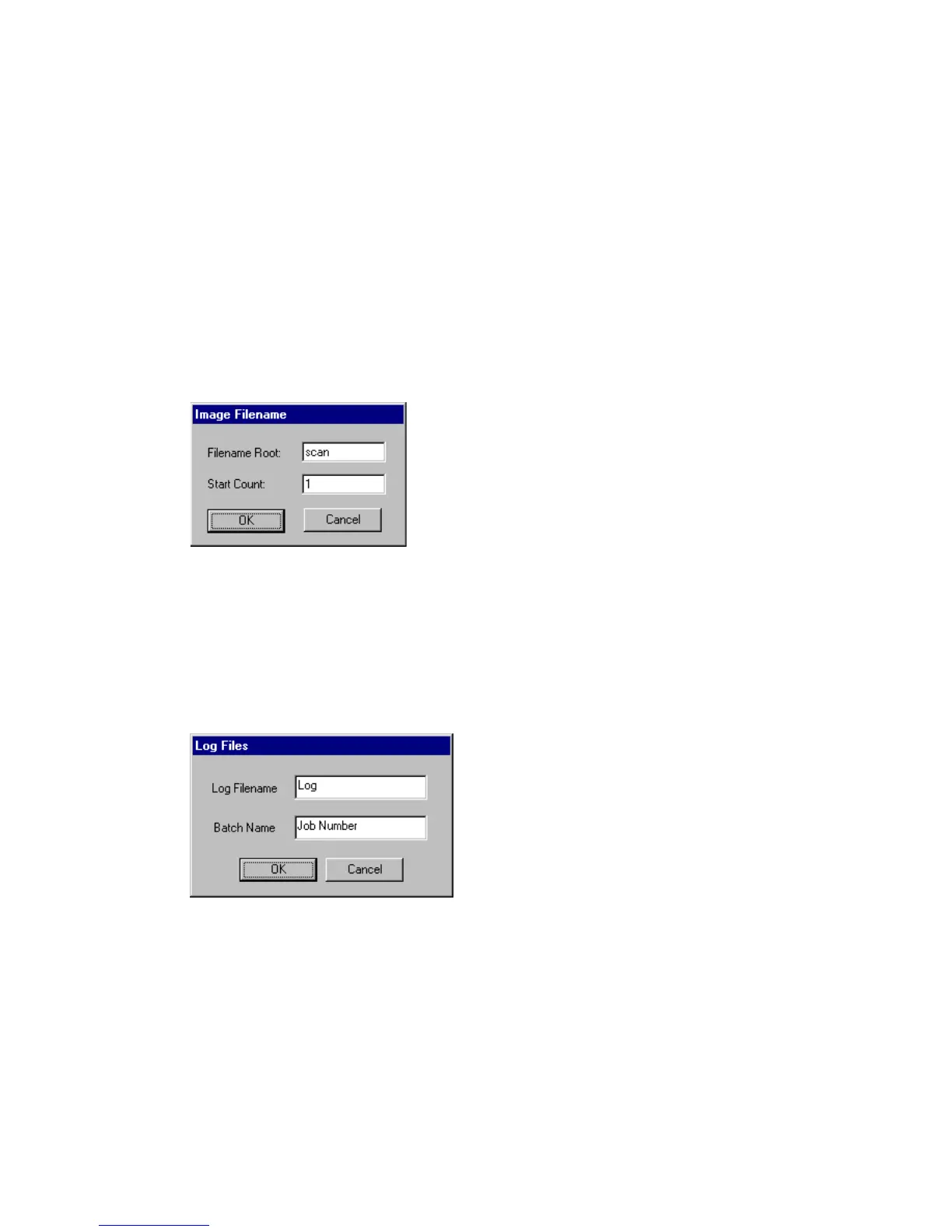
If Hollerith Naming is off, depending of your choice File or Print/File, the
following window appears before scanning starts:
[9] Image file name
This window allows you to define the root of the name for the scanned image
files, and the counter start number. In the example above, the first image file is
‘scan0001’, the second image file is scan0002’ and so on.
If Log File Usage is on, the following window appears before scanning starts:
[10] Log file
This window allows you to set the name for the log file.
After defining log file and file naming, the scanning starts and the window
changes to the Run-Time Display window
(see figure 12 on page 30).
2068.tif
2069.tif



 To Next Page