The Viewing mode 41
The view screen
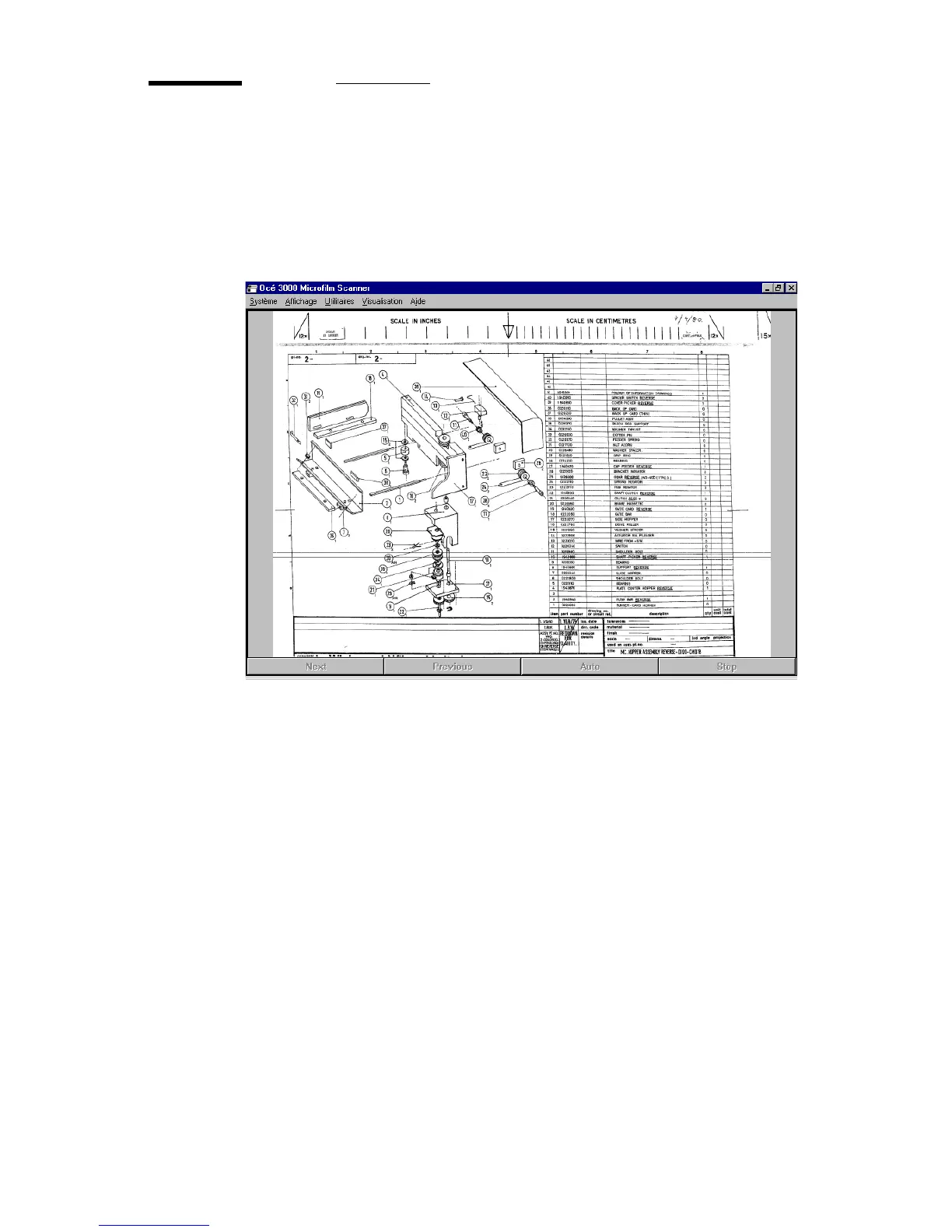
Once a file has been selected for viewing, it is displayed on the screen. You can
change the Display mode in the Display pull down menu. The following
illustration is an example of a View screen:
[19] The View screen
If more than one file is selected, you can scroll to:
■ the next image
■ the previous image
■ auto: after approx. 3 seconds the next image appears automatically on the
screen
■ stop: the stop button is to stop the automatic scrolling (this button is only
enabled, when ‘Auto’ is in use)
Printing in View mode You can print the image on the screen, by selecting one
of the print options in the View pull down menu:



 To Next Page