Setting up the Océ 3050 Microfilm Scanner 69
Numeric Count The root name will be followed by a number that will be
incremented automatically for each new image. You can specify the number of
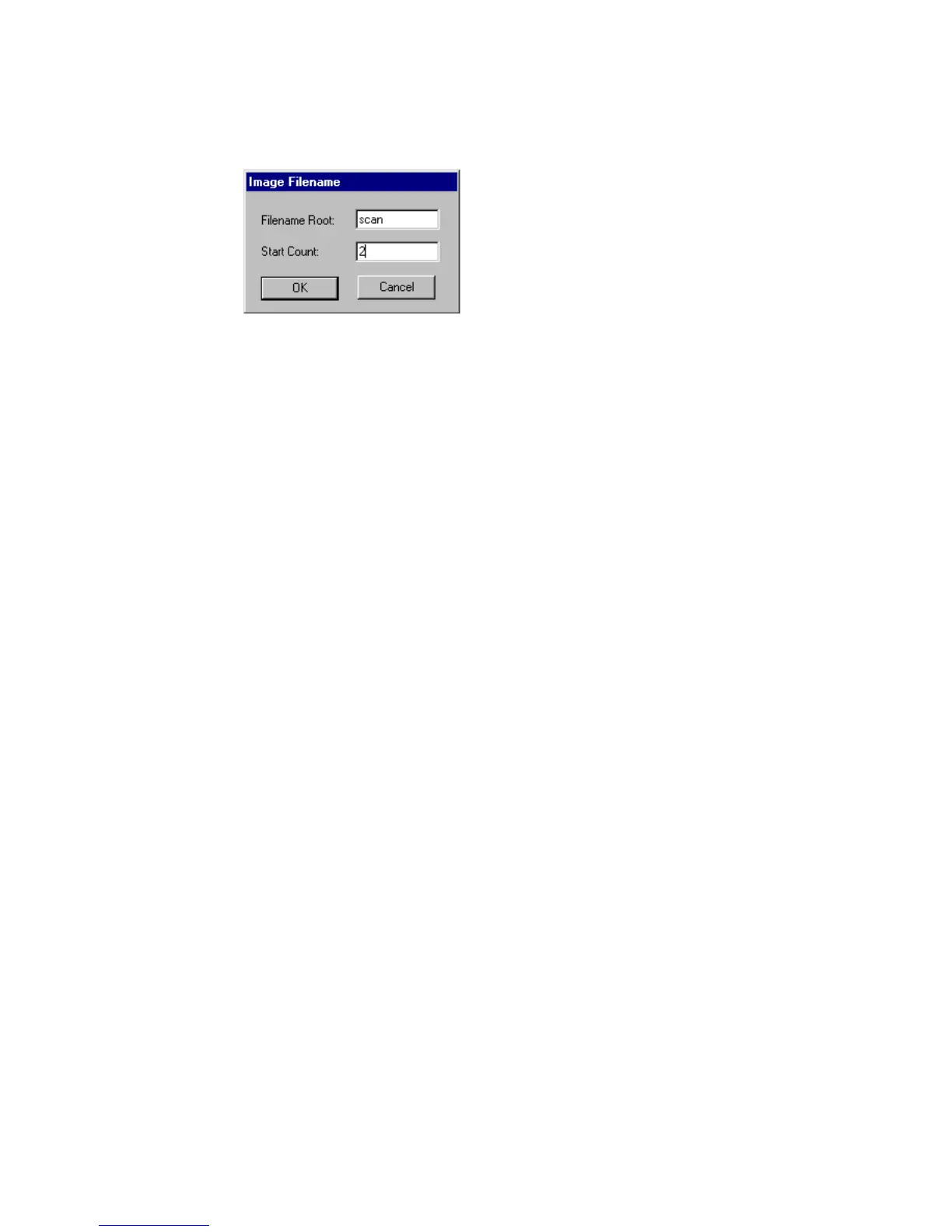
digits. Every time you start to scan, the following window will appear:
[47] Image file name window
If required you can change the Filename Root and the number that will be used
for the first image.
Date & Time If you select this option, the root name will be followed by the
numeric count, the time and the date of scanning.
Log File Record If you select this option, the root name will be followed by the
complete Log File Record
(see ‘Log File Usage’ on page 86). Other options
can not be selected at the same time.
▼ Specifying a Predefined File Name
1 Open the Scanner Setup window.
2 Select the Predefined File Name card.
3 Fill in the root file name, and select one of the complements:
■ Numeric Count (specify the number of digits)
■ Date&Time
■ Log File Record
4 Click OK



 To Next Page