52 Océ 3050 User Manual
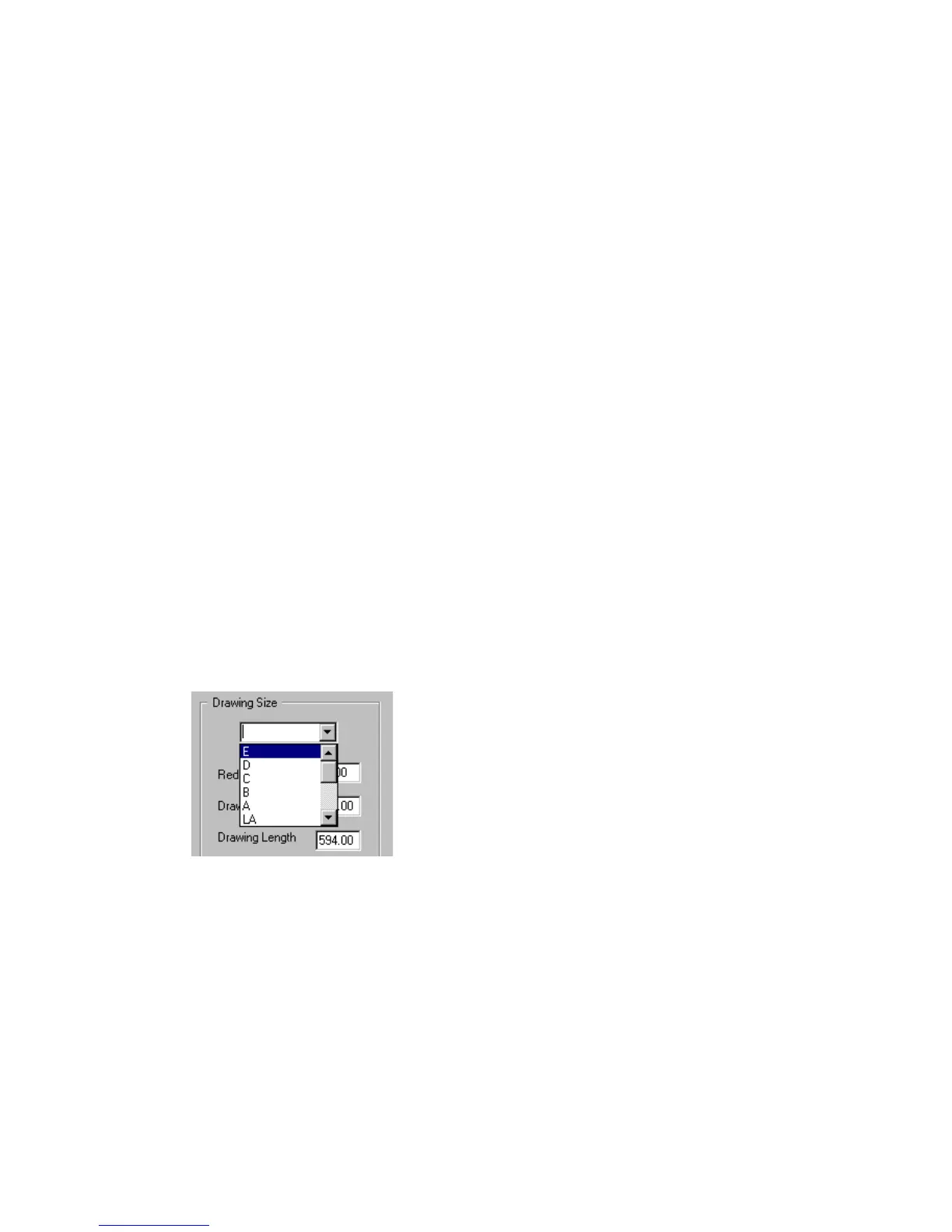
This window contains four main parts:
■ Drawing Size
■ Drawing Size File
■ Units
■ Control buttons.
Drawing Size This part of the window defines the name of the drawing size,
the reduction ratio, the drawing width and length, the X and Y offset and the
print size. Any name up to 8 characters will do.
▼ To add a new drawing size:
1 Open the Scanner Setup window.
2 Select the Drawing Size card
3 Click the Edit File button to open the Edit Drawing Size File window.
4 Click New Size.
5 Enter a name for the new size in the upper right entry box.
6 Choose the units to work with.
7 Enter the values for reduction ratio, drawing width and drawing length in the
appropriate entry boxes.
8 Click Update to add the drawing size to the Drawing Size File.
▼ To delete a drawing size:
1 Open the Scanner Setup window.
2 Click the Edit File button to open the Edit Drawing Size File window.
3 Select the size to delete in the size list.
[28] Deleting a drawing size
4 Click Delete Size.
5 Click Update.



 To Next Page