System maintenance 103
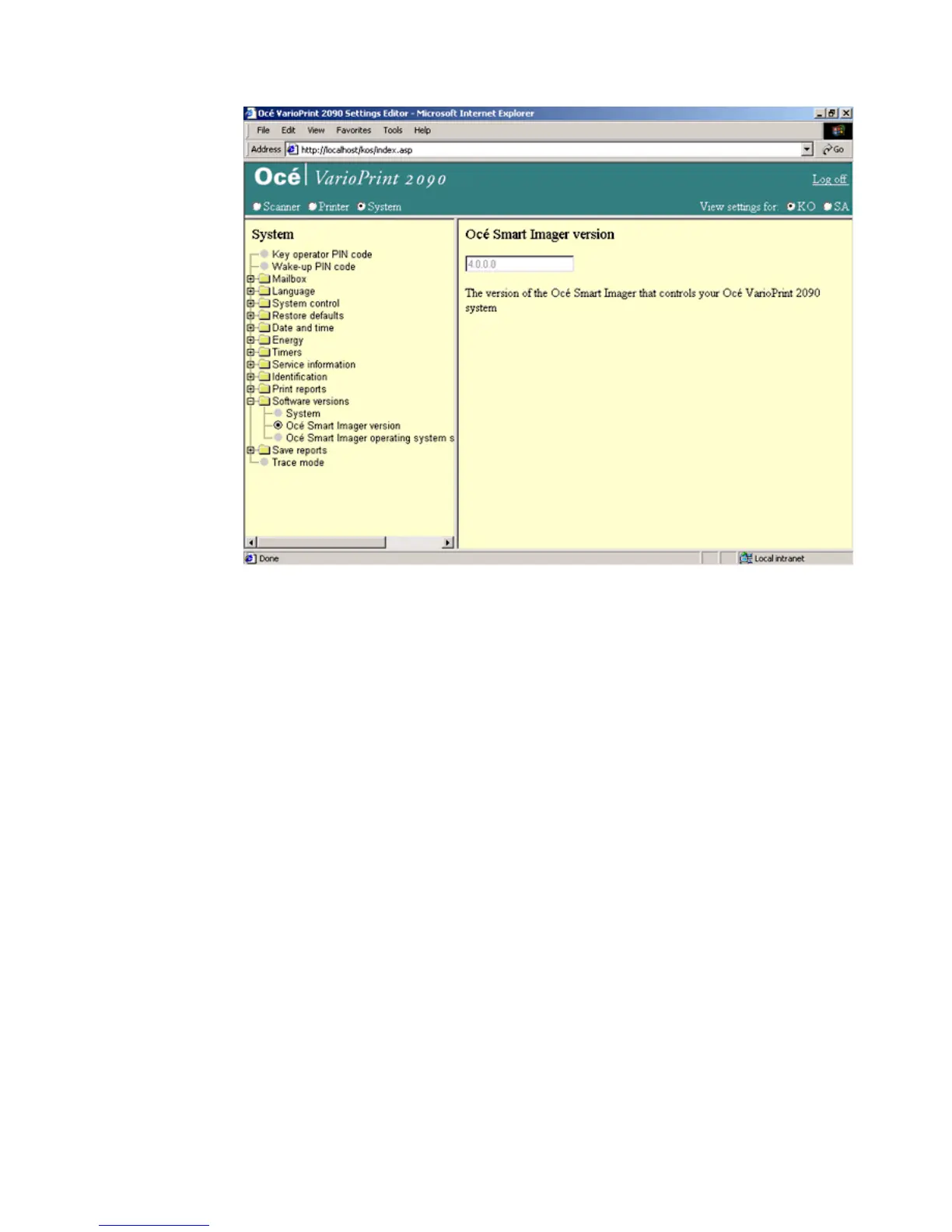
Illustration
[51] The system, the Océ Smar t Imager and the operati ng system softwar e ver sion
[51] The system, the Océ Smart Imager and the operating system software version
How to show the version of the complete system , the Océ Smart Imager or the operating
system software
1
Select 'System' in the title bar of the Océ VarioPrint 2090 Settings Editor.
2 Click 'Software versions'.
3 Select 'System', 'Océ Smart Imager version' or 'Océ Smart Imager operating
system'.
4 The version of the software appears in the right-hand window.














 To Next Page